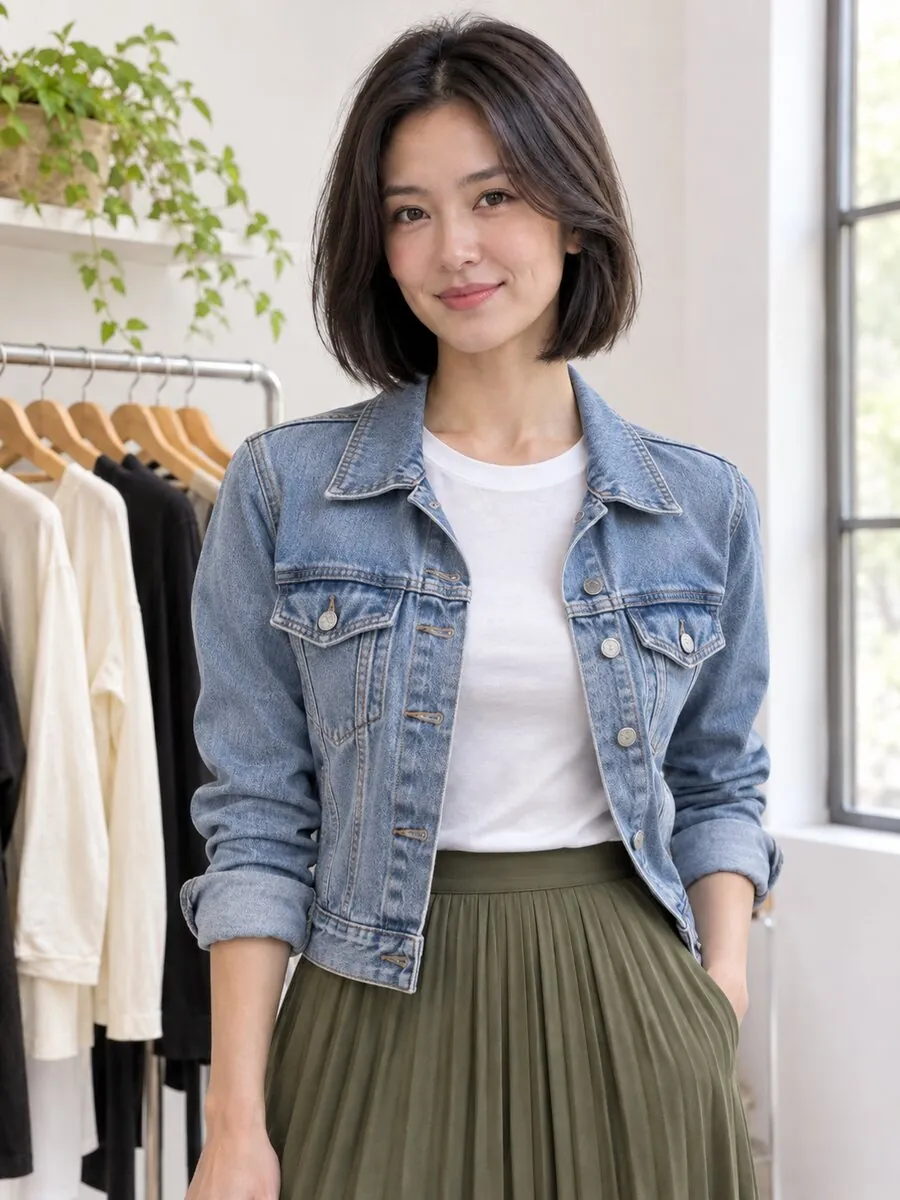
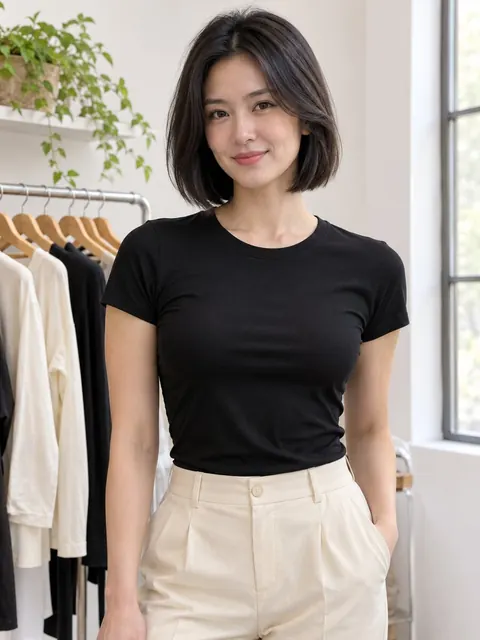
Clothing sellers and small brands
Show every piece on a person without booking a model for each one. Add on-model photos to a new drop, a resale listing or a product page the same afternoon the stock arrives.
Try it nowPut any piece of clothing on any photo. Upload a person and a garment, or describe the outfit in one sentence. Made for clothing sellers, fashion creators and anyone who wants to see a look before wearing it.
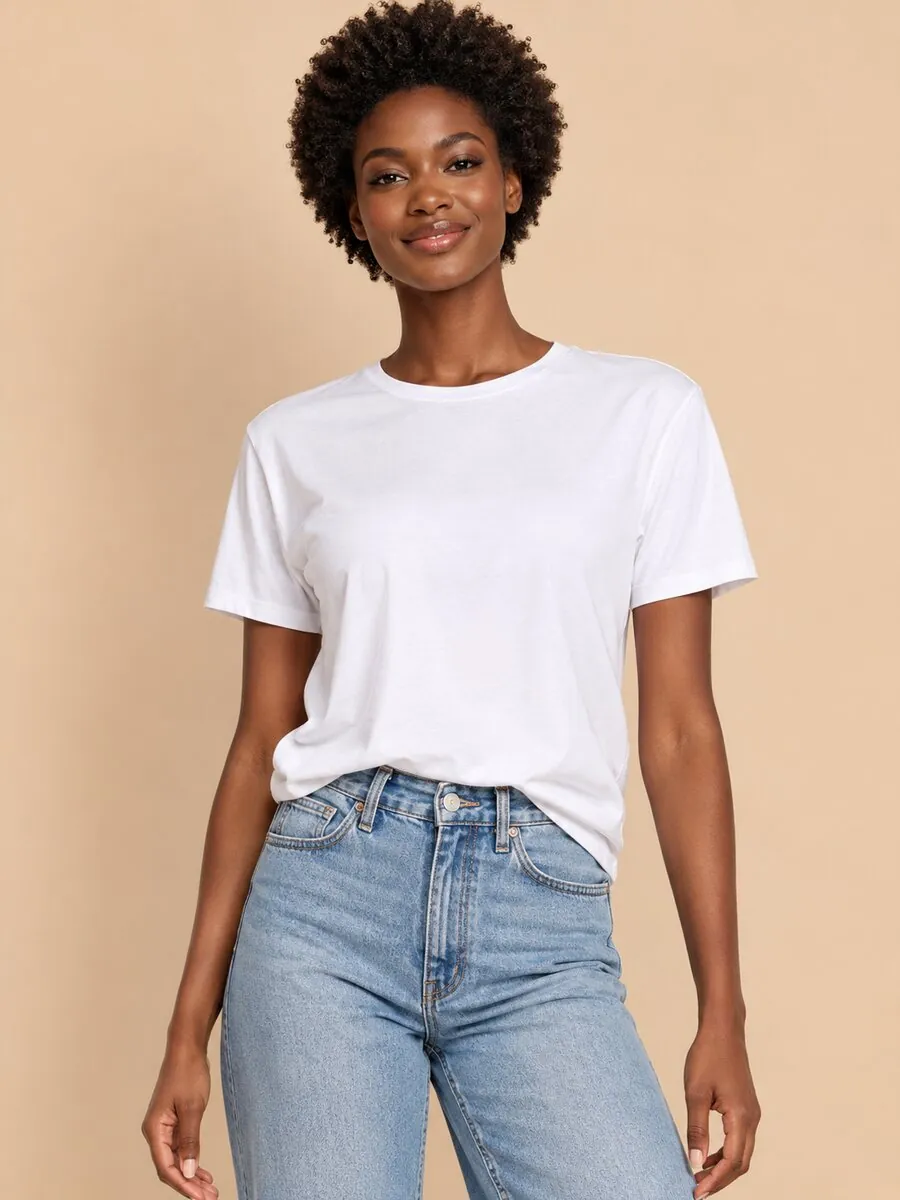 Person
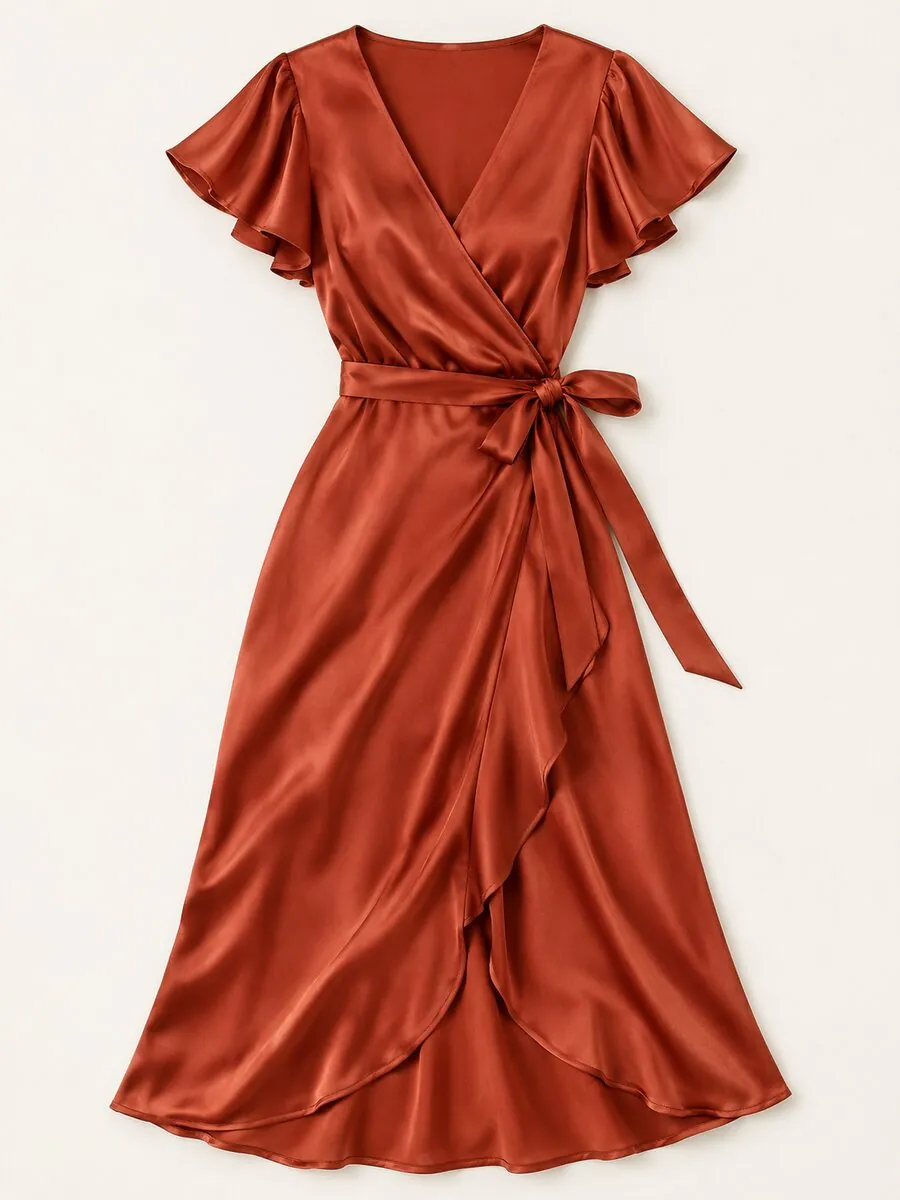 Clothes
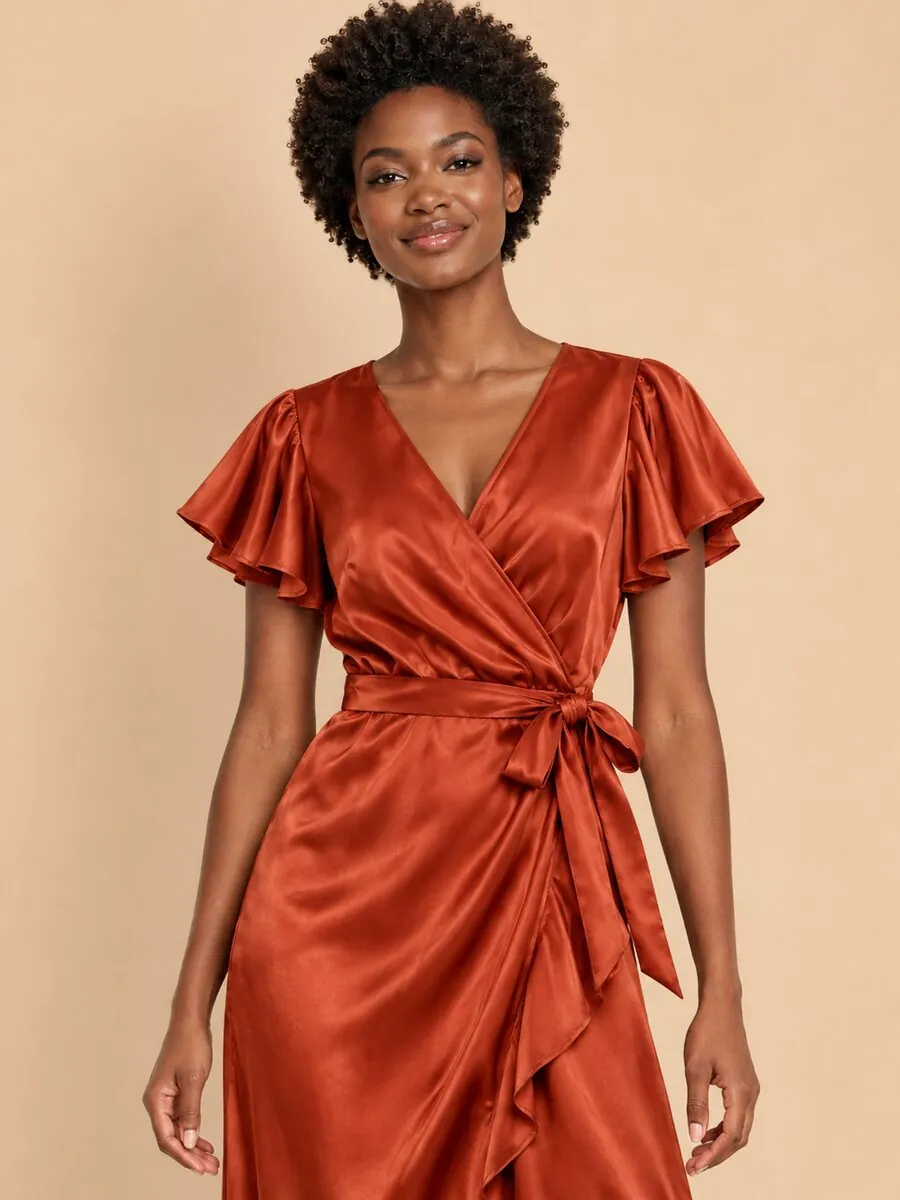 Result
Model photo + flat-lay dress
Four things sellers and creators ask for, and how this AI clothes changer handles each.
Upload the product photo you already have: a flat lay, a hanger shot or a mannequin. The AI clothes changer dresses the person in that exact piece and keeps what makes it sell, the colour, the print, the buttons, the way the fabric falls.
Try it with this shirt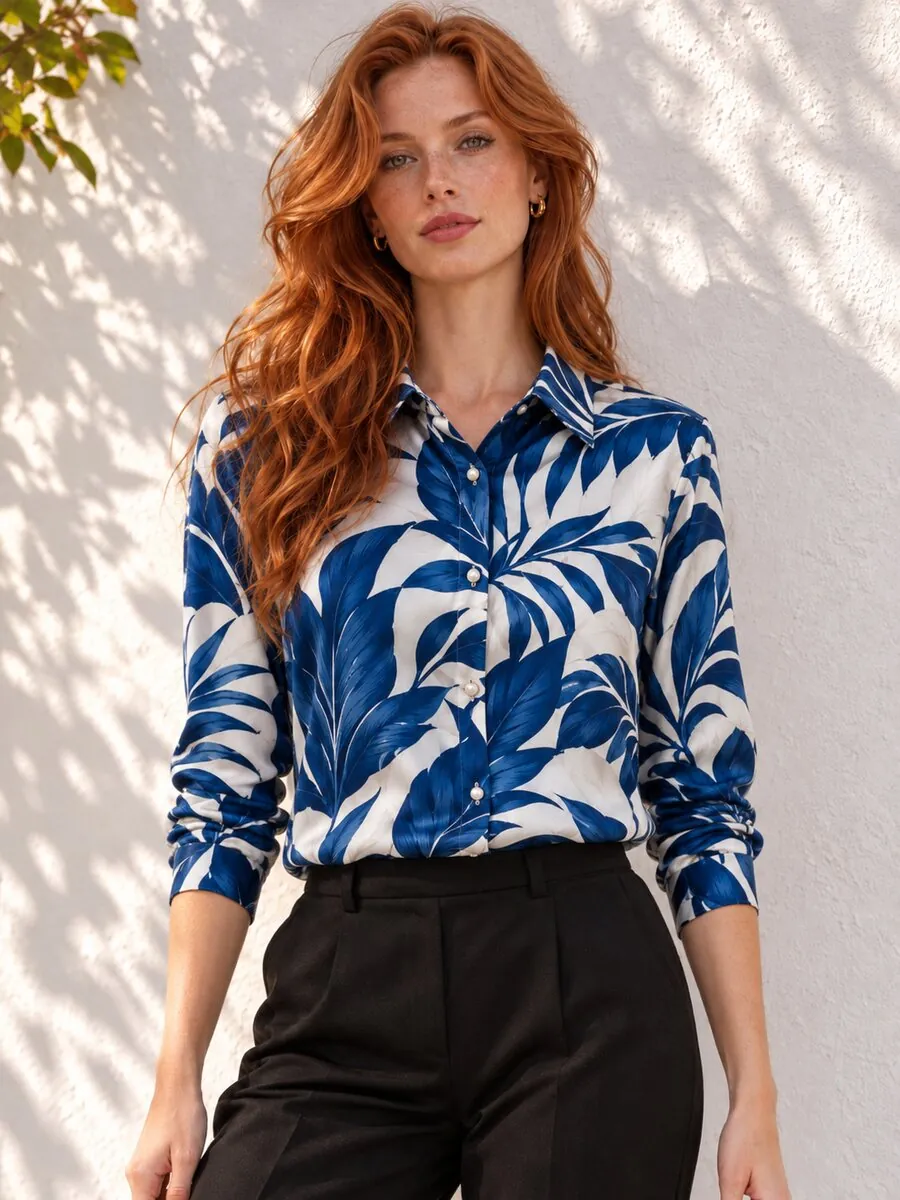
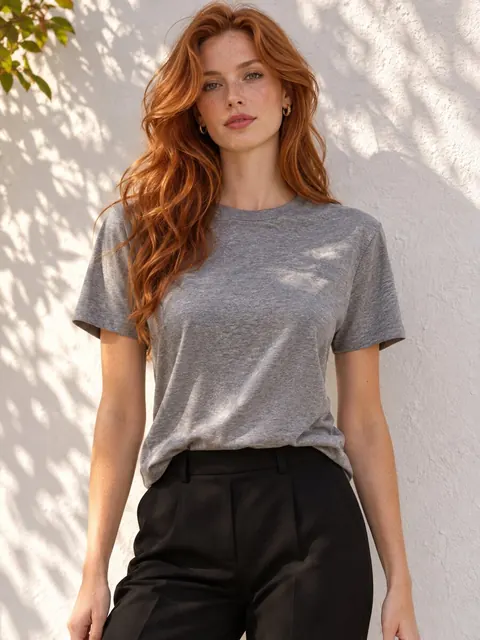
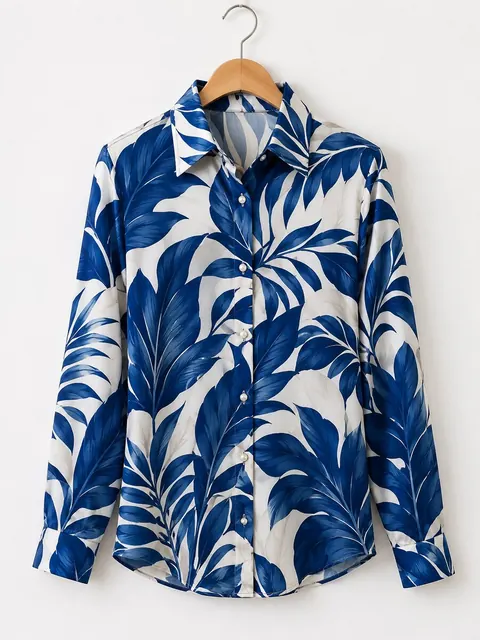
Shoot one photo and reuse it. Swap in each new piece and the model, the pose and the light stay the same, so your product pages and lookbooks look like one shoot.
Try it with this suit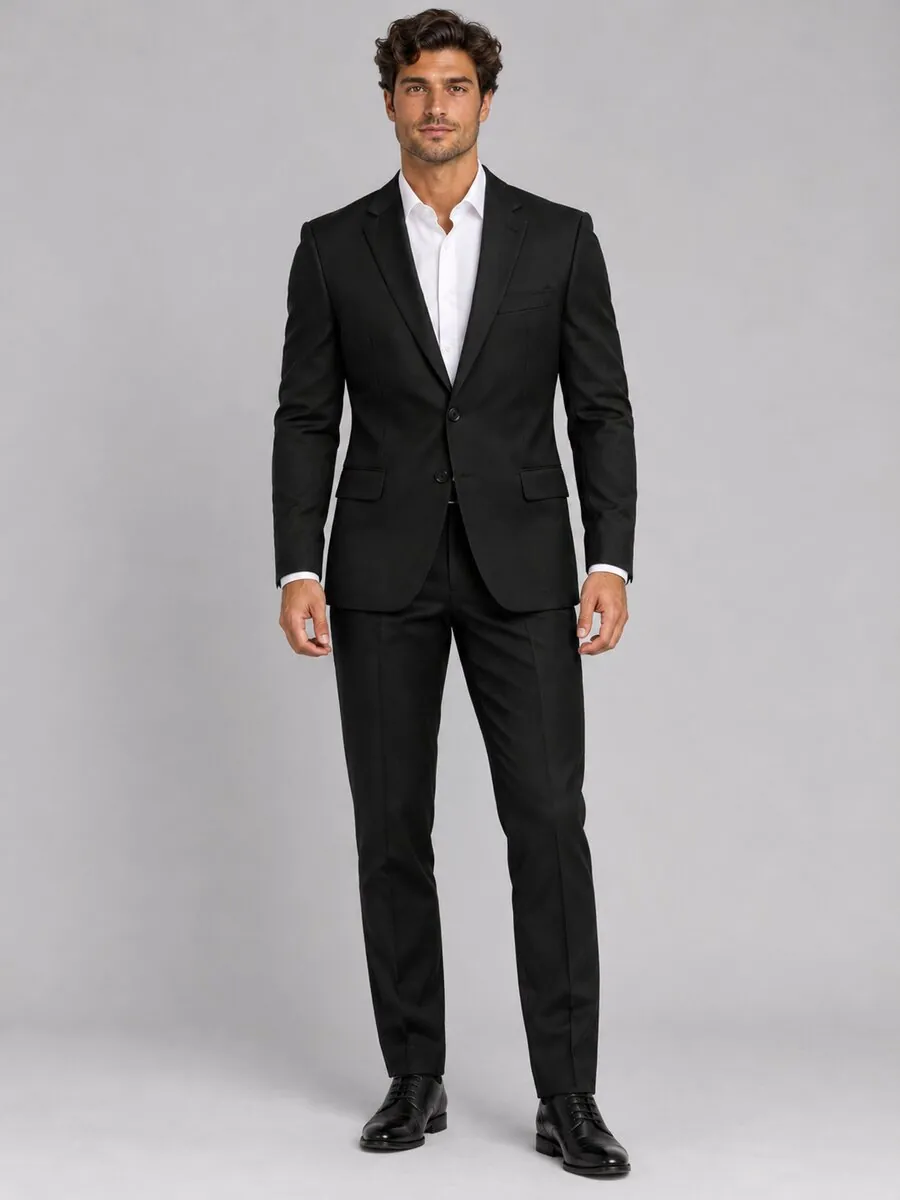
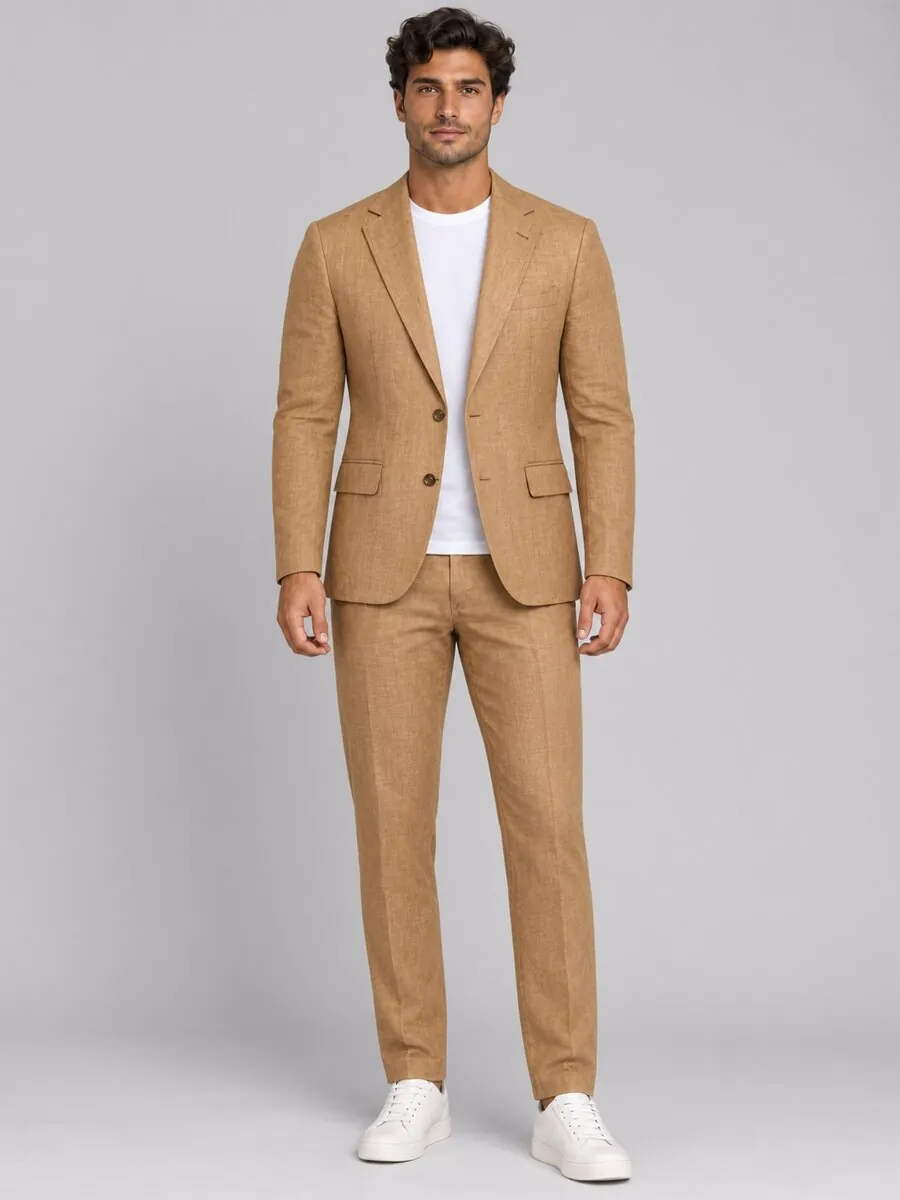
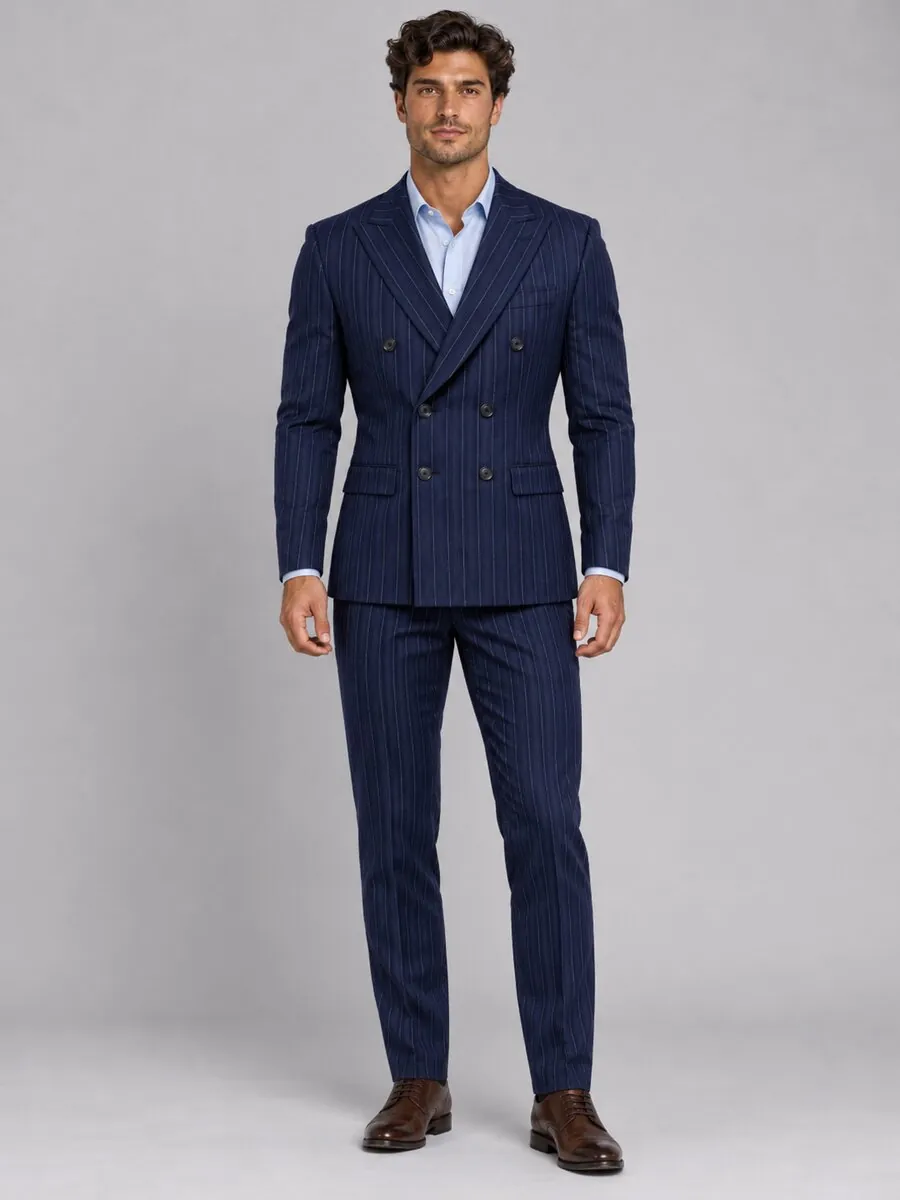 Black suit
Type the outfit you have in mind: the piece, the colour, the fabric, the fit. Use it to try an idea before you buy it or to plan a look for a shoot.
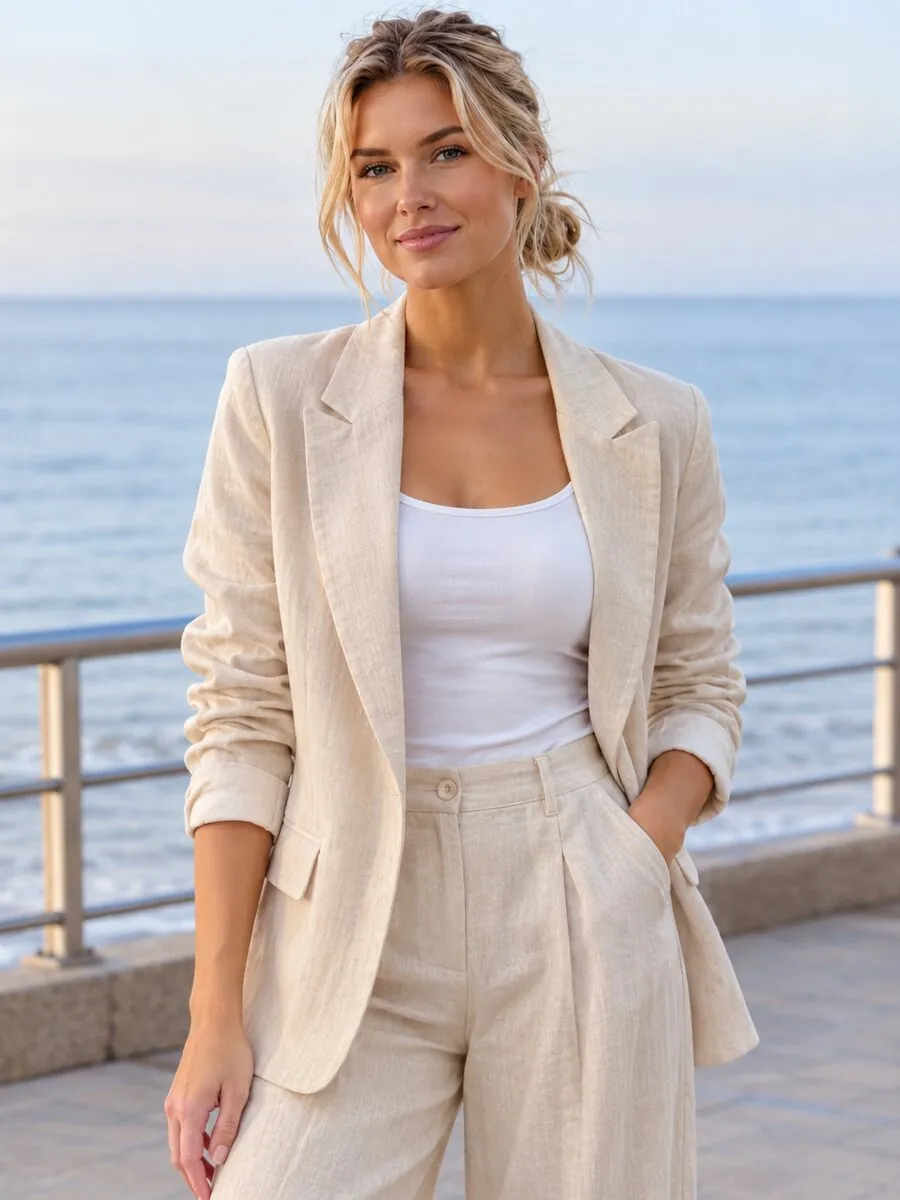
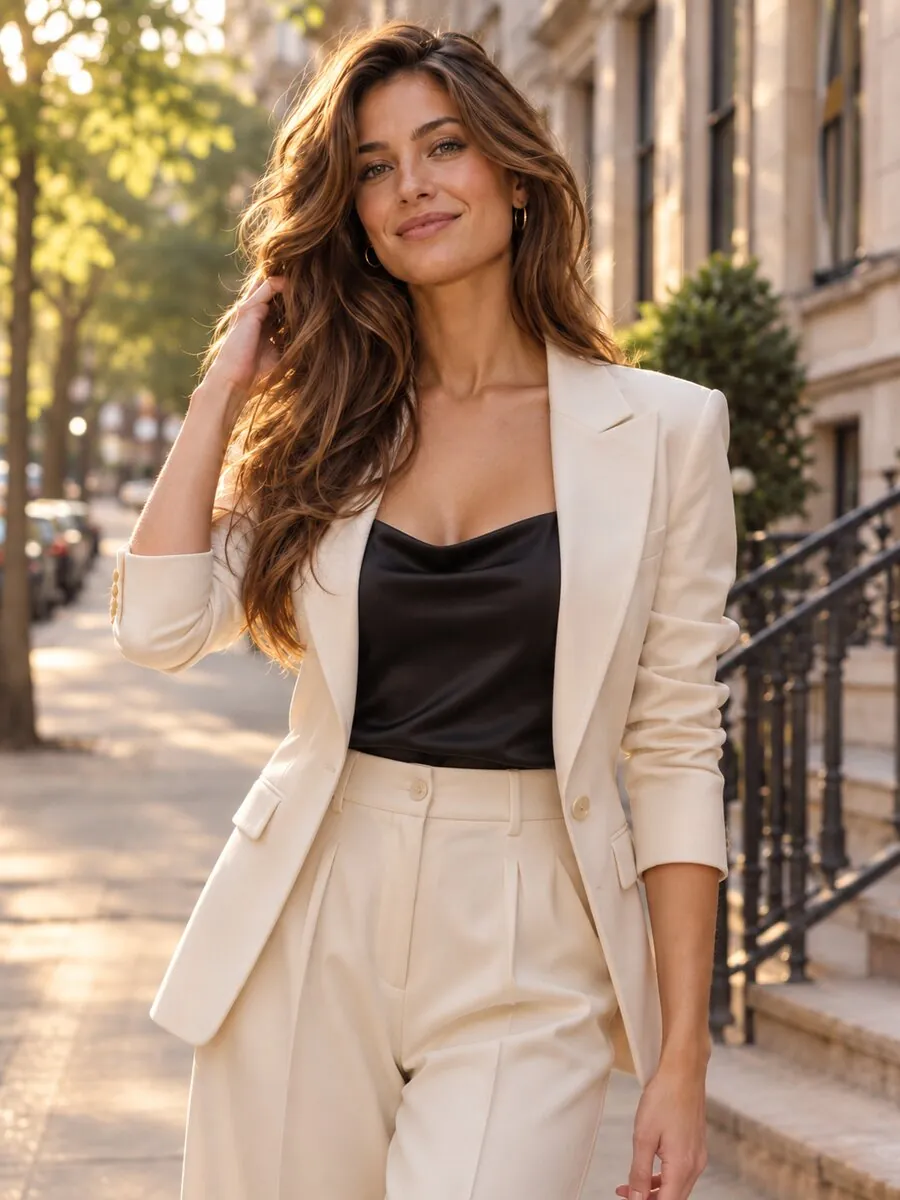
Try it with this sentence“A cream linen blazer with matching wide-leg trousers”
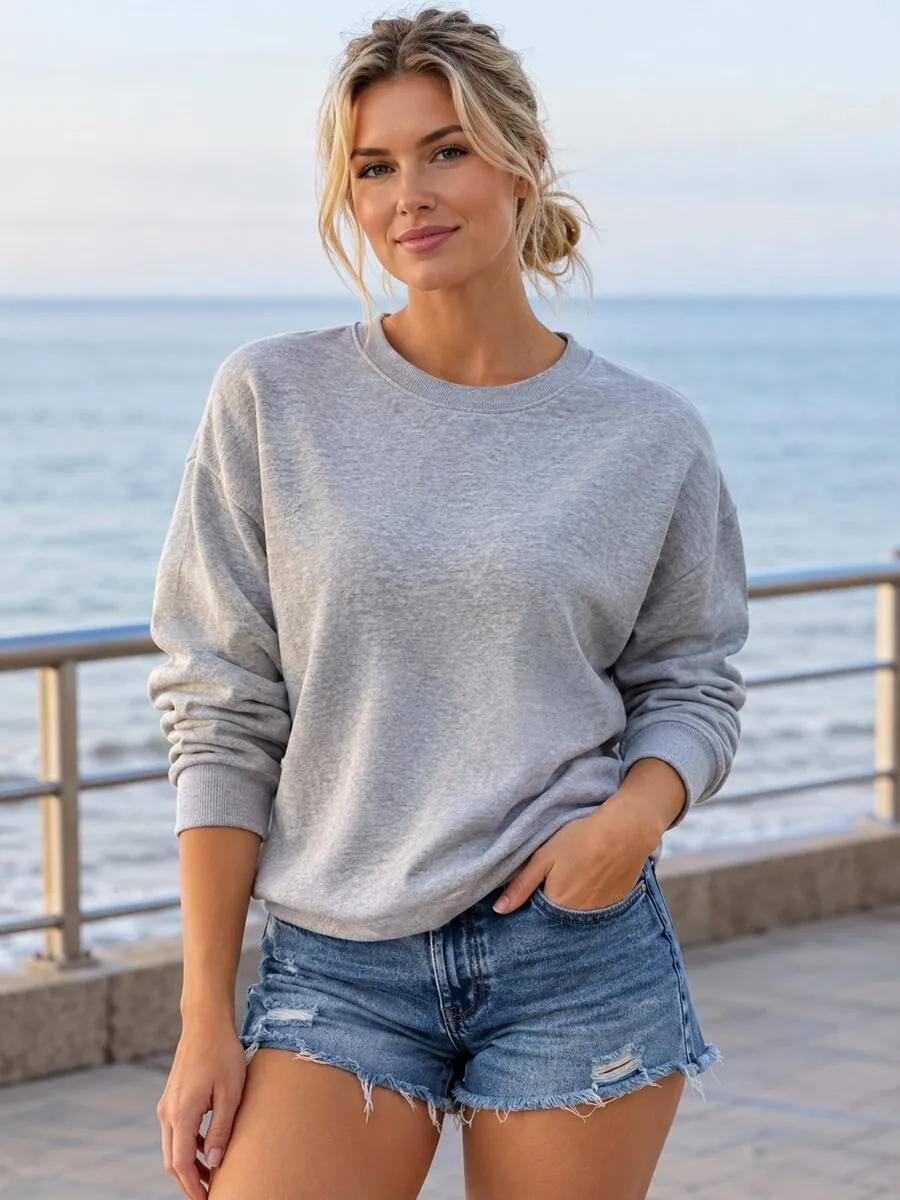 Before
 After
Only the clothes are redrawn. The face, the body shape, the pose, the background and the light come from your photo, so the result still looks like the same day and the same place.
Add your photo
 BeforeAfter
Show every piece on a person without booking a model for each one. Add on-model photos to a new drop, a resale listing or a product page the same afternoon the stock arrives.
Try it now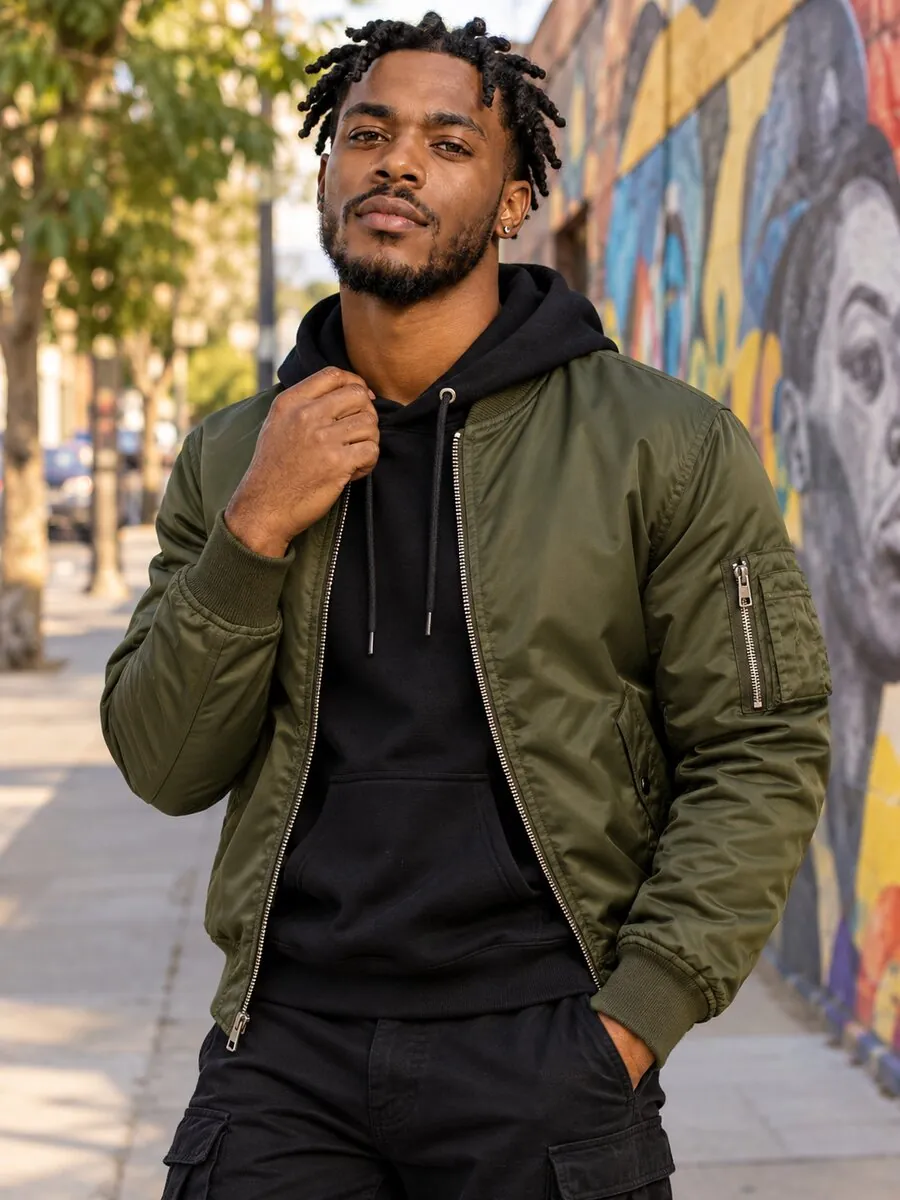
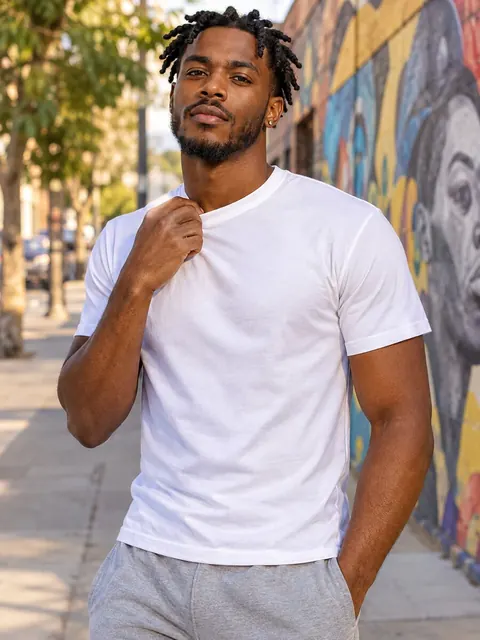
Turn one good photo into a week of outfit posts. Build a lookbook, test which look your audience likes, or show how one piece works with five others.
Try it now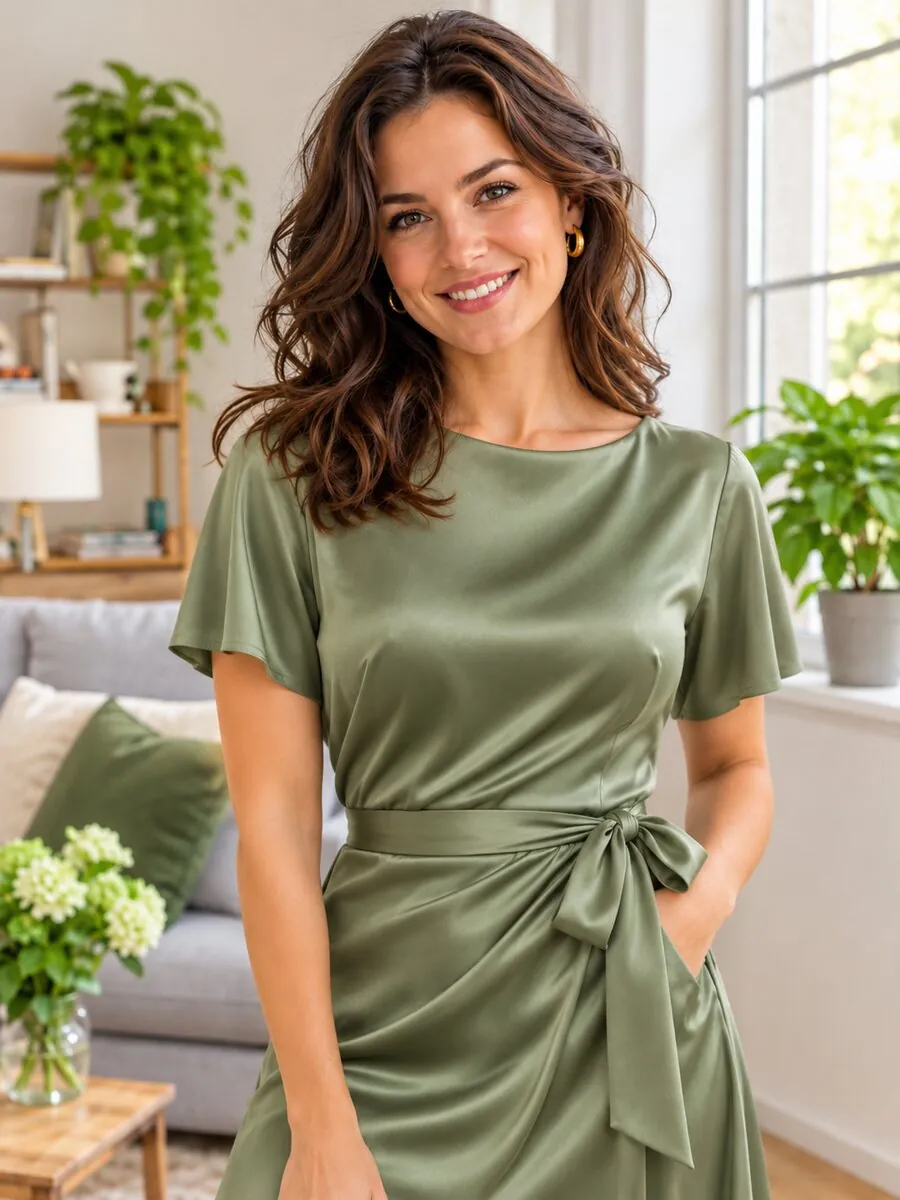
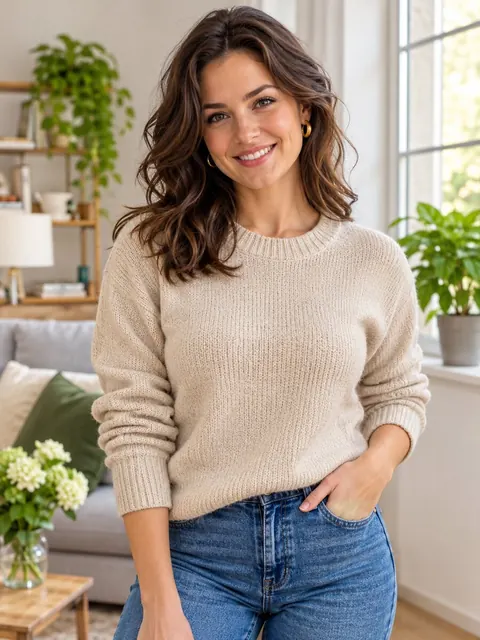
See the dress, the suit or the coat on yourself before you order it. Compare two options for a wedding or an interview side by side.
Try it now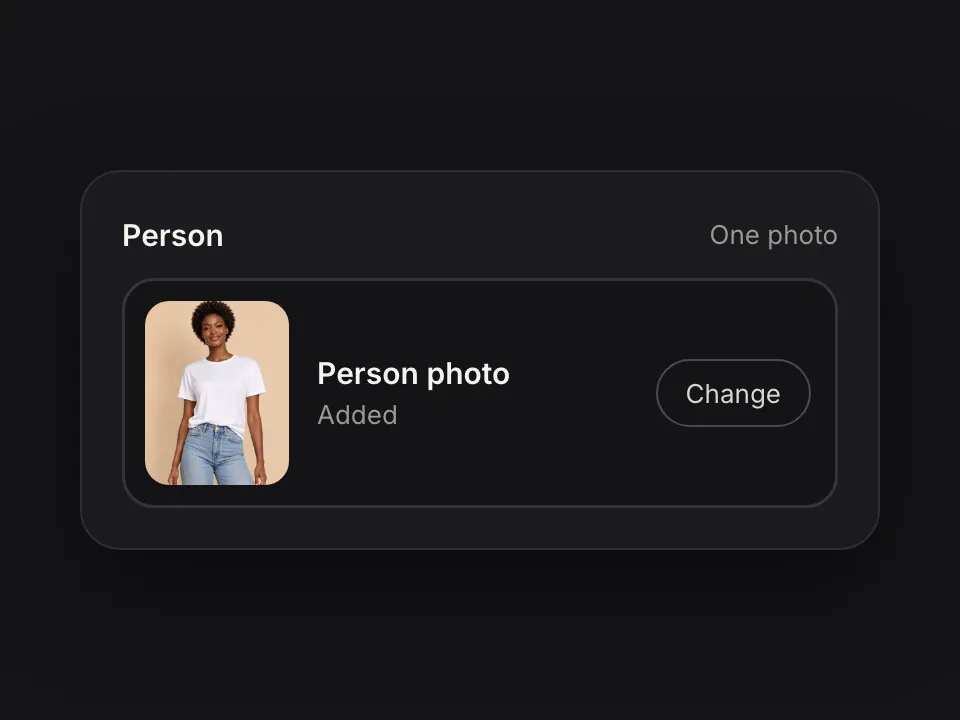
One person, facing the camera, with the outfit area in view.
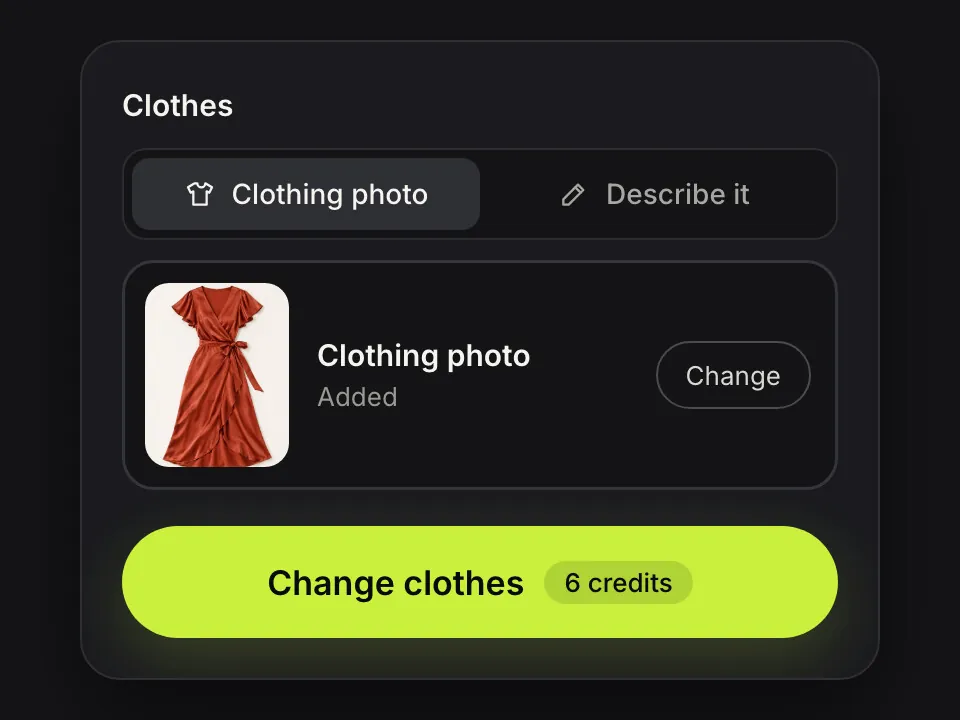
Upload a photo of the piece, describe the outfit, or both: a photo plus a note like "in black".
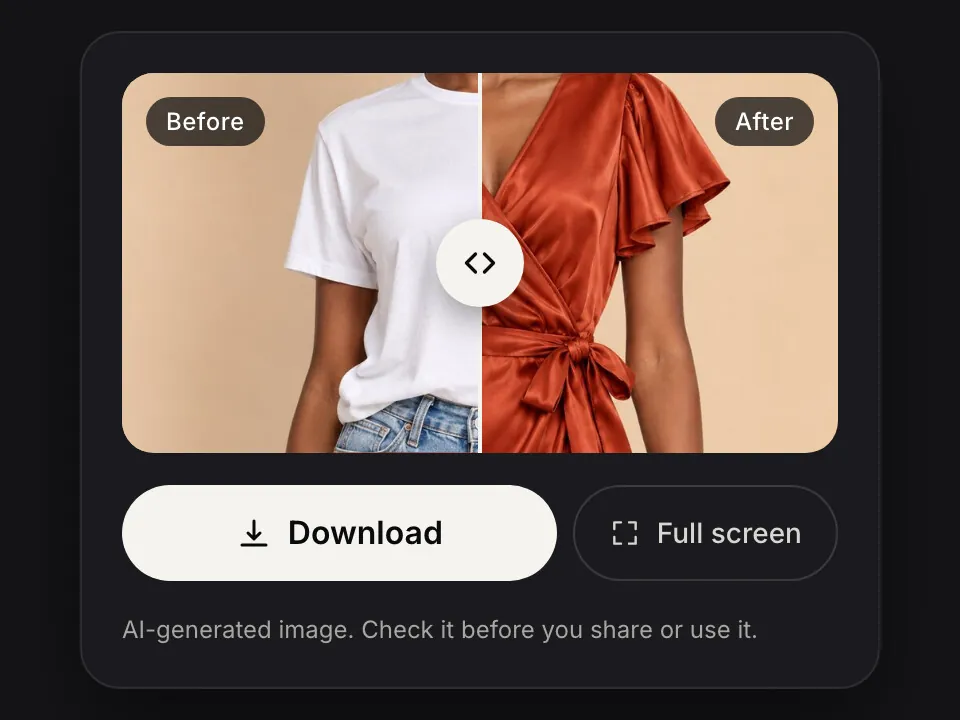
Compare before and after, download without a watermark, or swap in the next piece on the same photo.
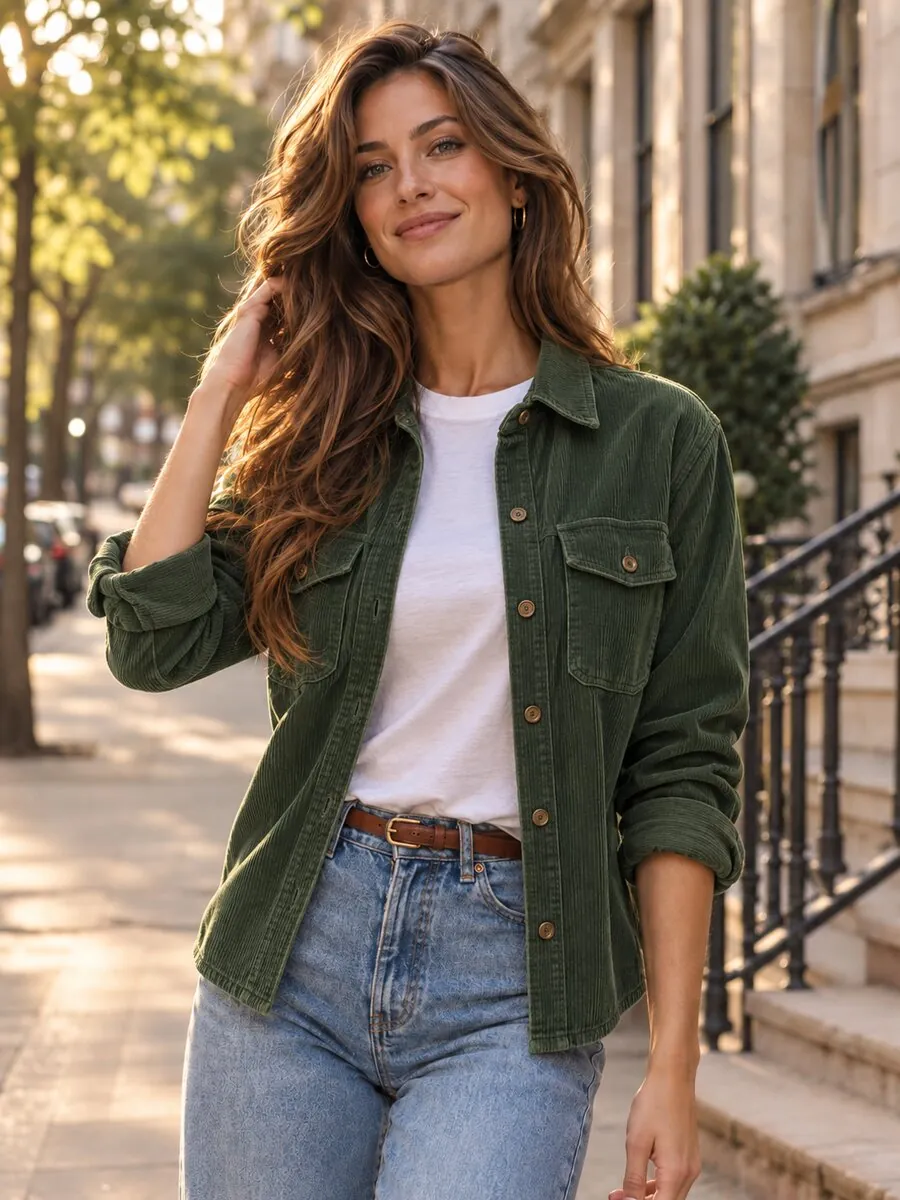
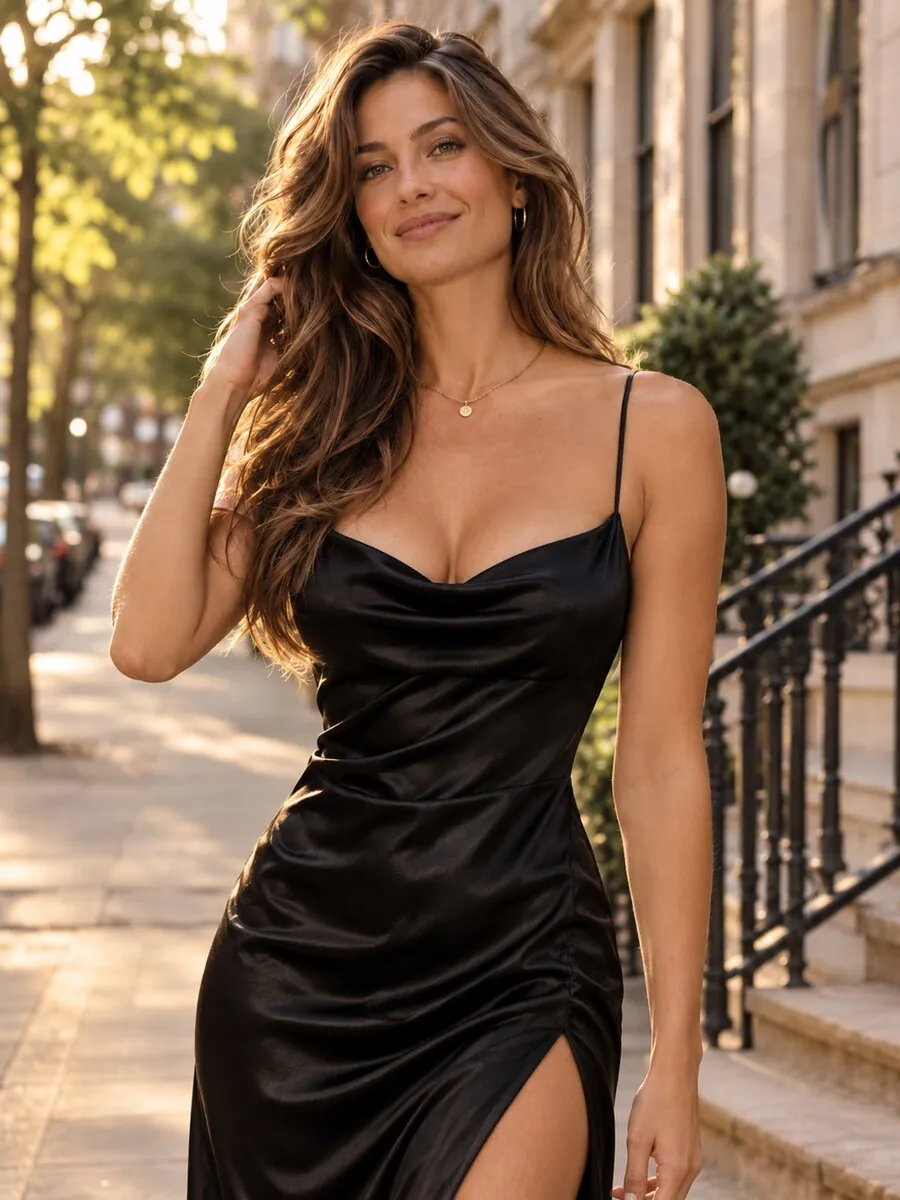
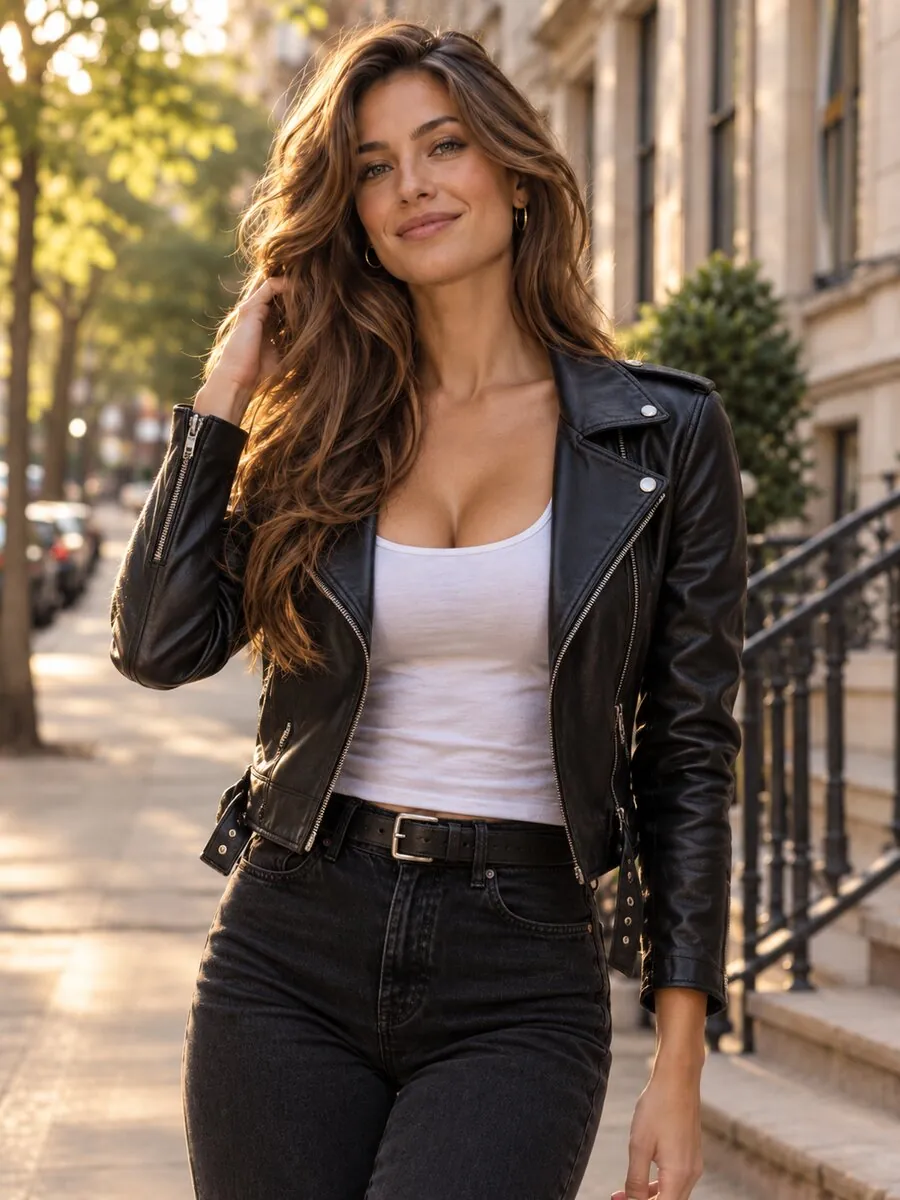
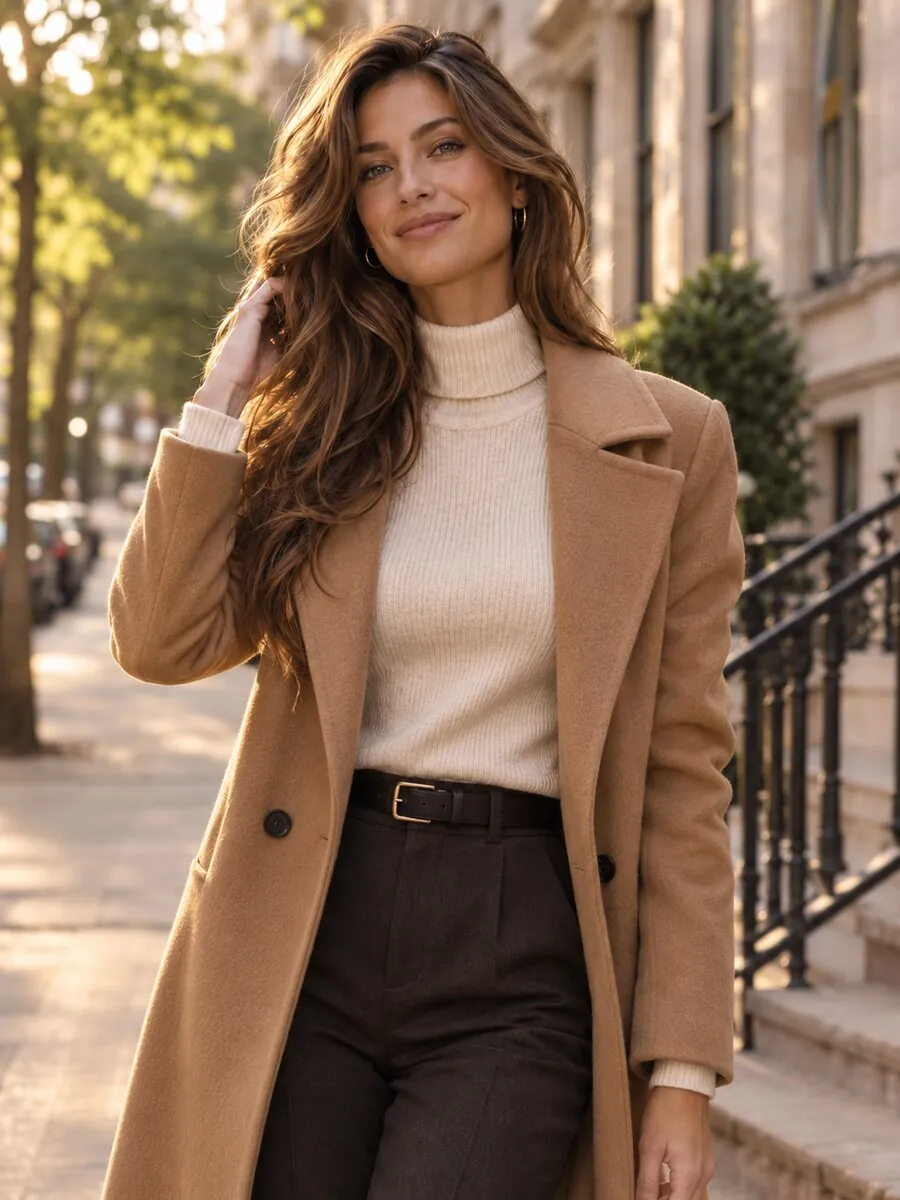
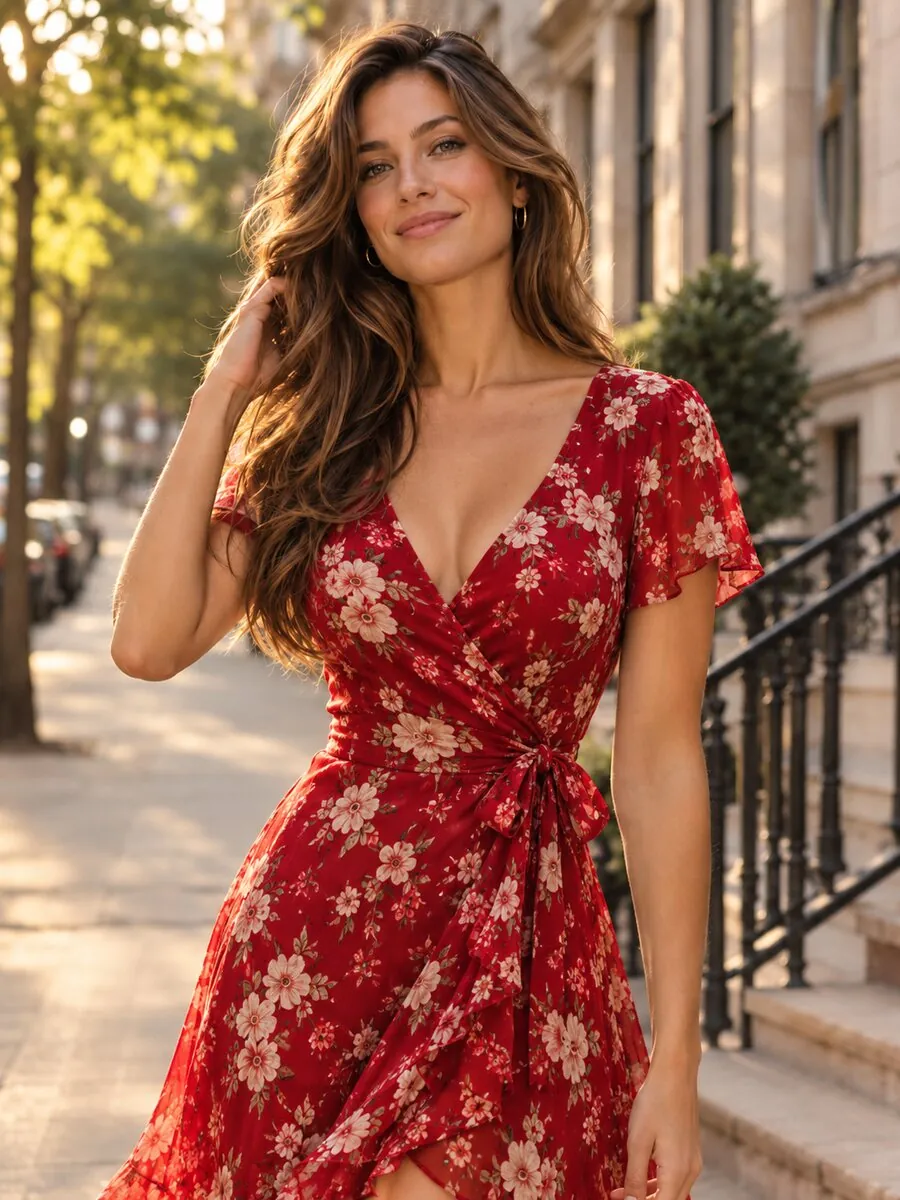
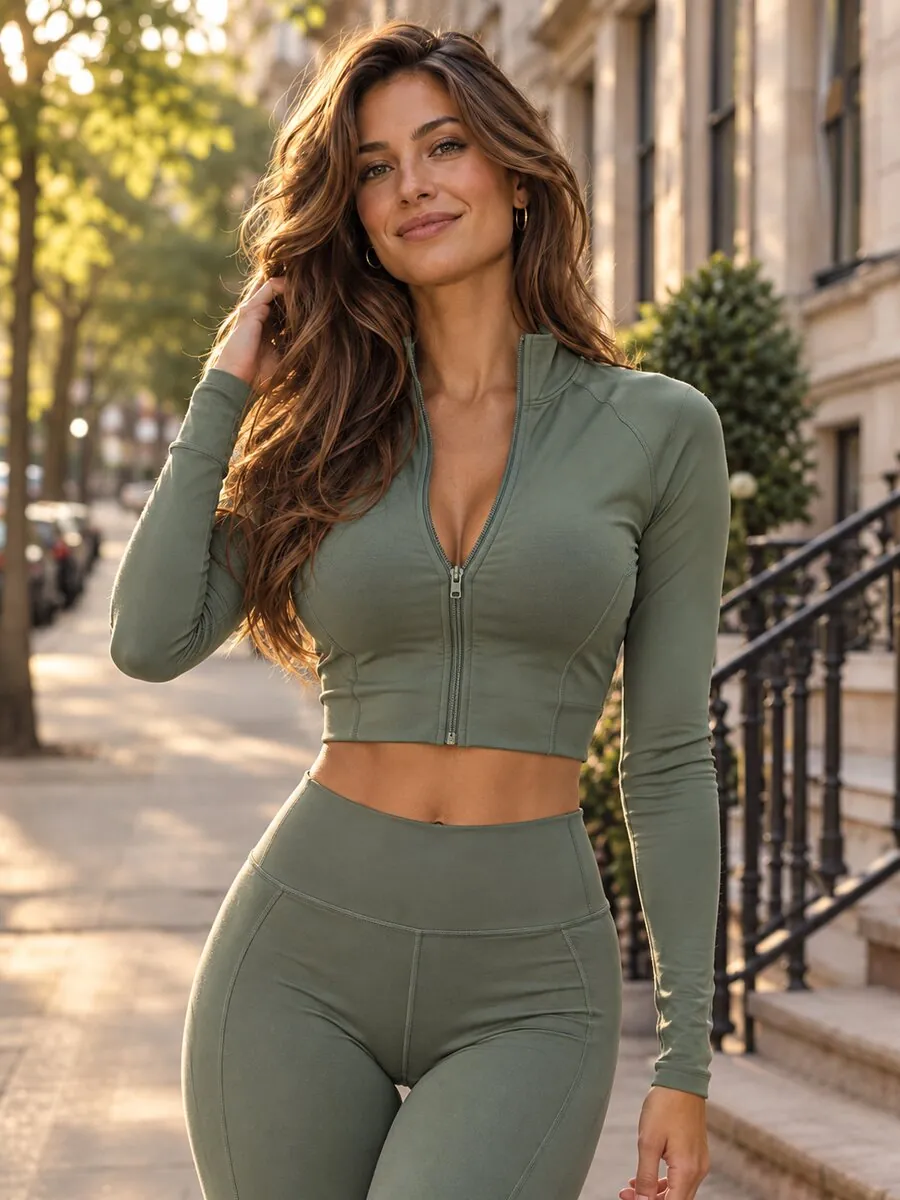
The same model, the same pose, seven outfits.
You can start for free after you sign in with Google. When you need more images, there are credit packs and monthly plans on the pricing page.
Yes. Choose Clothing photo and upload a picture of the piece. A flat lay or a hanger shot on a plain background transfers best.
Yes. The AI clothes changer redraws the clothes only. The face, hair, body shape, pose and background stay as they are in your photo.
Yes. The images you generate are yours to use for any lawful personal or commercial purpose, including product pages, listings and ads. Make sure you have the right to use the photos you upload, and check each result before you publish it.
Yes. It works on photos of men and women and on most everyday pieces: tops, trousers, dresses, suits, jackets and coats.
JPG, PNG or WebP, up to 50 MB each.
Your photos are used to make your images and are not used to train AI models. You can delete any image from My images at any time.