Seedream 5.5 Online Free
Write a prompt or add your photos, and Seedream 5.5 makes a realistic picture in under a minute. Change one detail and the rest stays as it was, so you can keep editing the same image round after round. Sign in with Google to start for free, with no watermark.
- Text to image
- Precise photo editing
- Transparent PNG
What Seedream 5.5 can make
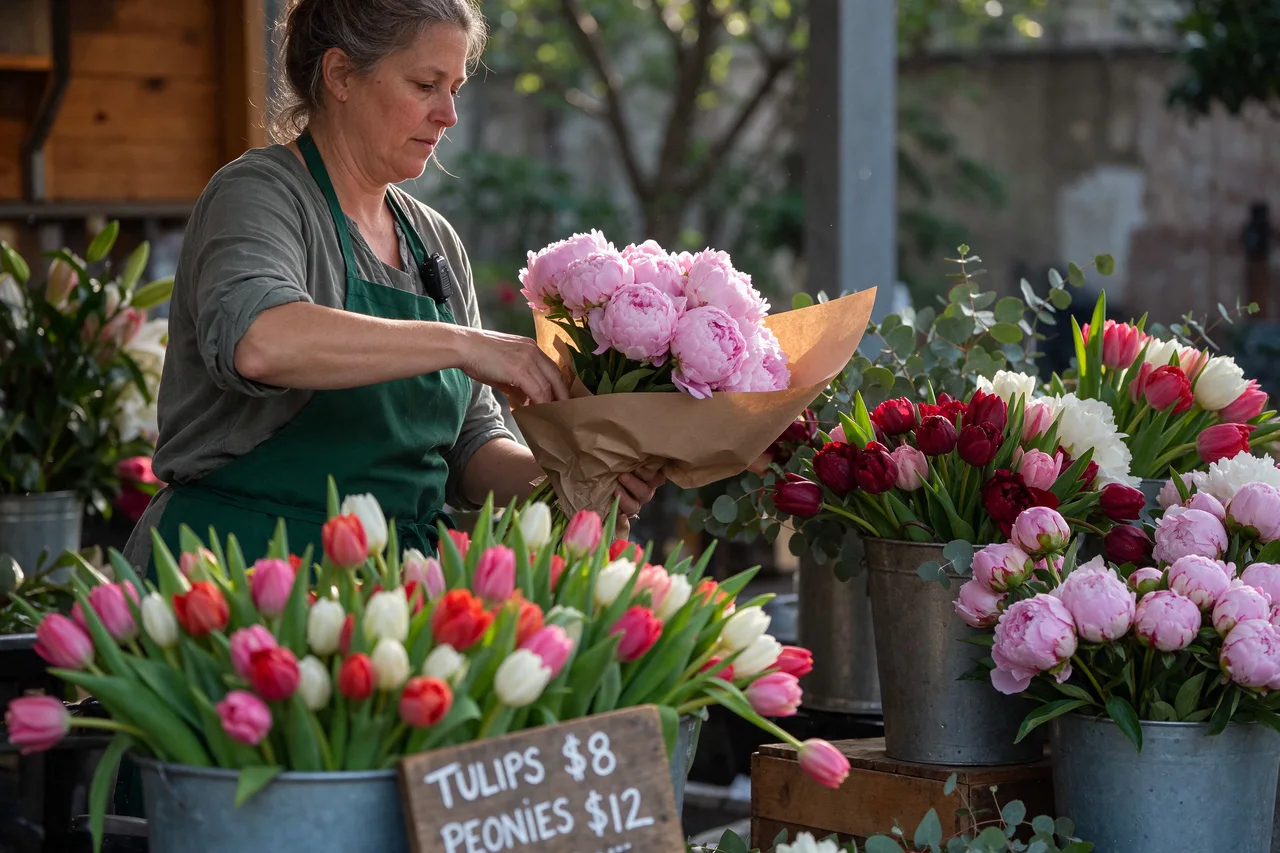
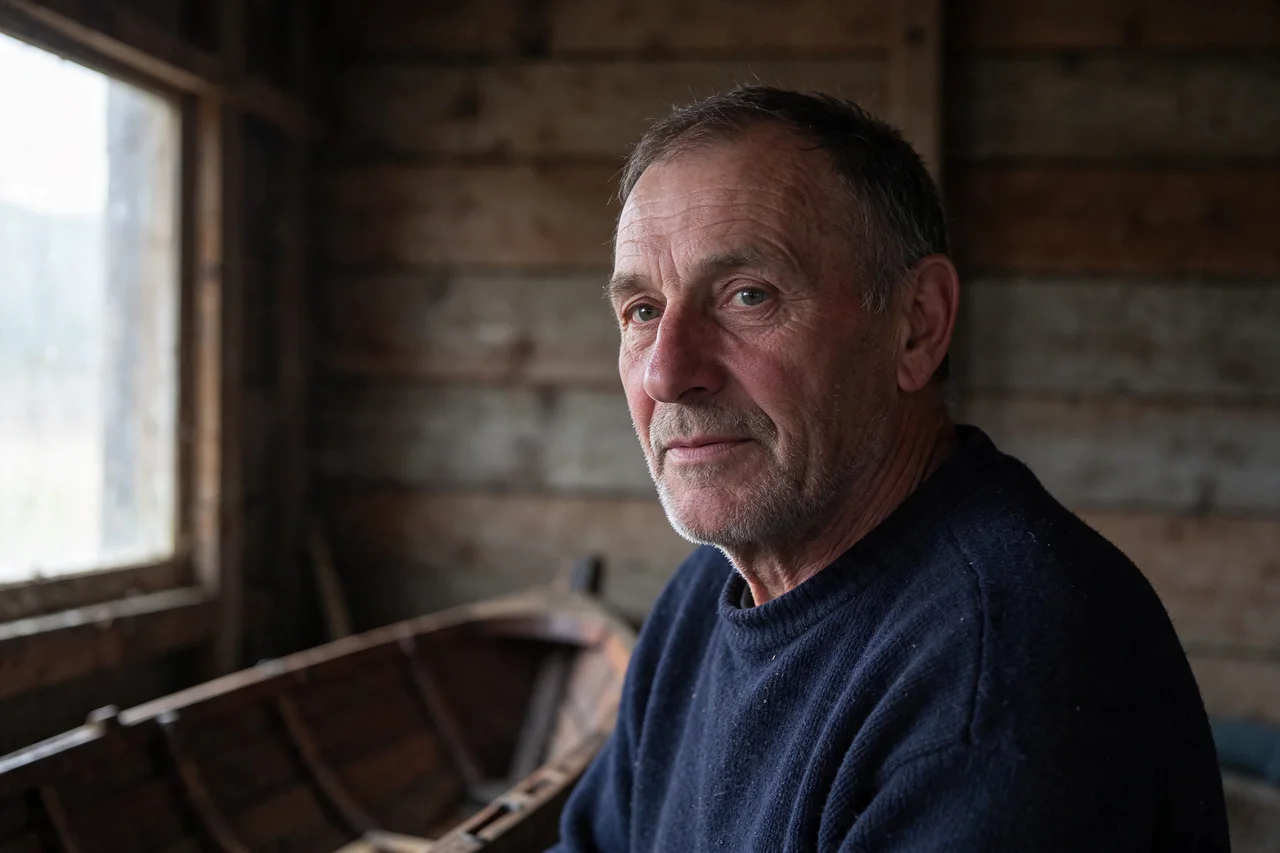
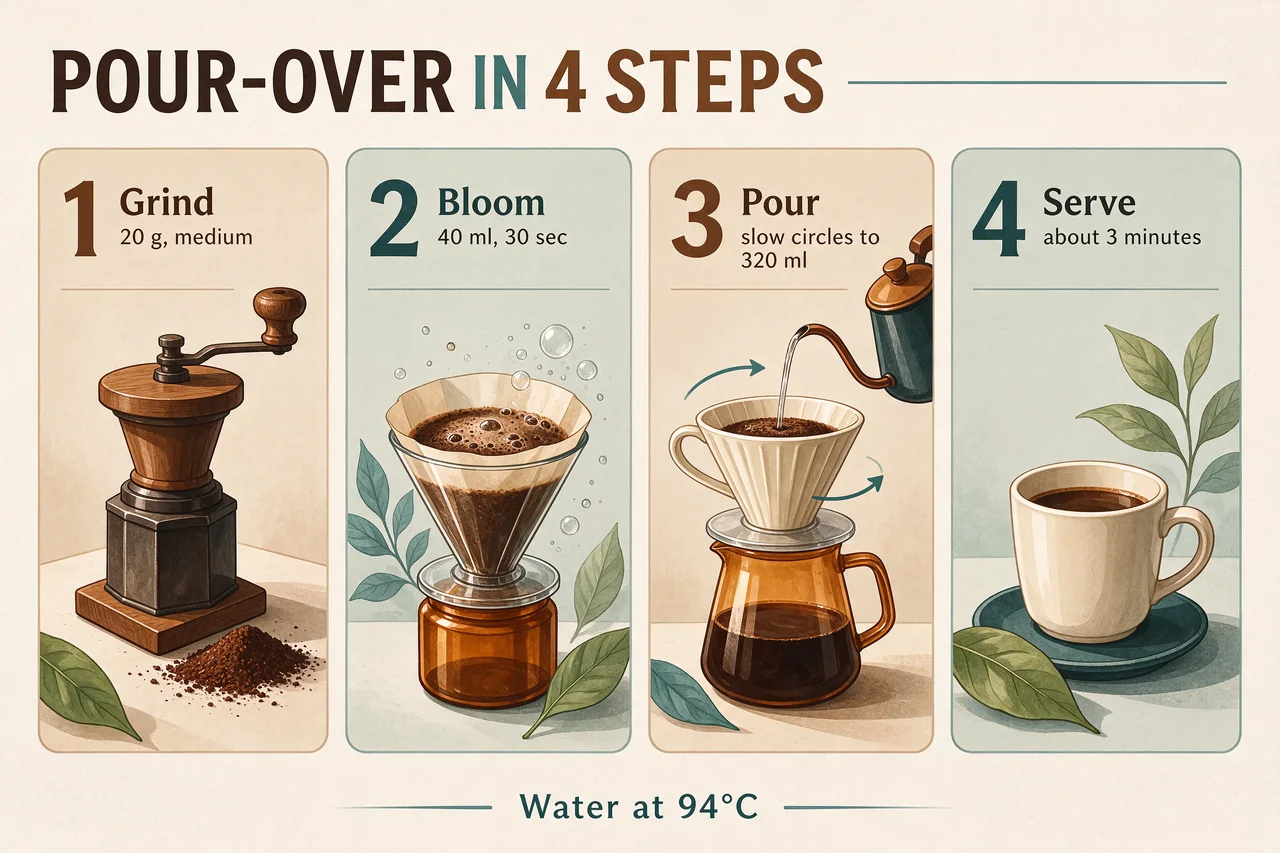
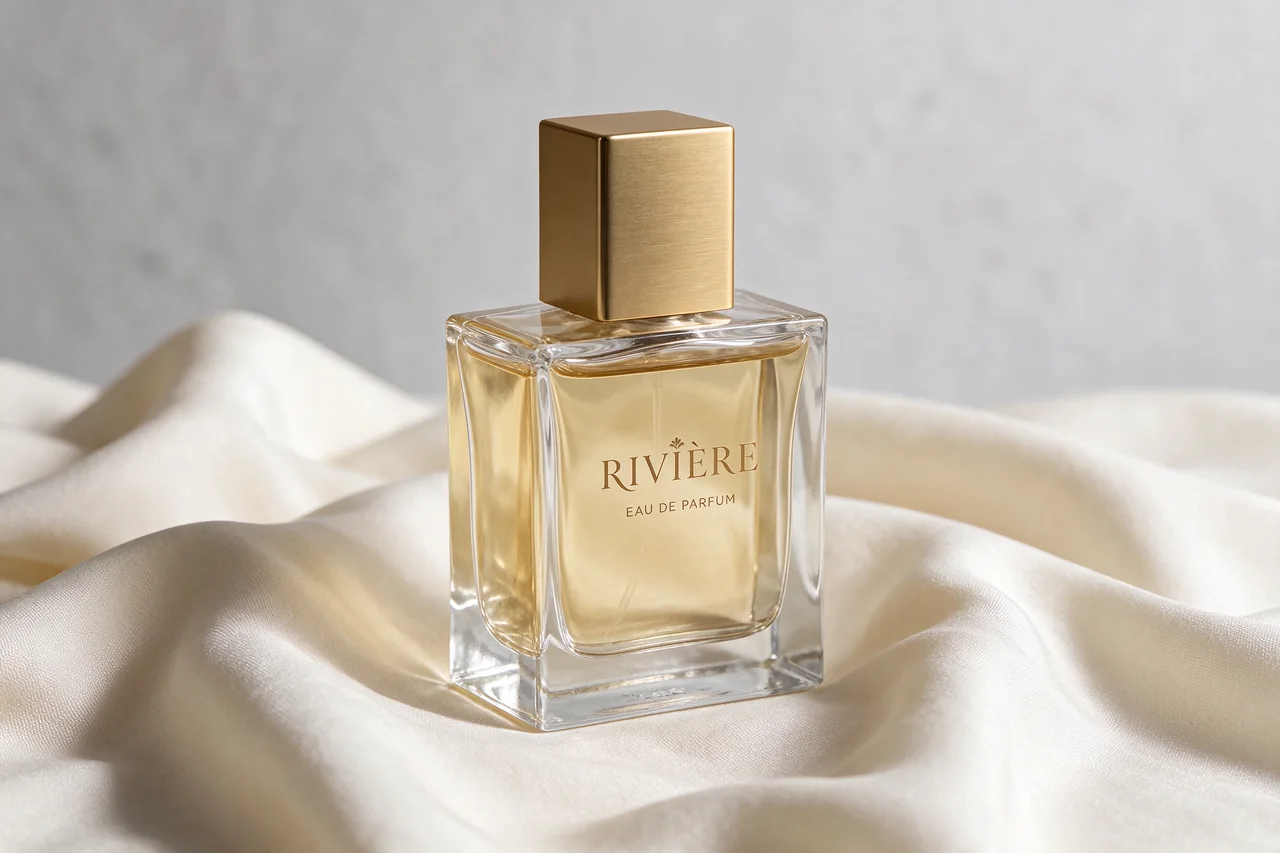
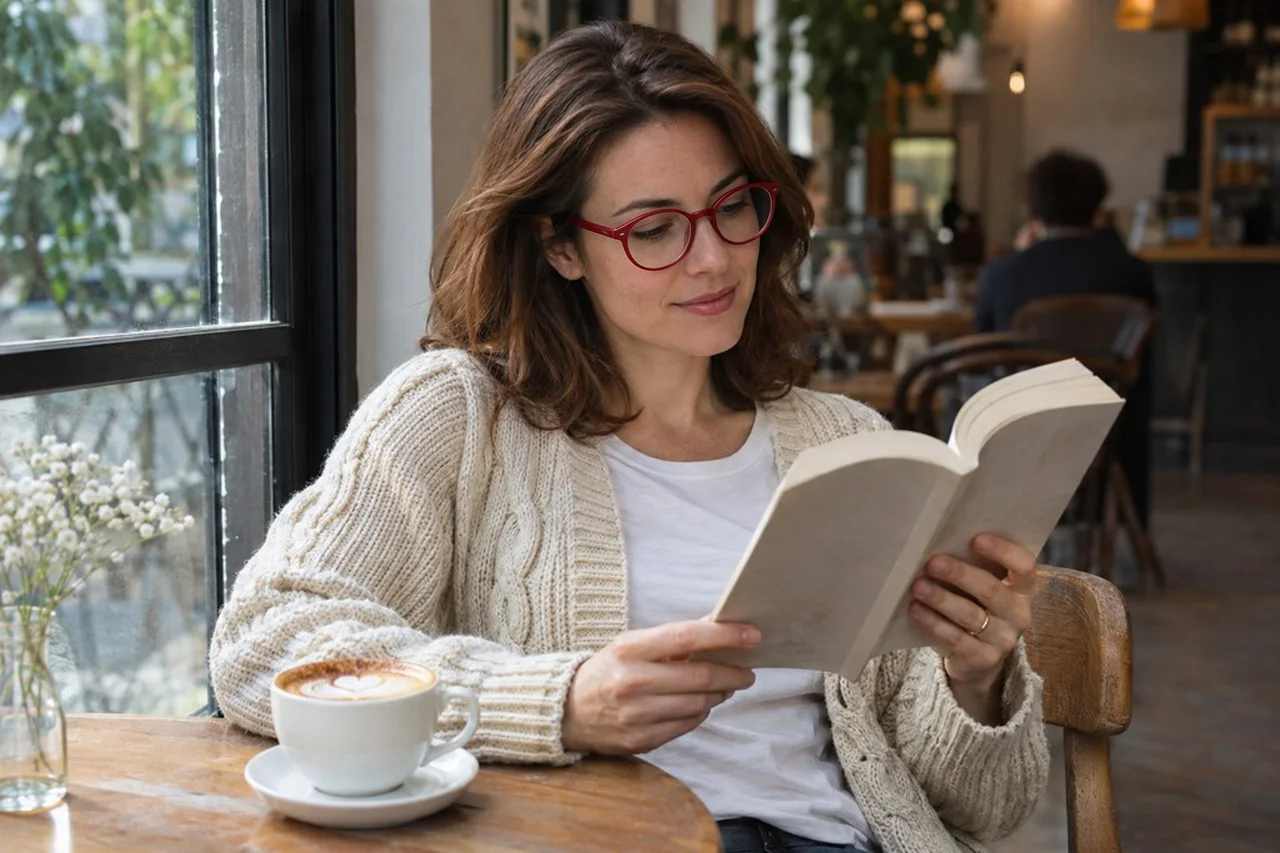
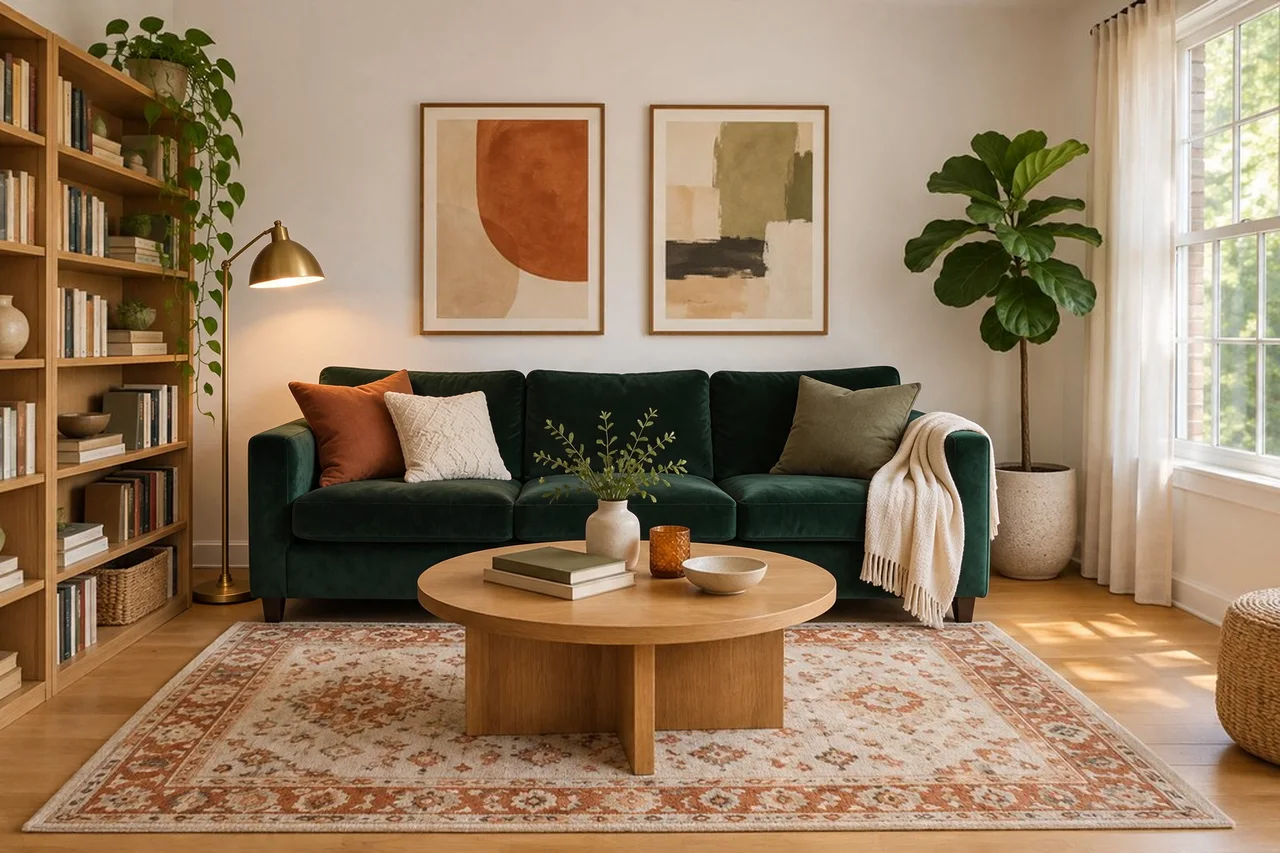
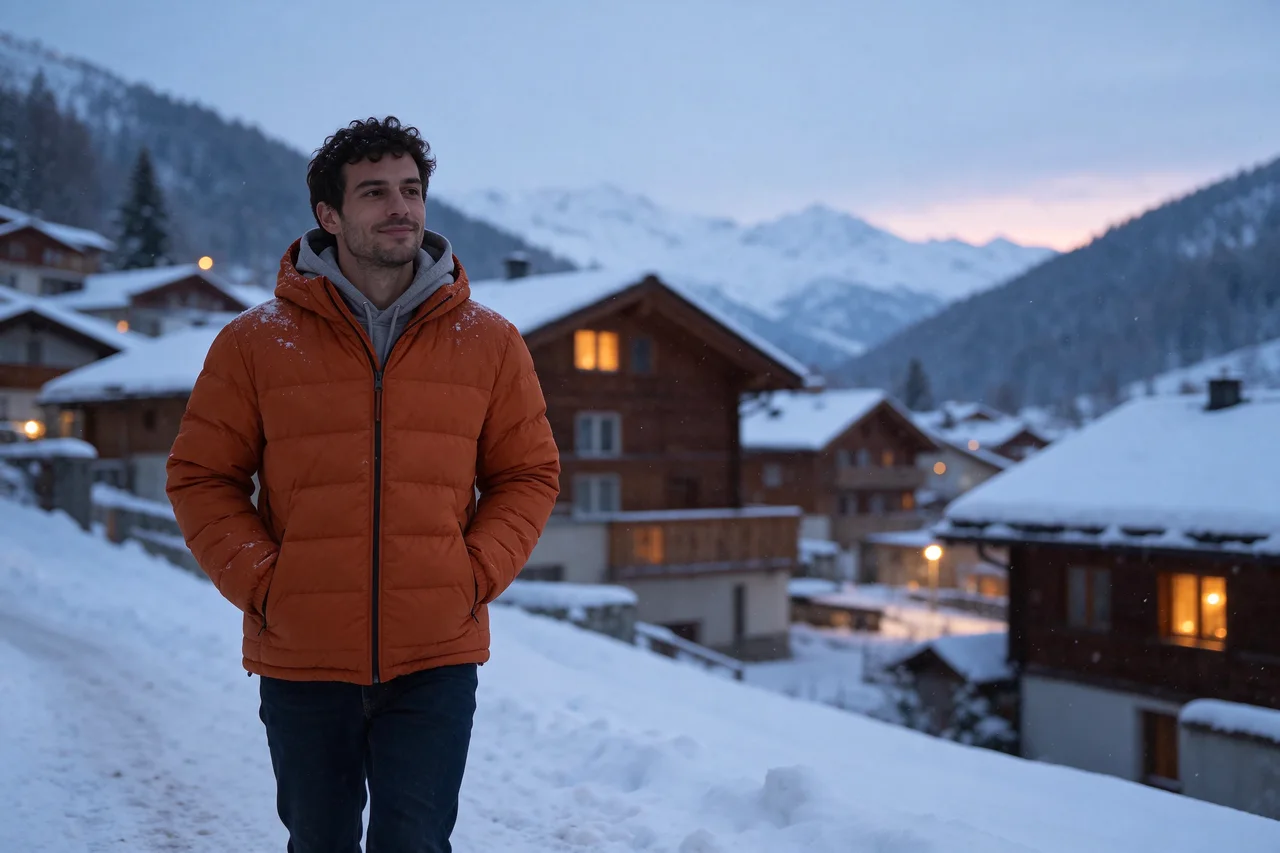
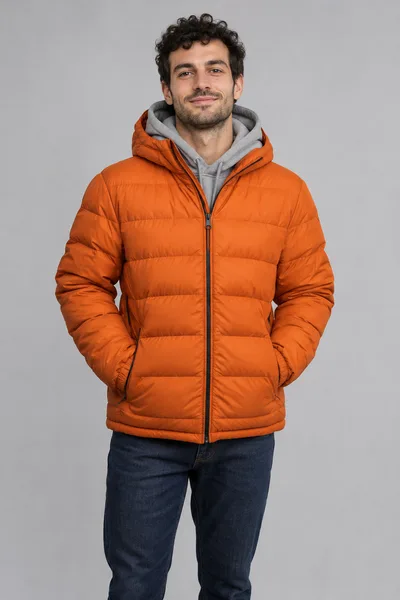
Every picture below was made with Seedream 5.5. Press Try this prompt and the generator above is set up the same way.
Made from a prompt only

What is Seedream 5.5?
Seedream 5.5 is an image model from ByteDance Seed, released on November 9, 2026. One model does two jobs: it creates images from a text prompt, and it edits the photos you give it.
Its main promise is stable editing. When you change one thing, the areas you didn't mention stay the same, down to the pixel, and ByteDance showed a single image going through 100 edits in a row without the colours drifting. Pictures also look more natural than before: softer light, real-looking skin and fabric, and small text that stays readable. It can also leave the background transparent, which saves cutting a subject out by hand.
On PictCraft it runs in your browser with nothing to install, next to our image to image AI and the other models. A Pro version of Seedream 5.5 has been announced but is not out yet.
Seedream 5.5 at a glance
| Maker | ByteDance Seed |
|---|---|
| Released | November 9, 2026 |
| Modes | Text to image, image editing with references |
| Editing | Built to keep untouched areas the same across up to 100 rounds |
| Text in images | English and Chinese, including small, dense text |
| Before it | Seedream 5.0 Pro and Seedream 5.0 Lite |
| Transparent backgrounds | Yes, as a PNG you can drop onto any design |
| On PictCraft | 1K, 1.5K and 2K in 6 shapes, up to 5 photos, no watermark |
Where Seedream 5.5 shines, and where it doesn't
- Edits that leave the rest alone: change a ring, a pair of glasses or one chair, and the rest of the picture stays put.
- Realistic light and surfaces: skin, fabric, glass and metal look natural, without the plastic shine.
- Small text: menus, labels, infographics and captions come out readable.
- Editing again and again: the picture holds its colours and detail when you keep changing it.
- Transparent backgrounds: stickers, logos and product cut-outs come out ready to place, with no background to remove.
- 4K: Seedream 5.5 goes up to 2K. For 4K, switch to another model in the generator.
- Splitting an image into layers: the model has a layer mode, but PictCraft doesn’t offer it yet.
- Very long passages of text: short lines and captions are safer than full paragraphs.
How to use Seedream 5.5 online
- 1
Write or add
Type what you want to see. To edit, add up to 5 photos first. JPG, PNG or WEBP, up to 50 MB each.
- 2
Say what changes and what stays
Name the one thing to change, then tell it to keep the rest. With several photos, call them Picture 1, Picture 2 in the order you added them.
- 3
Pick a size and generate
Choose 1K, 1.5K or 2K and a shape. For a sticker or a cut-out, set Background to Transparent. The cost in credits is shown on the button.
change the sofa to green velvet, keep the walls, floor and window the same
download the new picture, add it as your photo, and ask for the next change
What people make with Seedream 5.5
Product photos
Swap the background, the surface or the props around one product shot, and keep the product itself untouched.
Ads and social posts
Make one picture, then change the headline, the colours or the season for each version.
Portrait touch-ups
Try a new hairstyle, outfit or pair of glasses on a photo without changing the face.
Room and interior ideas
Move, add or replace furniture in a photo of a real room to see how it would look.
Stickers and cut-outs
Make a character, an icon or a product on a transparent background and drop it straight into a design.
Infographics and slides
Get diagrams and explainers with the captions already in place and readable.
Seedream 5.5 FAQ
Is Seedream 5.5 free to use?
You can start for free after signing in with Google. Each image uses credits, and the cost is shown on the Generate button before you press it. See the pricing page for plans and credit packs.
What is Seedream 5.5?
An image model from ByteDance Seed, released on November 9, 2026. It creates pictures from text and edits pictures you upload, and it is built to keep an image stable while you edit it many times.
What is new compared with Seedream 5.0?
Three things stand out: editing that leaves untouched areas the same, more natural light, materials and skin, and clearer small text. In ByteDance’s own tests it beat Seedream 5.0 Pro in all six use cases they checked, from e-commerce to fashion design.
How does editing across 100 rounds work?
ByteDance showed one image edited 100 times in a row without the colours drifting or the detail breaking down. On PictCraft, make an edit, then add the result as your photo and ask for the next change.
Can I edit just one part of a photo?
Yes. Say exactly what to change and tell it to keep everything else, for example: change the glasses to red frames, keep the face, hair and background the same.
How many reference images can I use?
Up to 5 per image on PictCraft. Refer to them as Picture 1, Picture 2 and so on in the prompt.
What resolution does it support?
1K, 1.5K and 2K. Seedream 5.5 has no 4K mode. If you need 4K, pick another model in the generator; 4K is part of the Pro and Max plans.
Can Seedream 5.5 make transparent backgrounds?
Yes. Pick Seedream 5.5, open the settings and set Background to Transparent. The result is a PNG with a see-through background, so you can place it on any design without cutting it out first.
Can it put text in an image?
Yes. Put the exact words in quotes in your prompt. It handles English and Chinese, and it is better than earlier versions at small text such as captions and labels.
Seedream 5.5 or GPT Image 2.5: which should I use?
Both are in the generator on this page, so you can run the same prompt on each. ByteDance reports that Seedream 5.5 leads on realism and text layout in its own tests; GPT Image 2.5 offers 4K here and Seedream 5.5 does not.
Is there a Seedream 5.5 Pro?
Not yet. ByteDance has said a Pro version of the Seedream 5.5 series will follow.
Is there a watermark?
No. It is still an AI-generated picture, so say so when you share it.
Are there limits on what I can make?
Yes. Nudity, sexual content and anything that sexualizes minors are not allowed. Prompts and images are checked before an image is generated.
What happens to the photos I upload?
Your uploads and results are saved to your account so you can find them again, and they stay there until you delete them. Only you can see them.