Free Gender Swap AI
Upload one portrait and meet the same person as a woman or as a man. PictCraft's gender swap AI redraws the hair, the face shape and the clothes, and keeps the features that make the photo look like you. Sign in with Google to start for free, with no watermark.
- Male to female
- Female to male
- No watermark
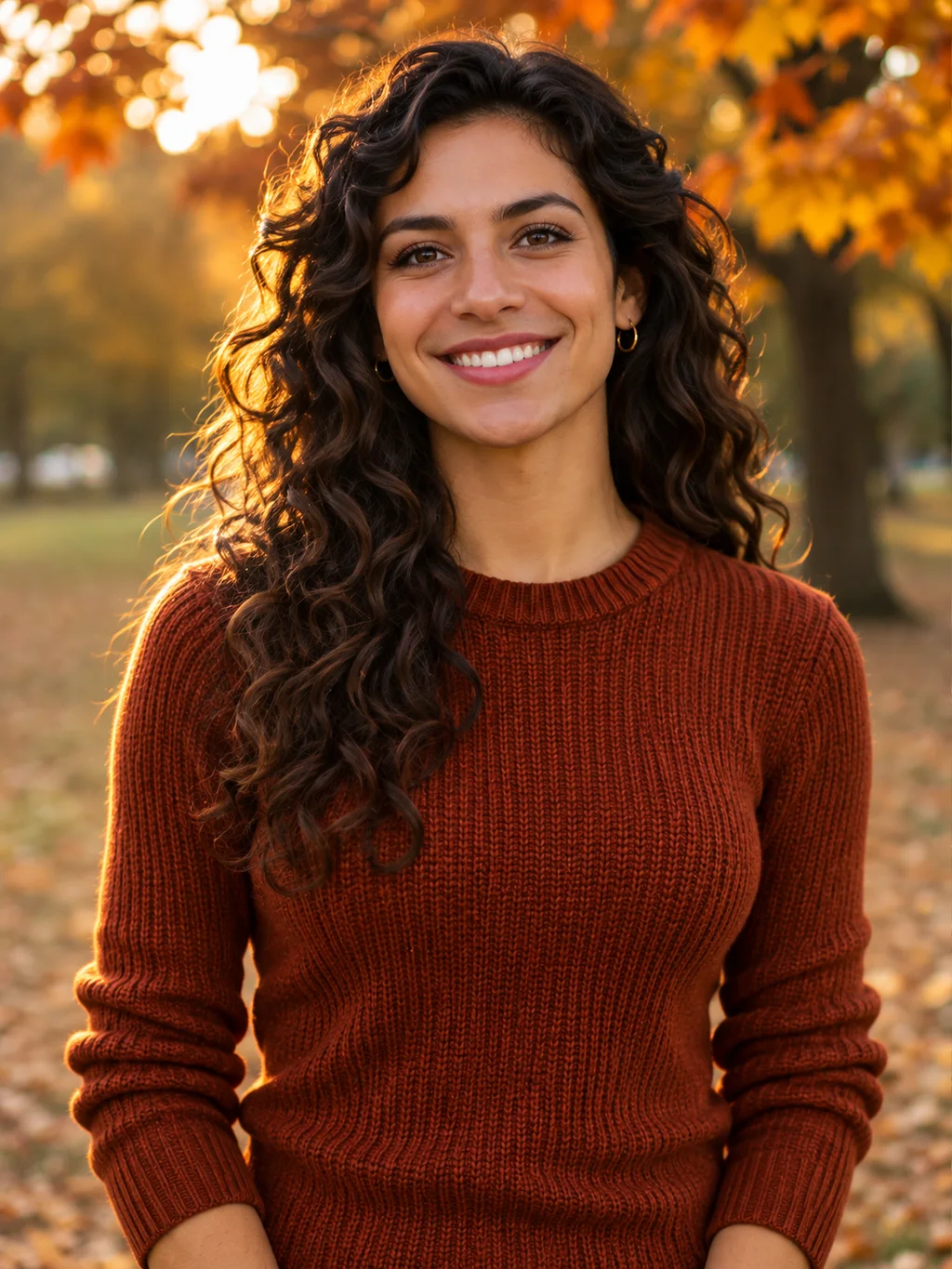
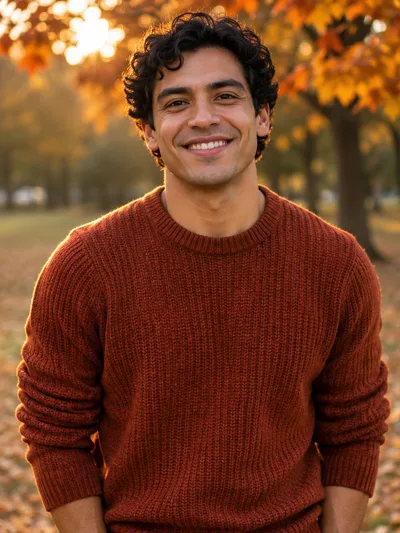
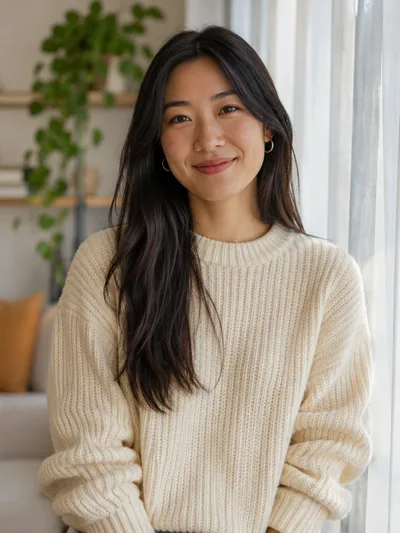
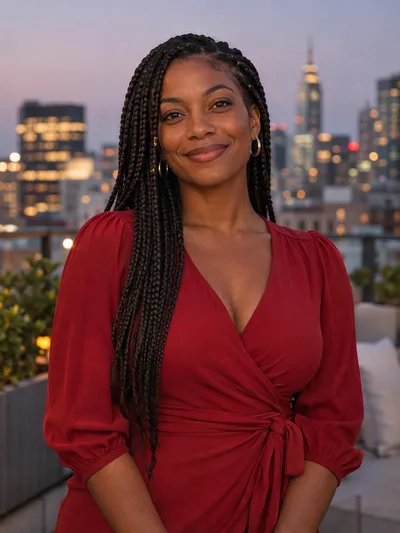
Gender swap filter looks, male to female and female to male
Every picture below started as an ordinary photo. Press a look and the gender swap filter above is set up the same way, so you only add your own picture.
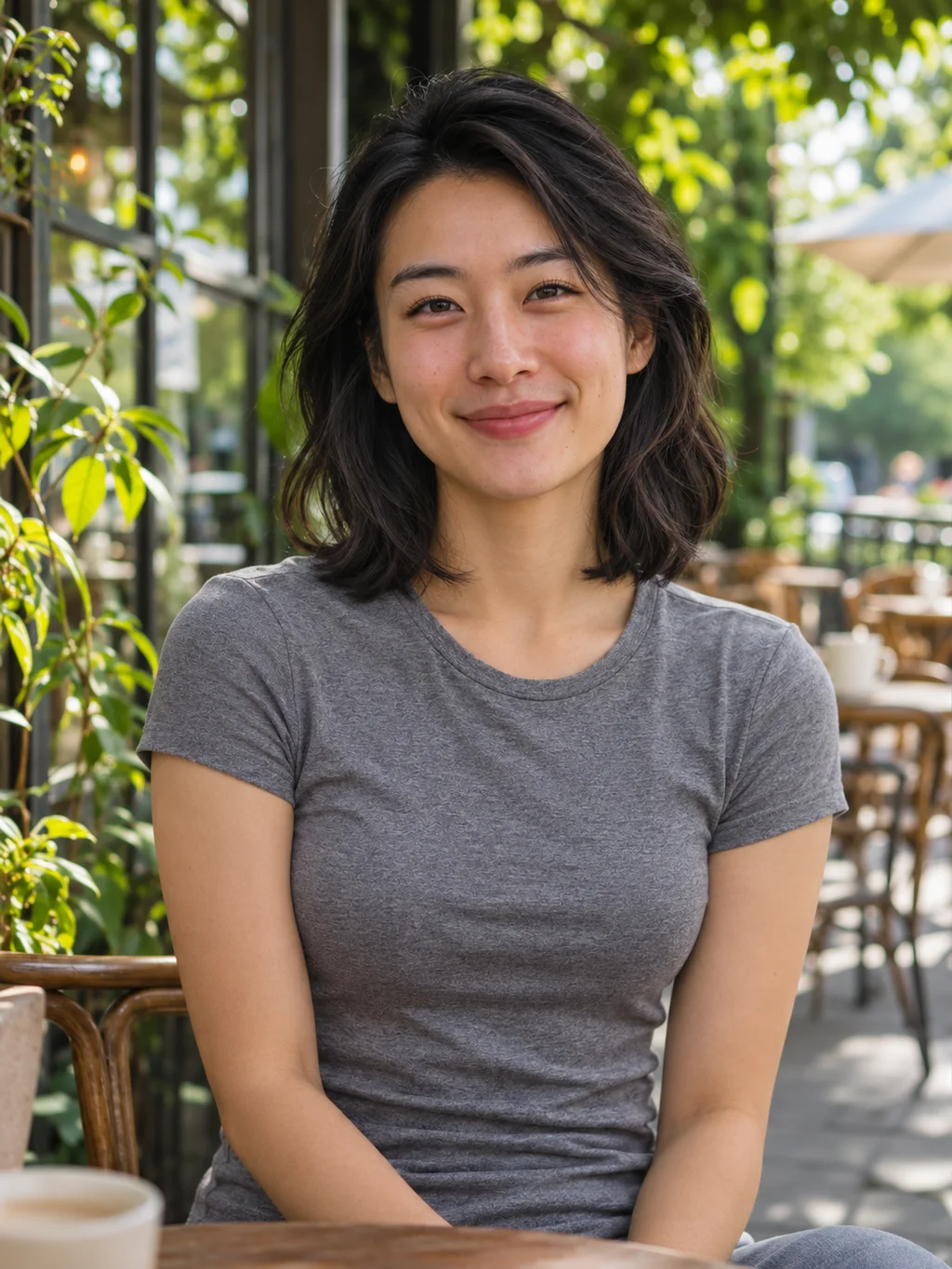
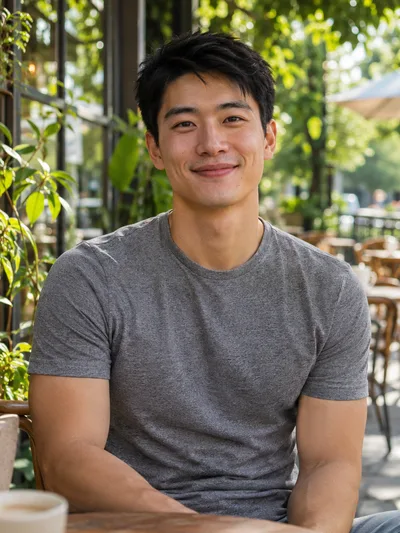 Male to female
Natural look
Try this look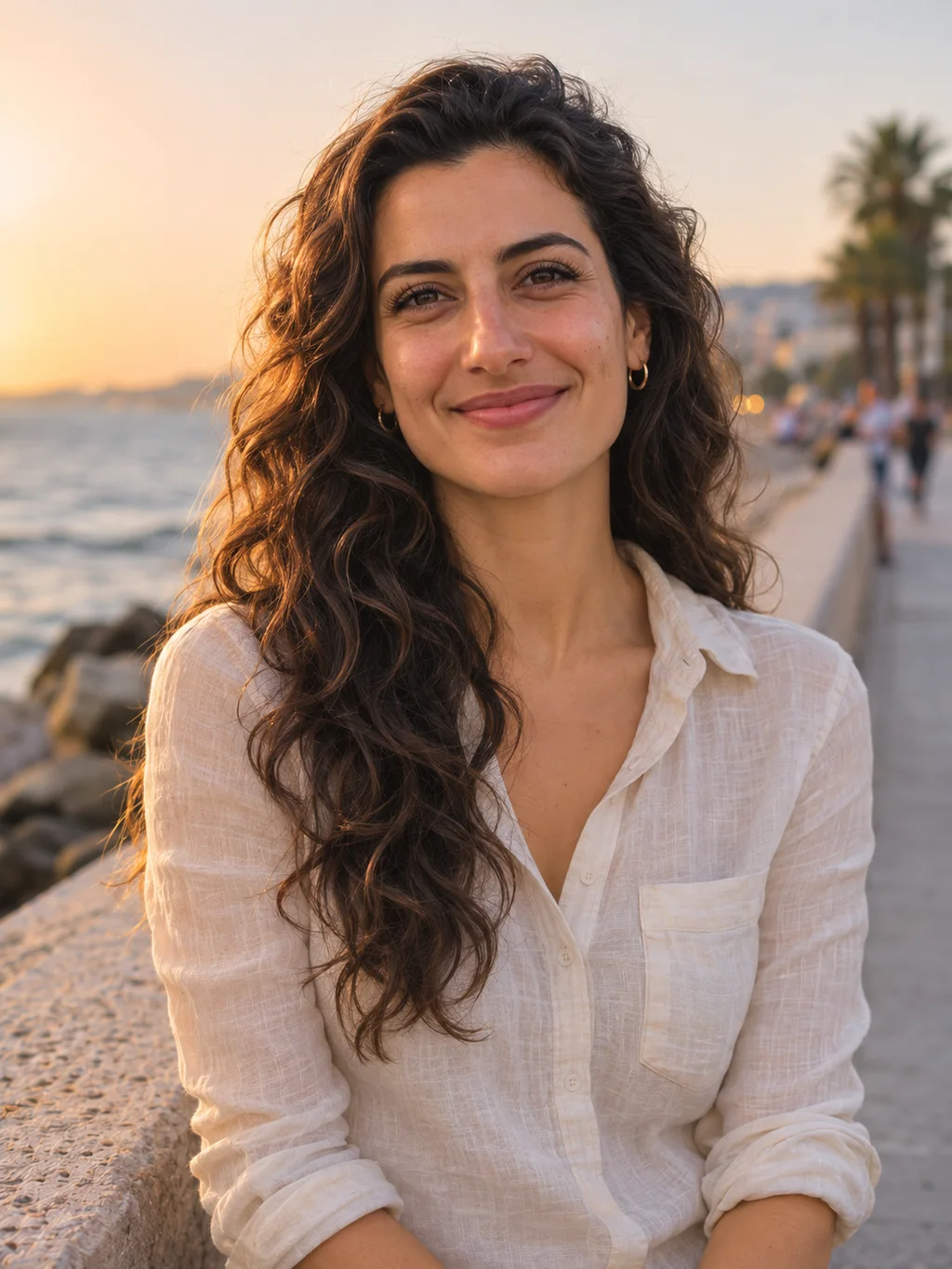
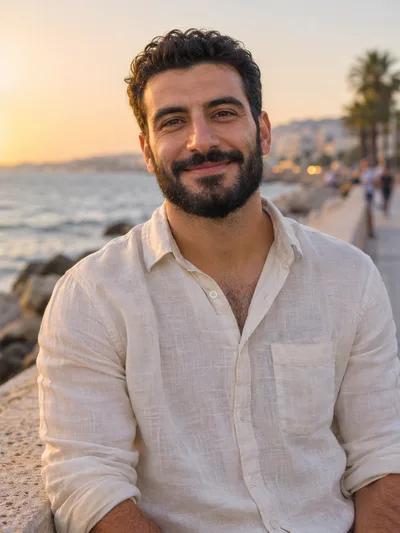 Male to female
Long waves
Try this look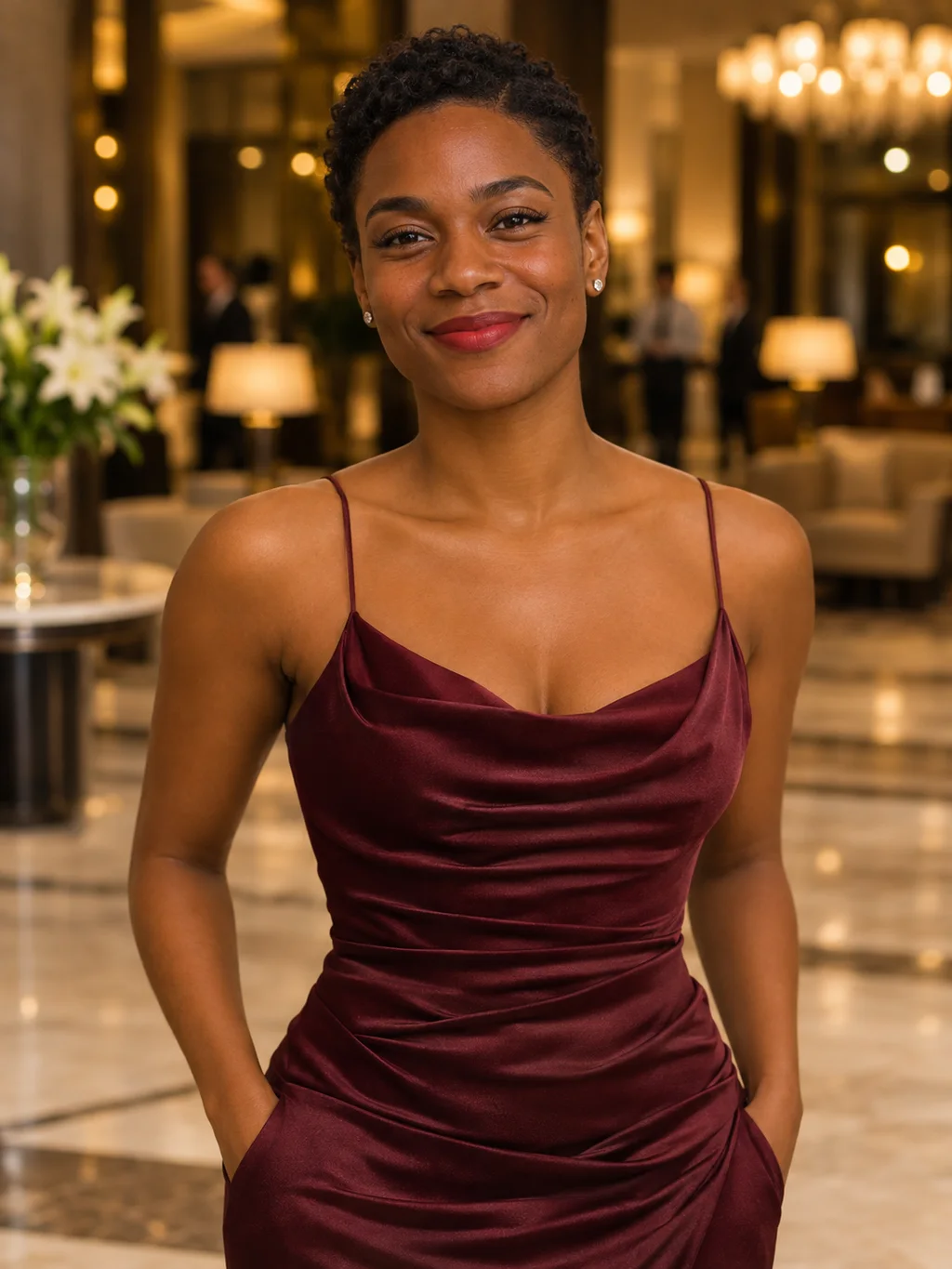
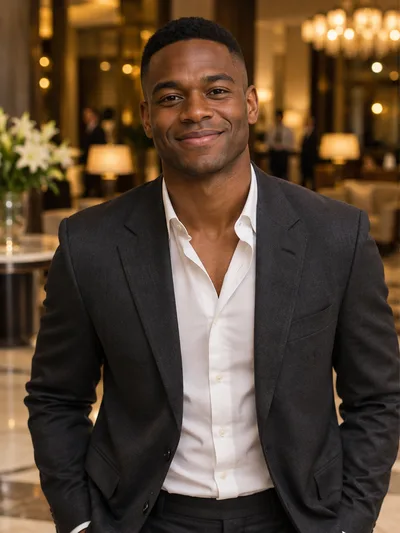 Male to female
Evening glam
Try this look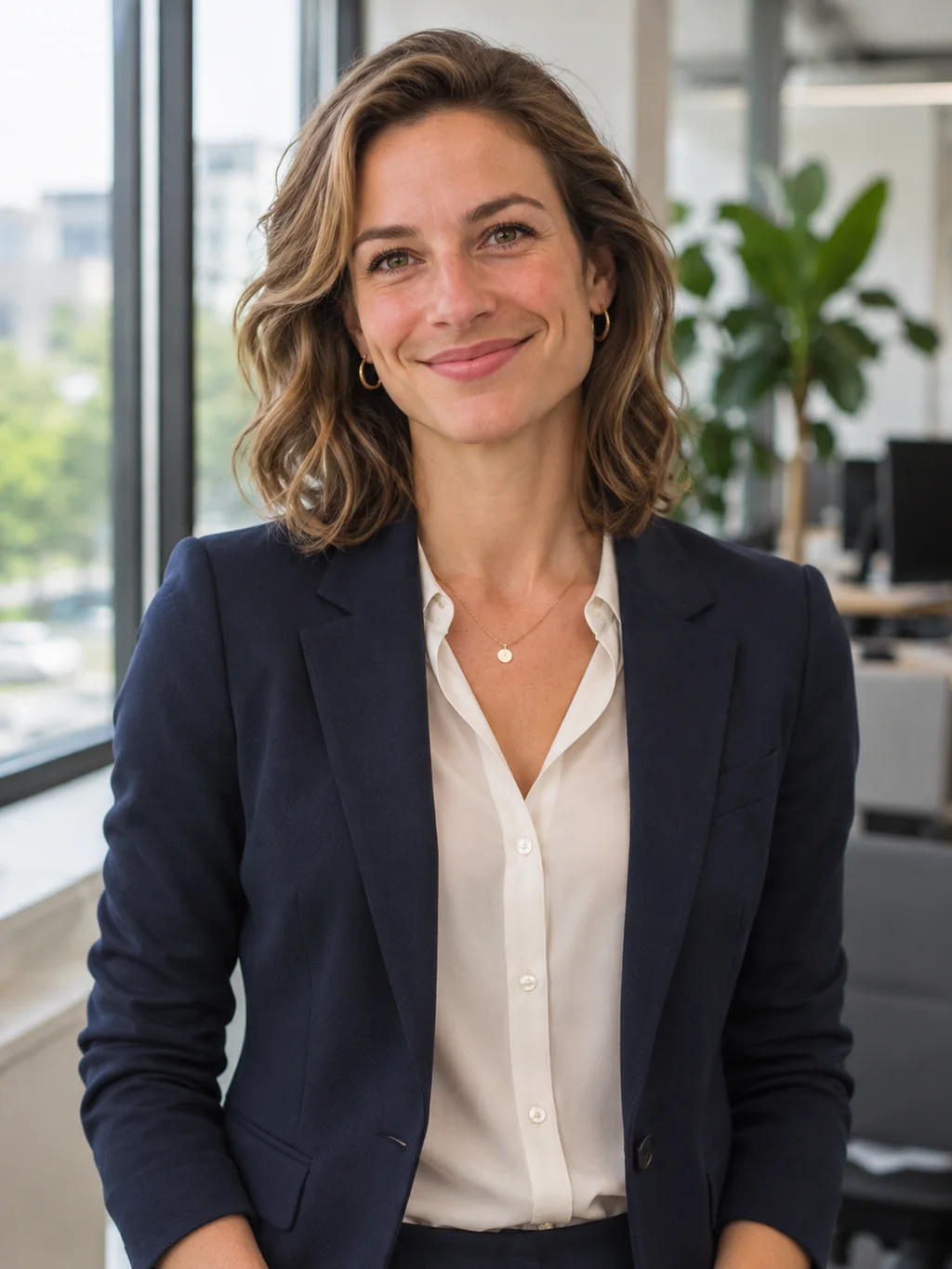
 Male to female
Office portrait
Try this look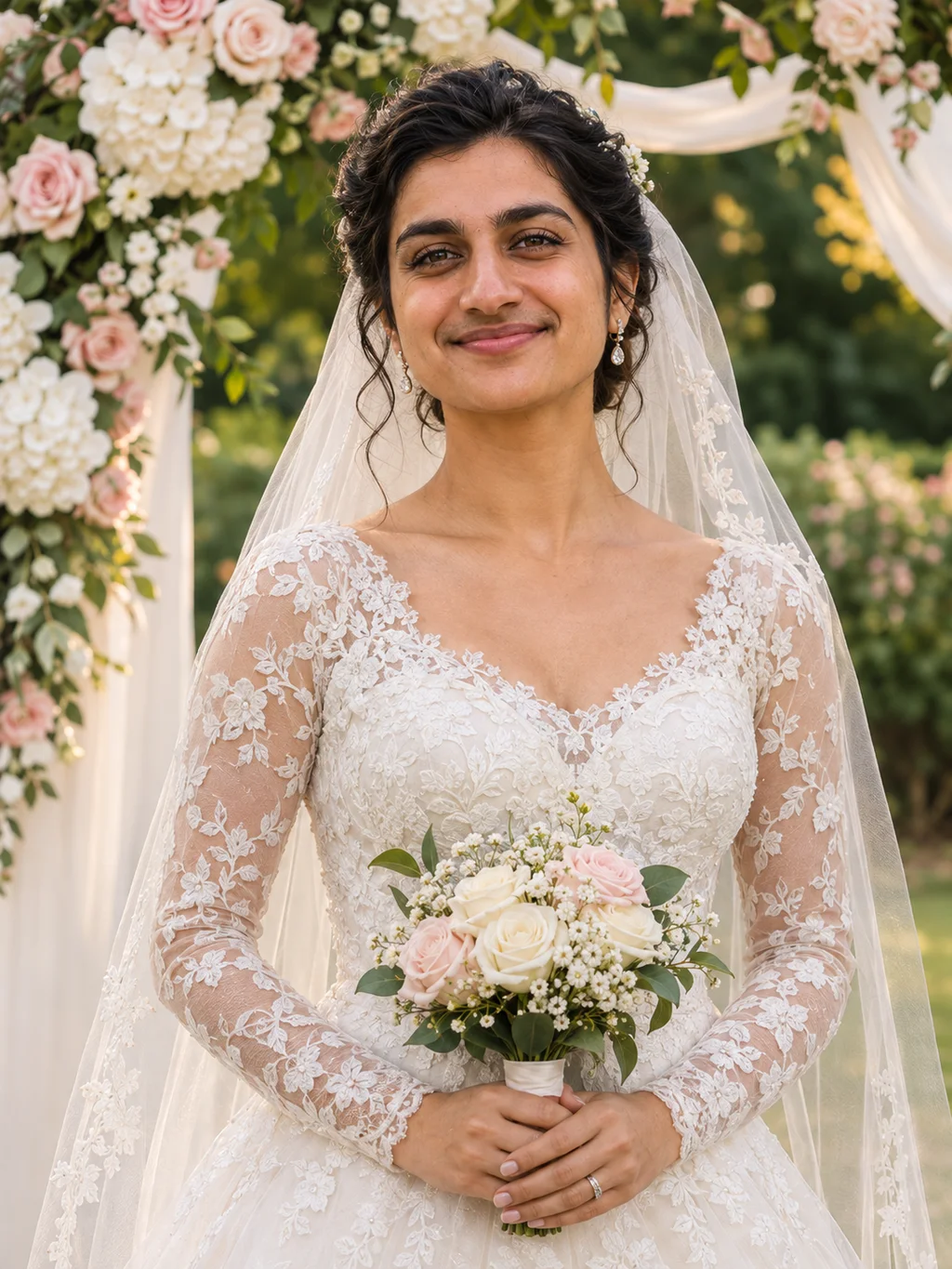
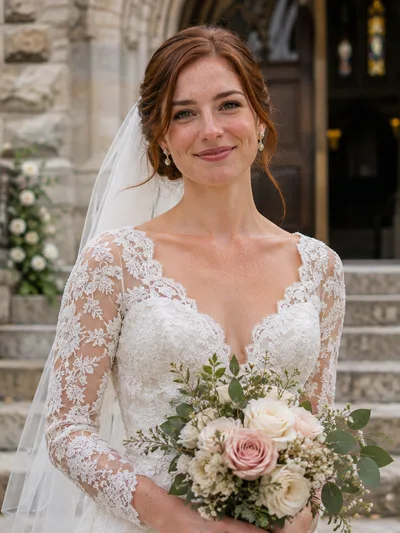
 Male to female
Bride
Try this look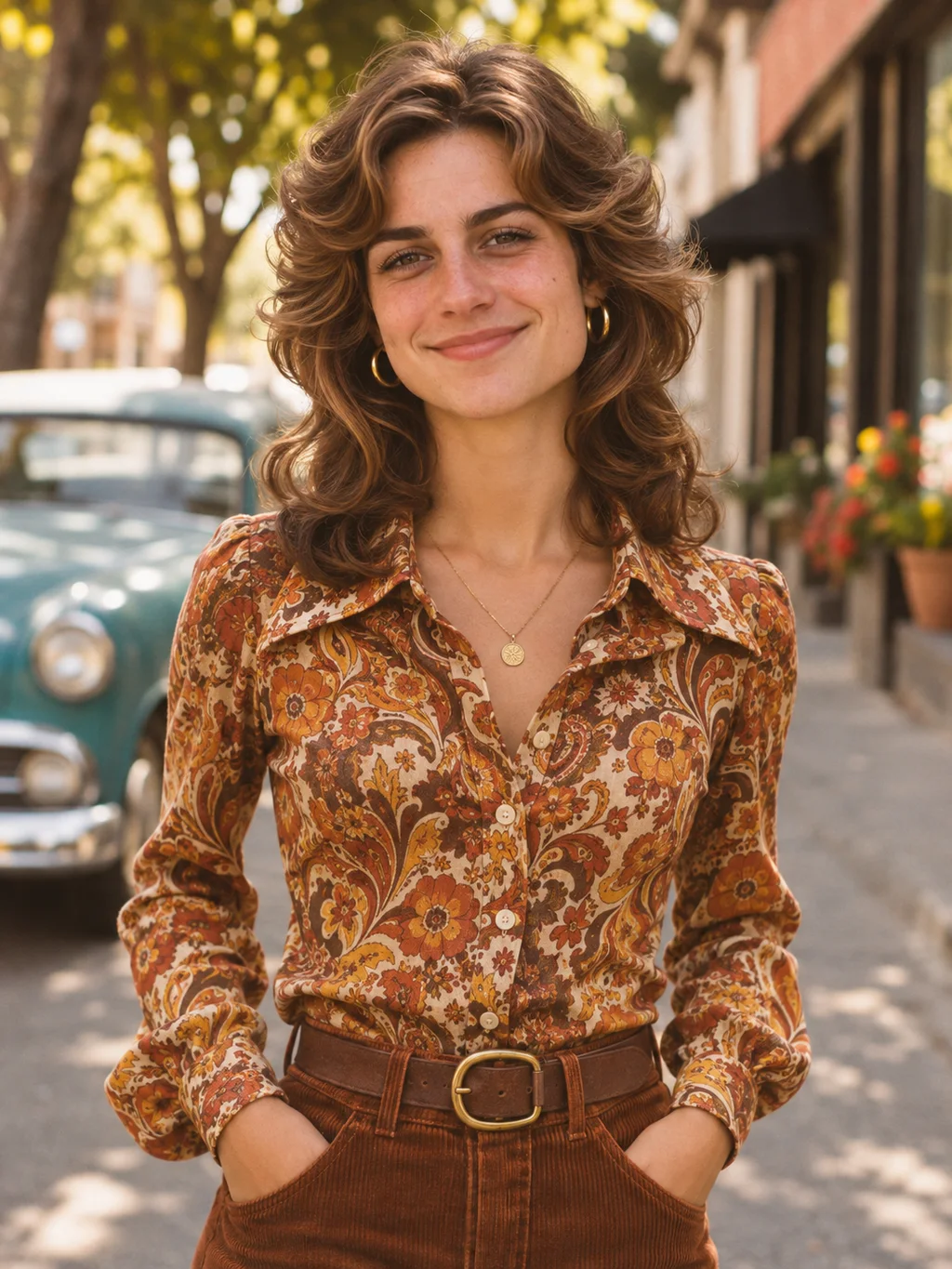
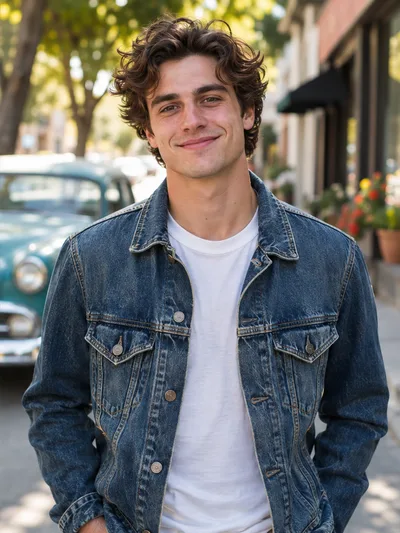 Male to female
Retro 70s
Try this look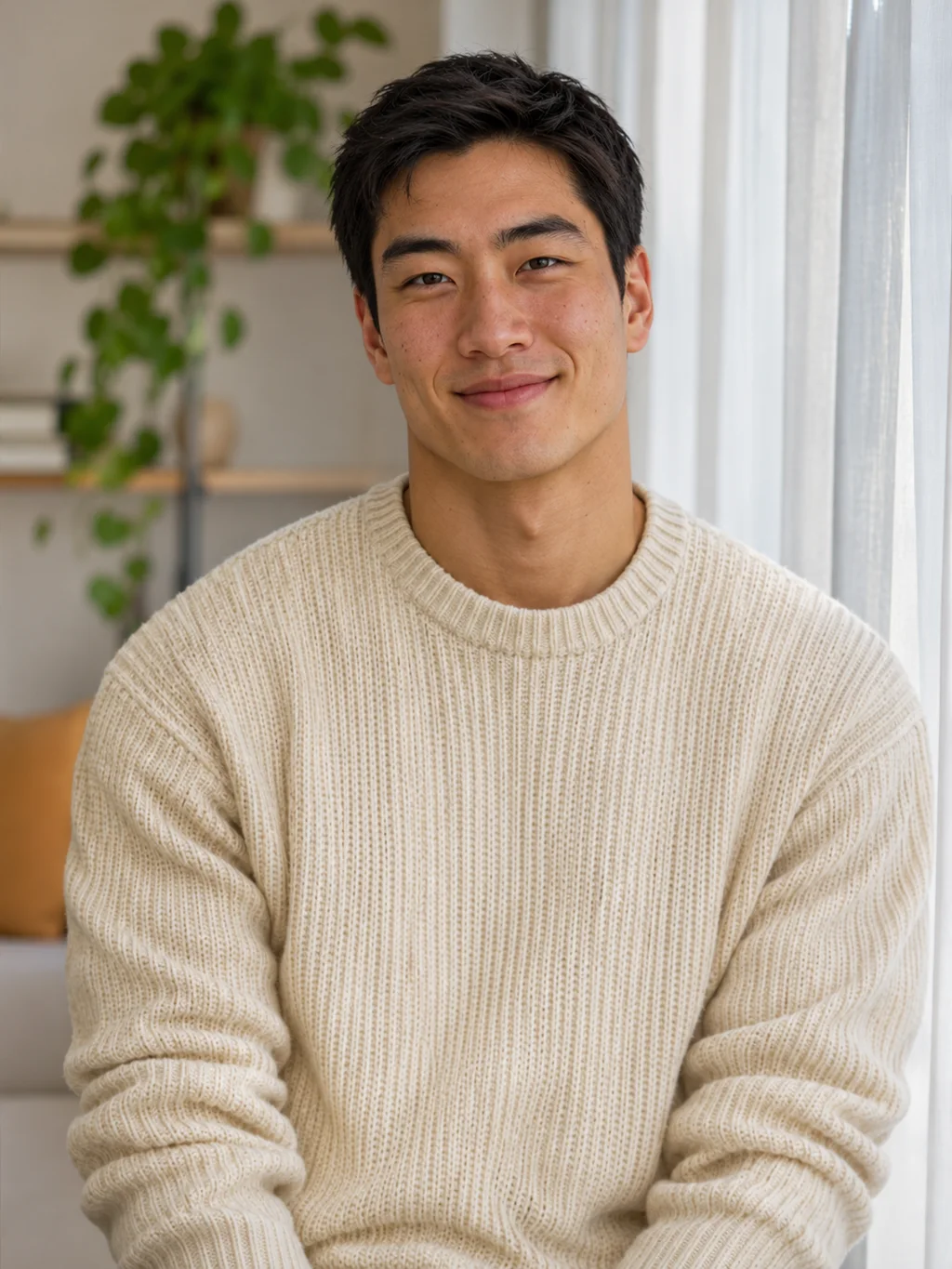
 Female to male
Short crop
Try this look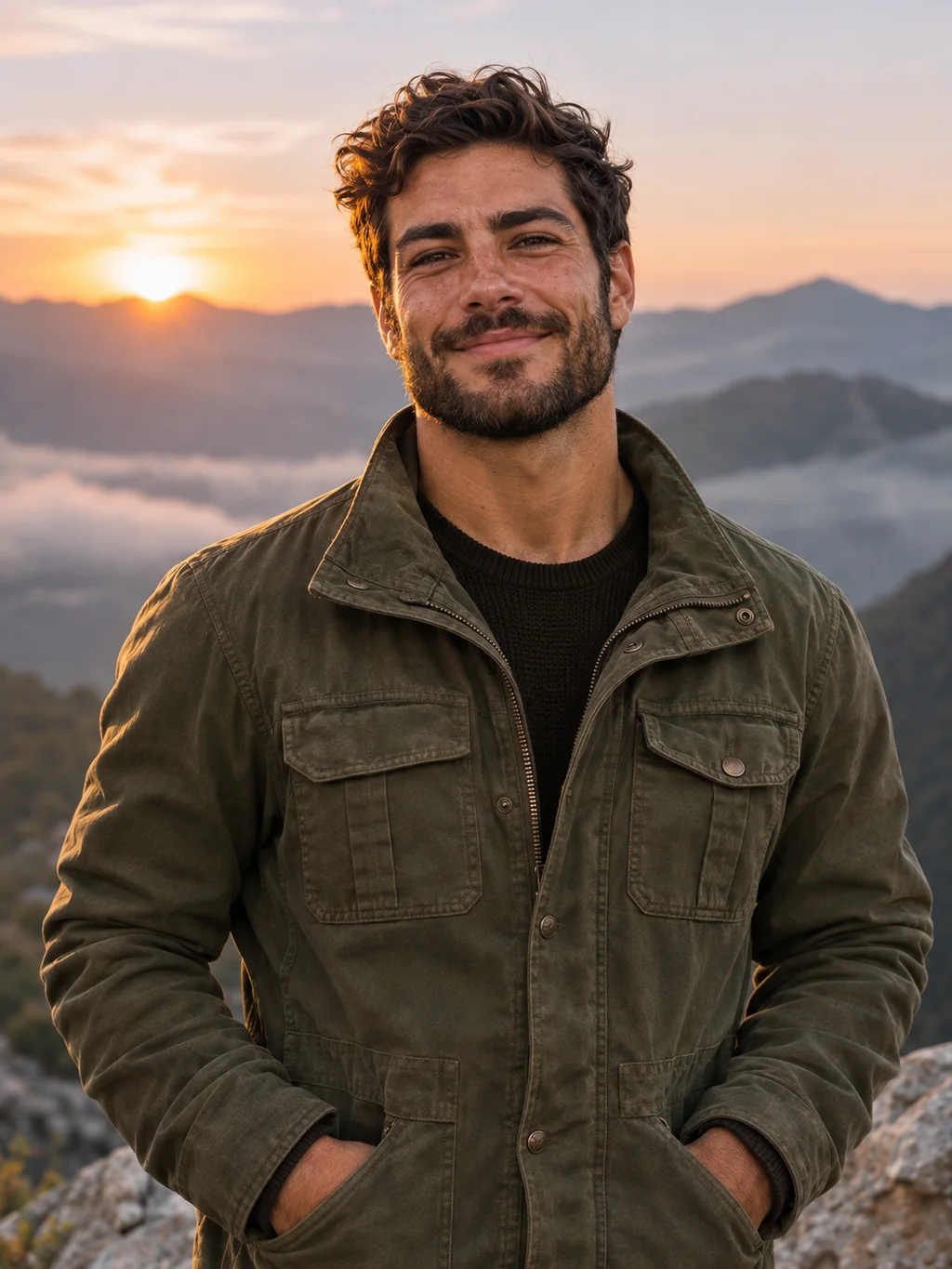
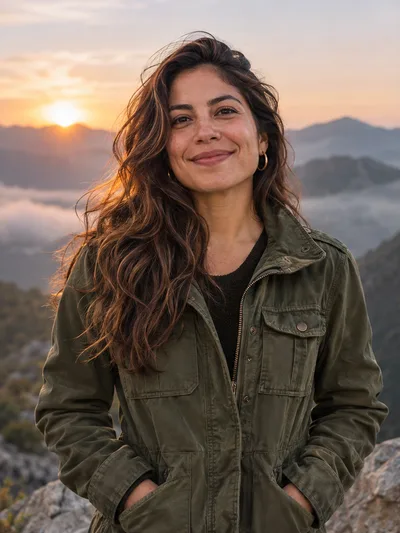 Female to male
Full beard
Try this look
 Female to male
Suit and tie
Try this look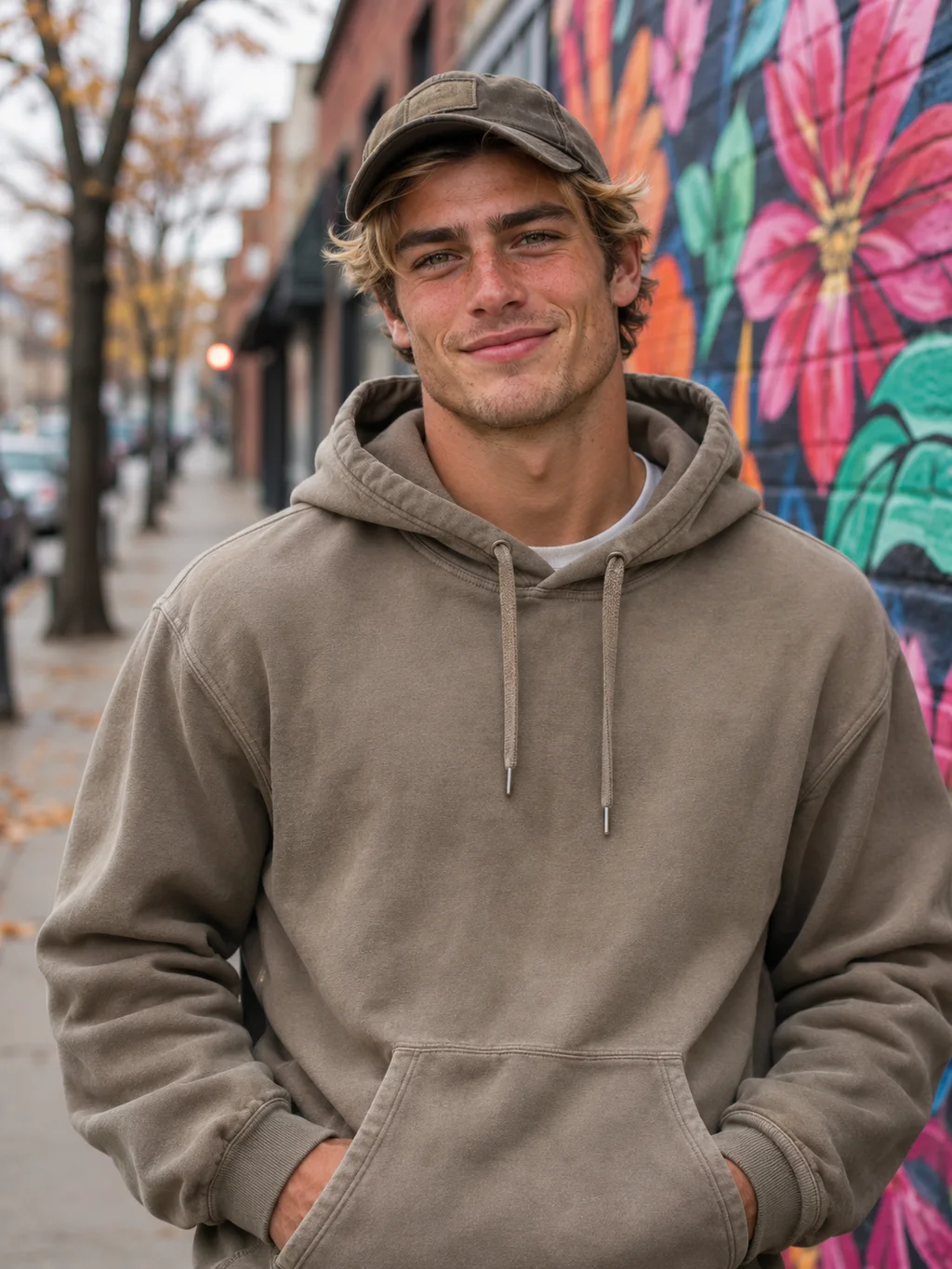
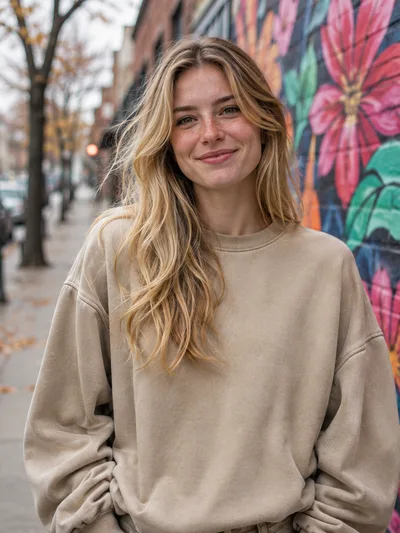 Female to male
Streetwear
Try this look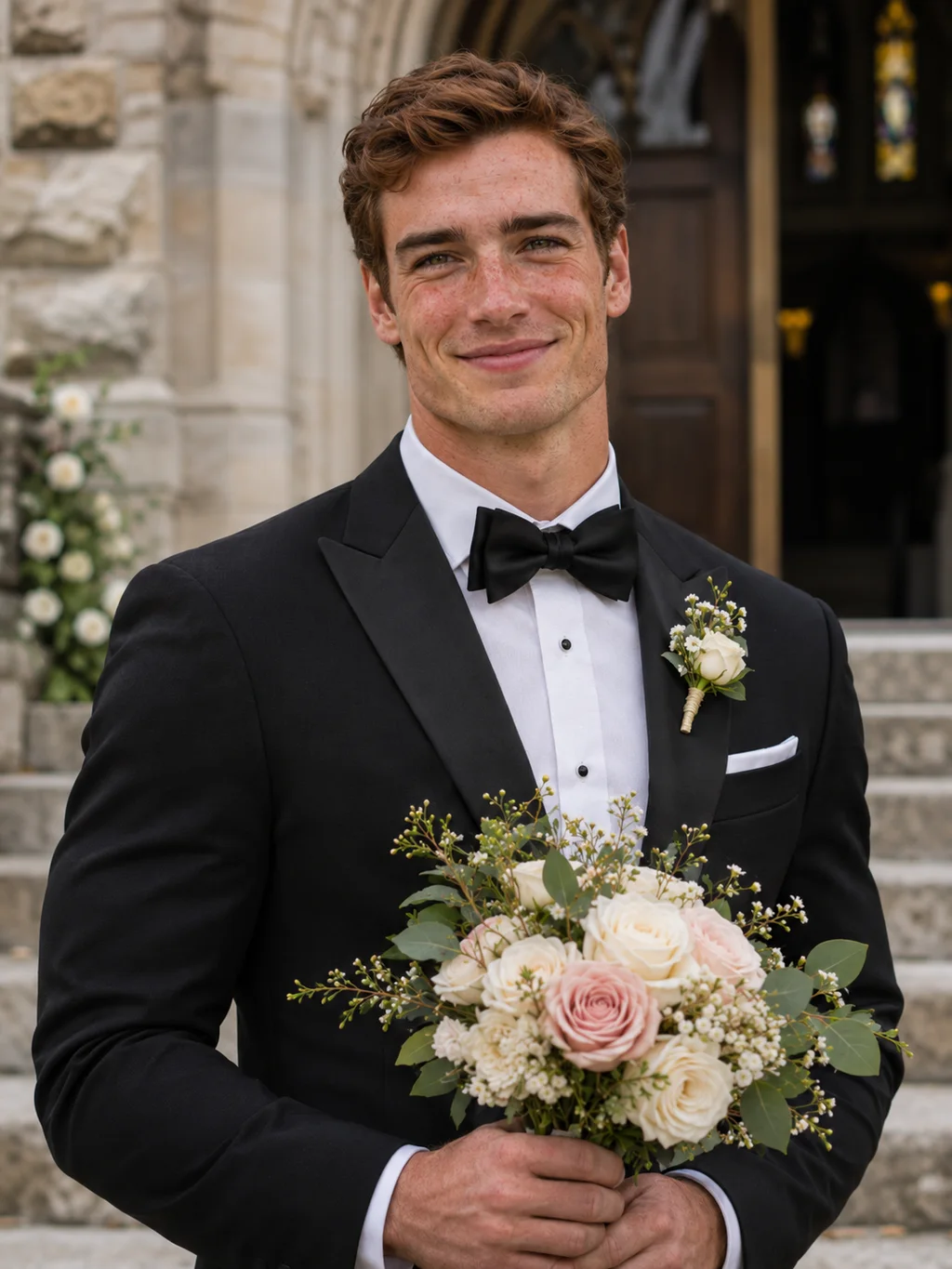
 Female to male
Groom
Try this look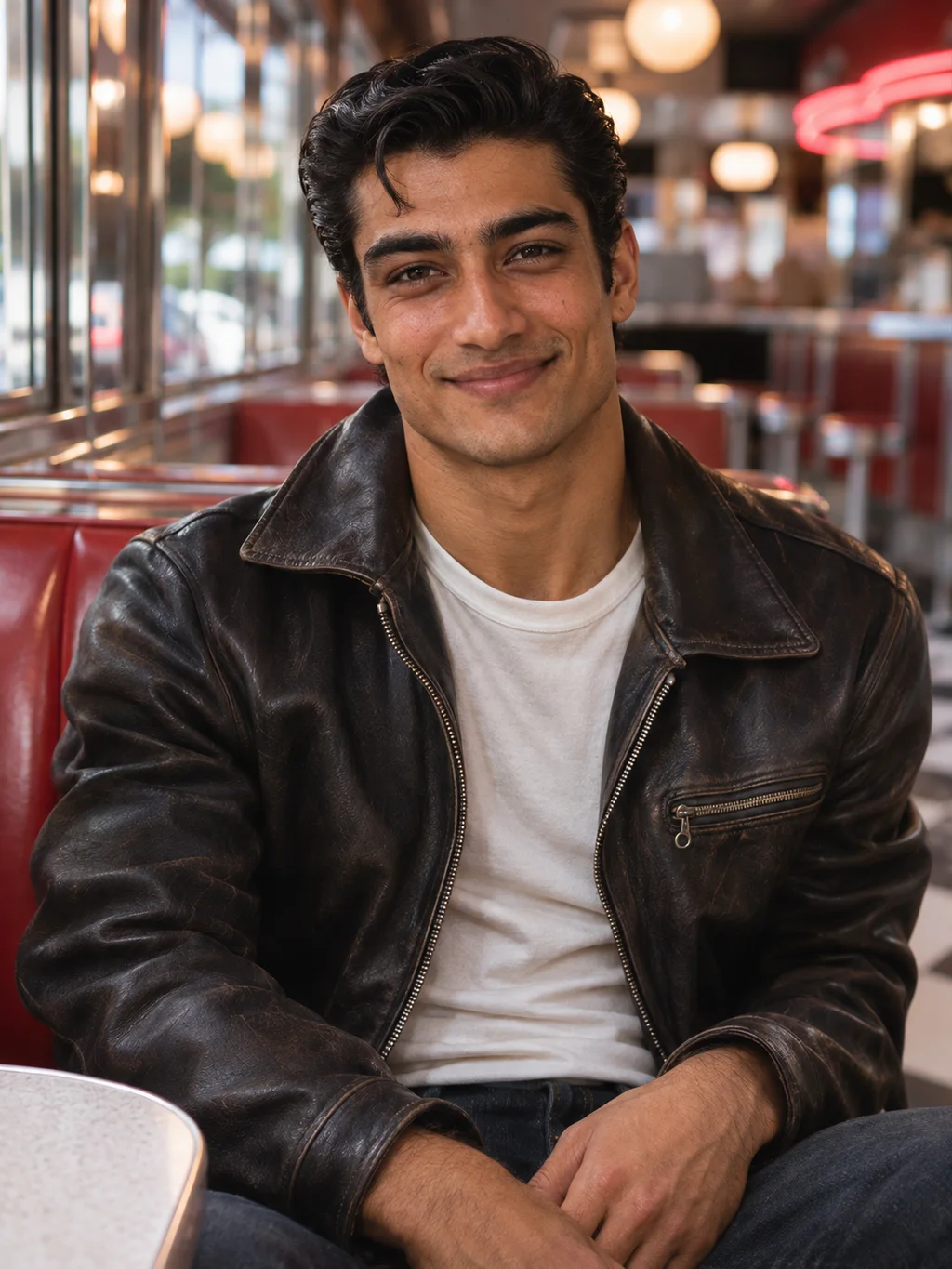
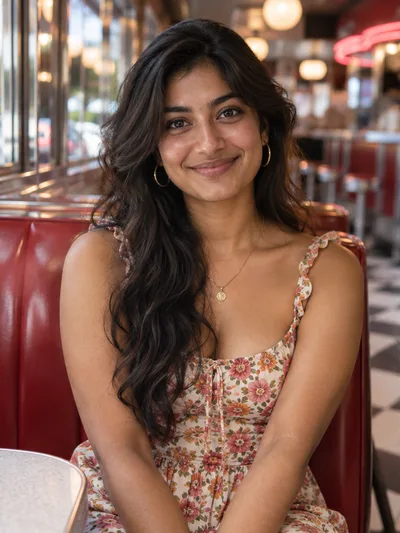 Female to male
Vintage 50s
Try this lookWhat is a gender swap AI?
A gender swap AI takes a photo of a person and draws that same person as the opposite gender. It is not a sticker of long hair or a beard placed on top of your face. The model reads the whole picture and paints a new one, so the hairline, jaw, brows, skin and clothes all change together and the light still matches the room.
You may also see it called an AI gender swap, a gender changer, a male to female filter or a female to male filter. They all describe the same idea: one photo in, the other version of you out.
On PictCraft the gender swap runs on our image to image AI. That is why the result starts from your own photo and not from a stranger's face.
Gender swap AI or a camera gender swap filter?
The gender swap filter in apps like Snapchat works on a live camera. A gender swap AI works on a photo you already have. Here is what that changes.
| Camera filter | Gender swap AI | |
|---|---|---|
| What it needs | Your face in front of the camera, right now | Any saved photo, including an old one |
| What it changes | The face, with one fixed look | Face, hair and outfit, in the look you choose |
| What you get | A clip or a screenshot inside the app | A full-size image file with no watermark |
| When it struggles | Low light, a turned head, glasses | Tiny faces, heavy filters, crowded photos |
How to gender swap a photo online
- 1
Add your photo
Click, drop or paste one portrait. JPG, PNG or WEBP, up to 50 MB.
- 2
Choose a direction and a look
Pick To female or To male, then one of its six looks. The instruction is filled in for you, and you can still edit any word.
- 3
Generate and download
The cost in credits is shown on the button. Save your gender swap without a watermark, or try another look on the same photo.
One person, facing the camera, in even light, with the whole face visible.
Sunglasses, masks, heavy beauty filters, group shots, or a face turned away.
What people do with a gender swap
See the other you
The question behind most gender swaps: what would I look like as a man, or as a woman?
Swap as a couple
Swap both of you and post the two results side by side.
Check the family face
Find out how much you look like your brother, your sister or a parent at your age.
Design a character
Make the male and female version of a character for a story, a comic or a game.
Plan a cosplay
See a gender-bent costume on your own face before you build it.
Why use PictCraft's AI gender swap
Still you.
The instruction tells the model which features to keep, so friends can tell who it is.
No watermark.
Nothing is printed on the picture you download.
Private.
Your photos and results are visible only to you and are not used to train AI models.
No charge when it fails.
Credits are taken only when an image arrives.
Gender swap AI FAQ
How does AI gender swap work?
The model looks at your photo, works out the face, hair, clothes and light, and generates a new image of the same person as the other gender. Nothing is cut and pasted, which is why the result looks like one photo and not a collage.
Is the gender swap AI free?
You can start for free after signing in with Google. Each image uses credits, and the cost is shown on the Generate button before you press it. See the pricing page for plans and credit packs.
Do I need to install an app?
No. The gender swap filter runs in the browser on a phone or a computer. You sign in with Google, which takes a few seconds, and you need to be 18 or older.
Does it work male to female and female to male?
Yes. Use the Direction switch above the photo. Each direction has six looks, from an everyday version of you to a wedding or a retro style.
Will the gender swap still look like me?
That is the goal. The instruction asks the model to keep your eyes, your smile and your pose. A sharp, front-facing photo gives the closest match. If a result drifts, run it again or use a clearer picture.
Does it change the whole body or only the face?
The whole picture is redrawn, so hair, shoulders and clothes change along with the face. A half-body portrait works well. In a full-body photo the face is small, and a small face is harder to keep recognizable.
Can I gender swap a group photo?
It works best with one person. For a couple or a group, crop each person into a separate picture and swap them one at a time.
Can I gender swap a photo of someone else?
Only with their permission. Use your own photos or photos of people who agreed to it, and do not pass a swapped photo off as real.
Are there limits on what I can make?
Yes. Nudity and sexual content are not allowed, and neither is anything that sexualizes minors. Prompts and images are checked before an image is generated.
Can I write my own instruction?
Yes. The text box is a normal field. Add an age, a hairstyle, an outfit or a place, or replace the whole instruction with your own.
Is there a watermark on the download?
No. It is still an AI-generated picture, so say so when you share it.
What happens to the photo I upload?
Your uploads and results are saved to your account so you can find them again, and they stay there until you delete them. Only you can see them.