Kling Image 4.0 Online Free
Write a prompt or add your photos, and Kling Image 4.0 makes a sharp, photo-real picture. It is built for fine detail and for long text inside an image, so posters, menus and product layouts come out readable. Sign in with Google to start for free, with no watermark.
- Text to image
- Image to image
- Up to 8K
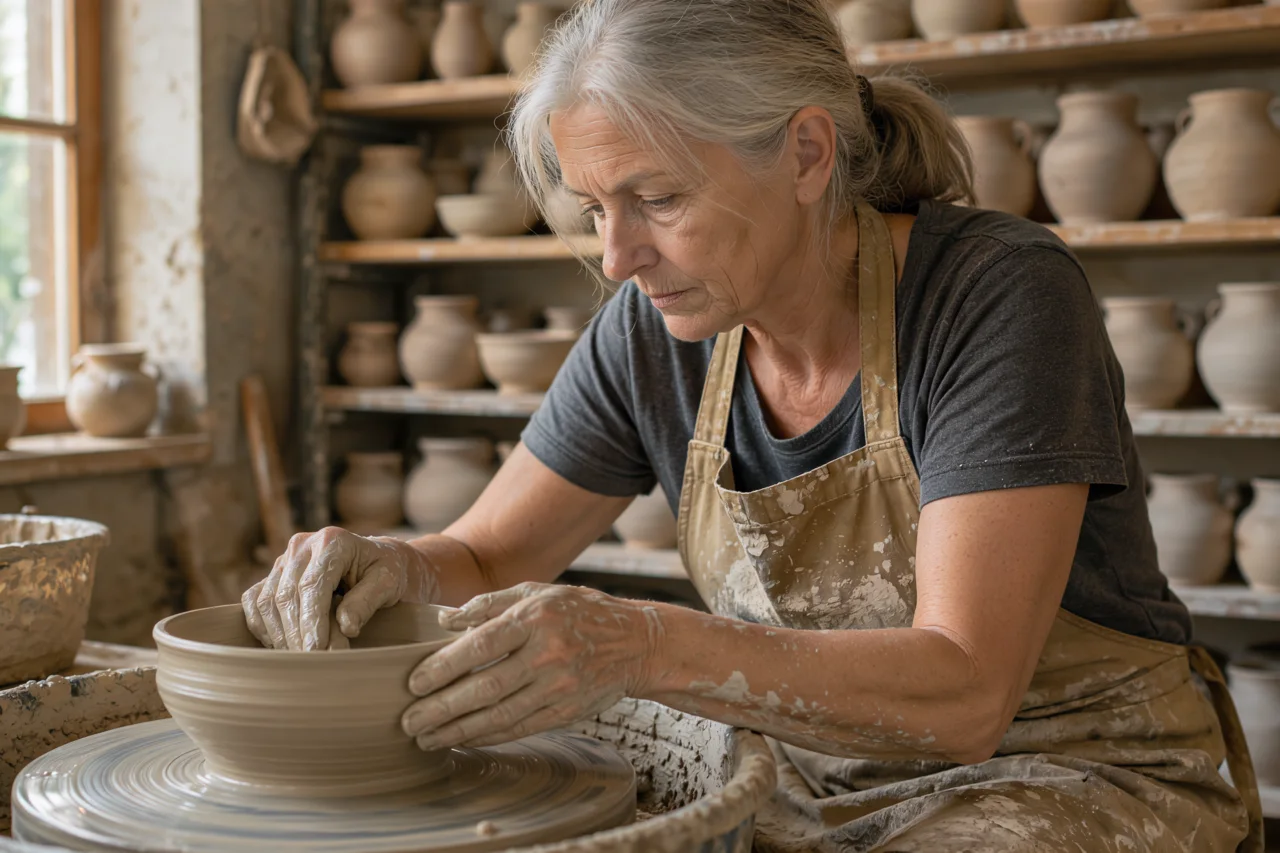
What Kling Image 4.0 can make
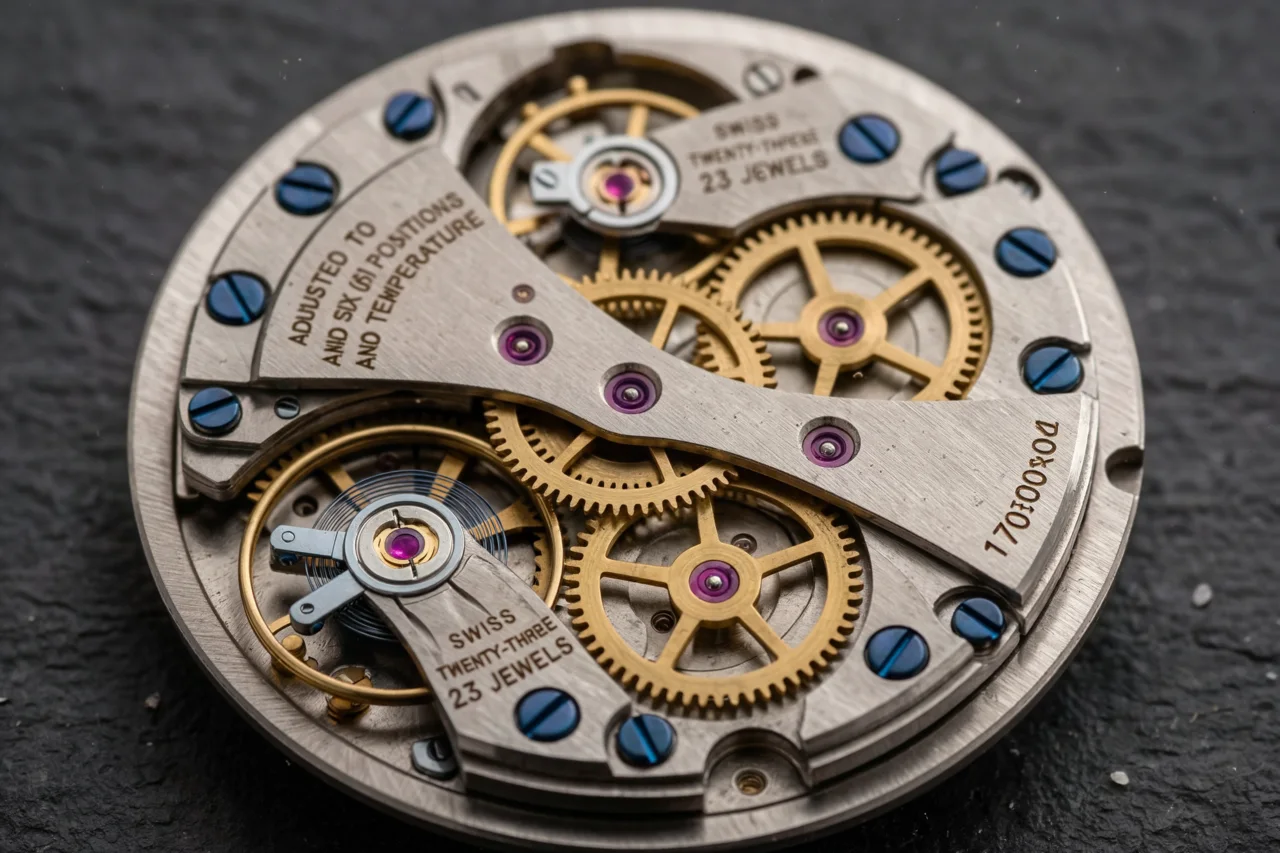
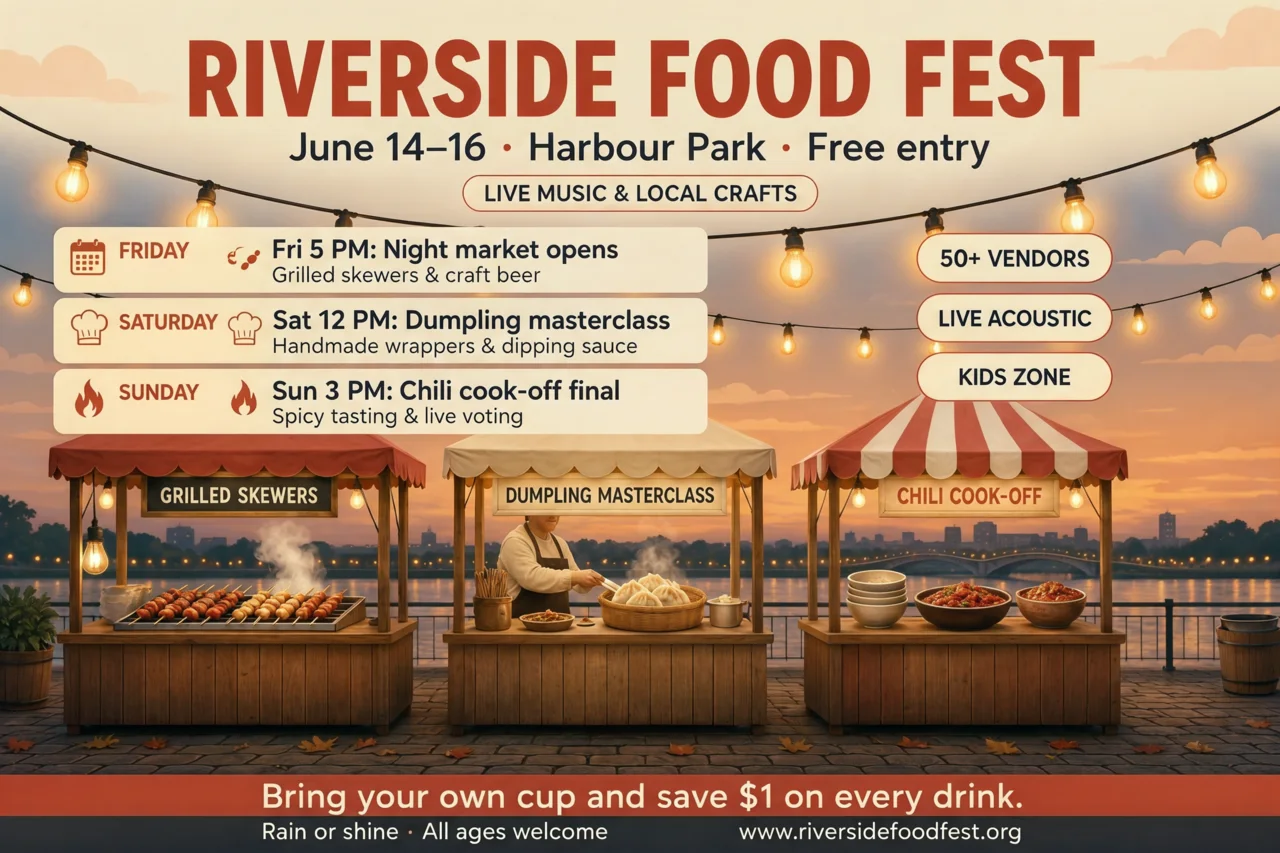
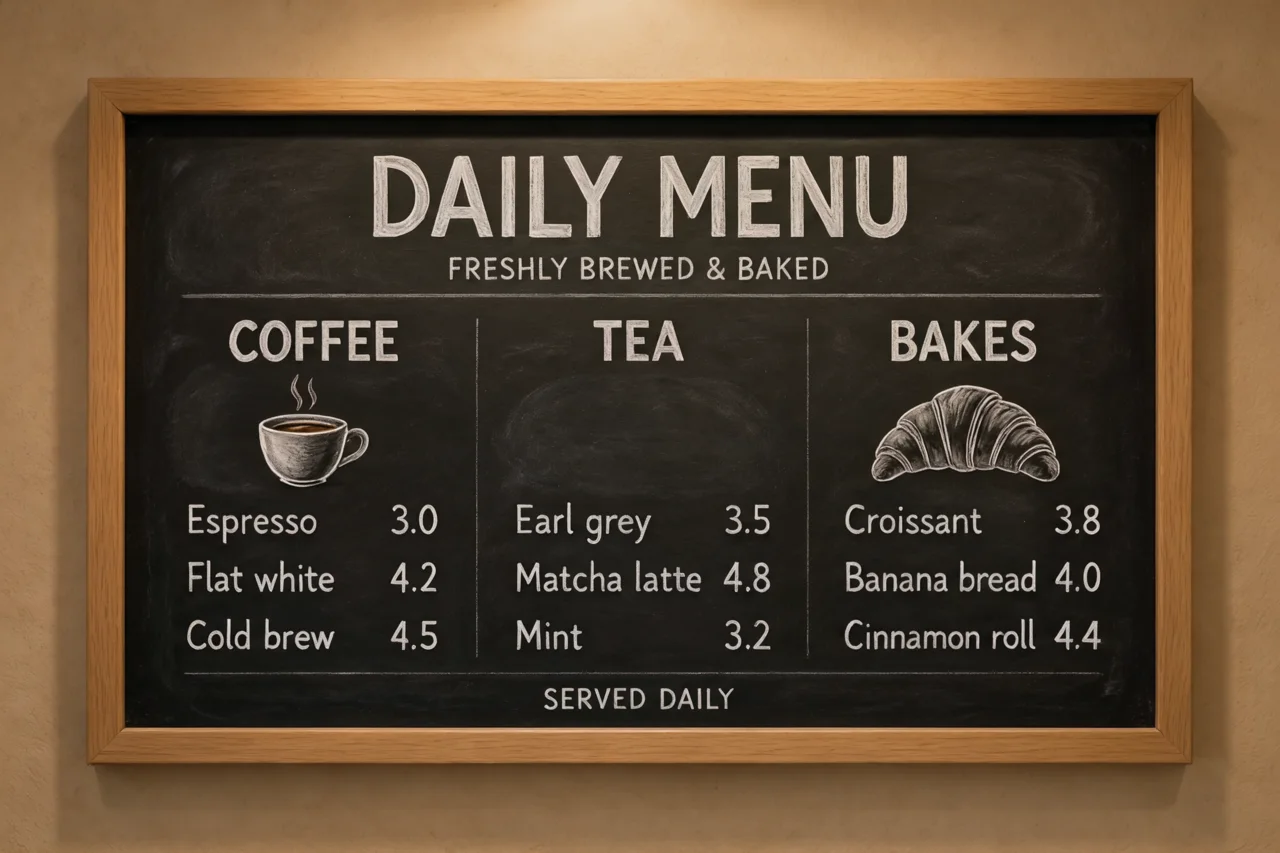
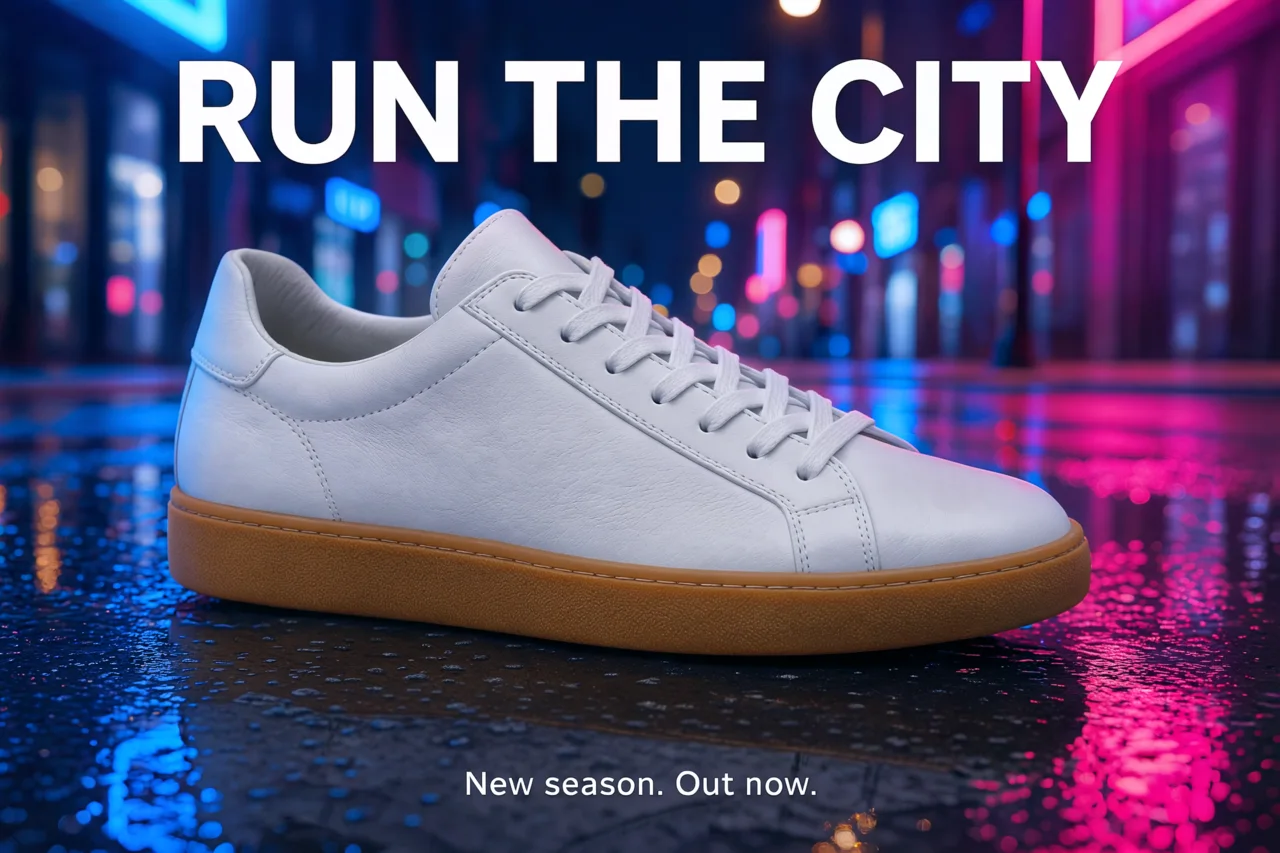
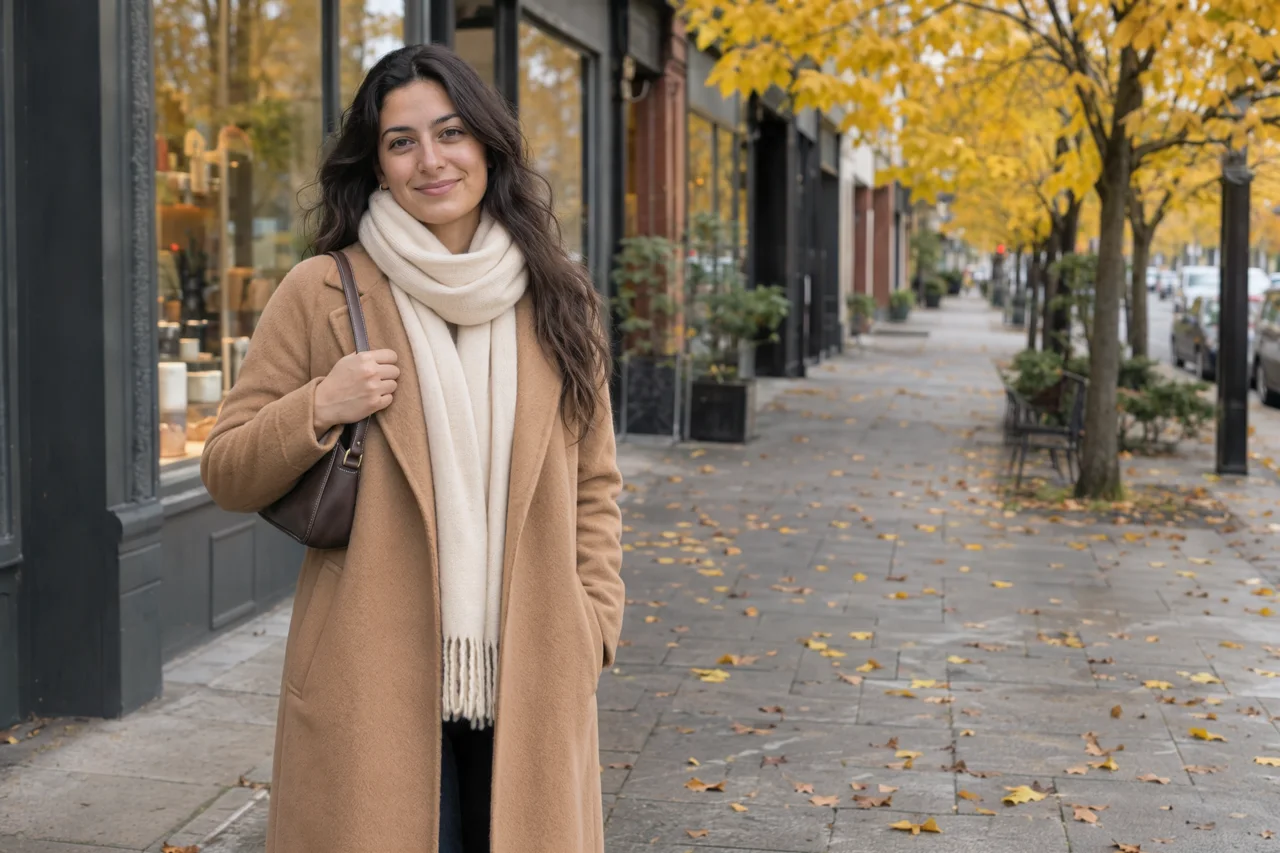
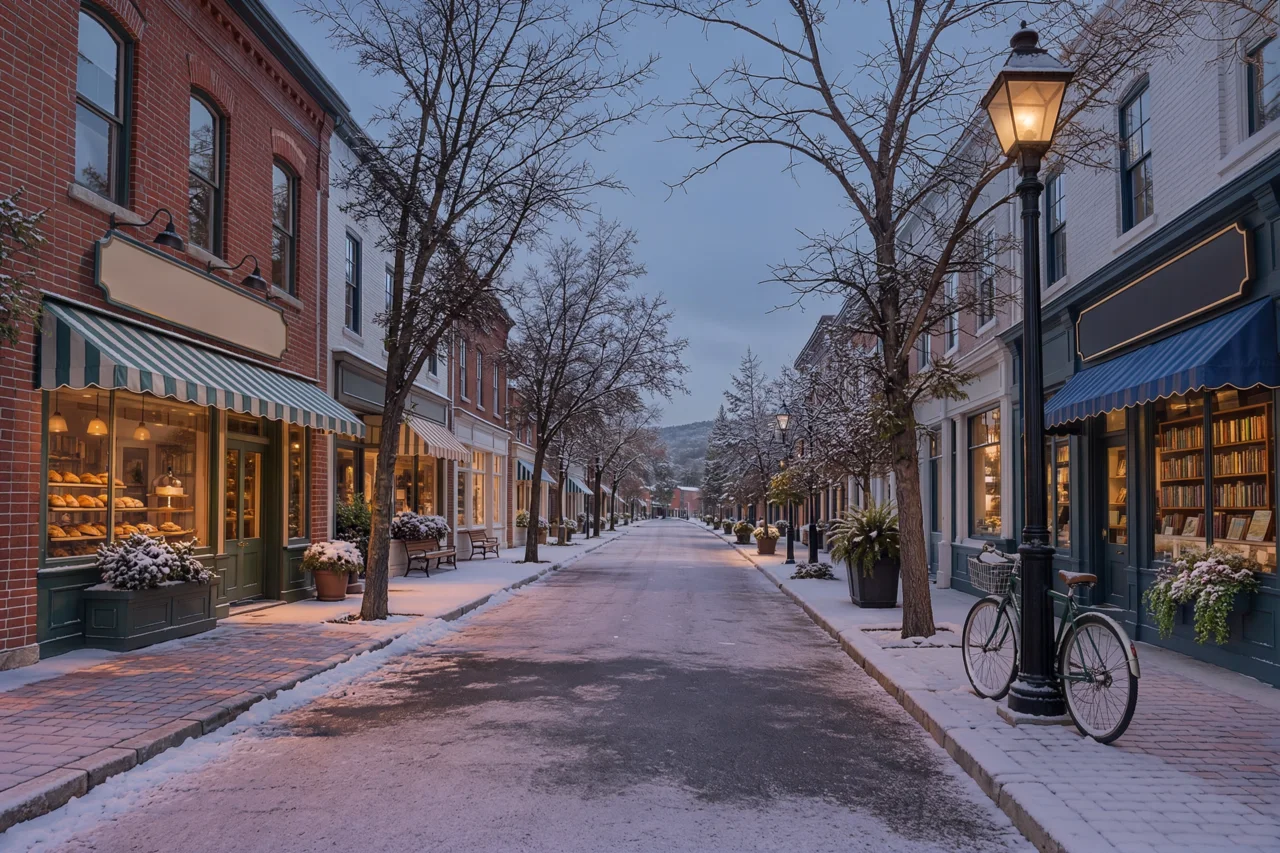
Every picture below was made with Kling Image 4.0. Press Try this prompt and the generator above is set up the same way.
Made from a prompt only
What is Kling Image 4.0?
Kling Image 4.0 is an image model from Kling AI, part of Kuaishou, launched on November 17, 2026. Kling is best known for its video models; this one makes still images from a text prompt or from pictures you give it.
Kling built it around three things. The first is photographic detail: skin, fabric, product materials and landscapes that stay sharp when you zoom in or crop, with output up to native 8K. The second is text: Kling says one image can hold up to 2,000 characters in seven languages, which is enough for a full poster, a menu or a product page. The third is sets: from one prompt it can plan up to 10 matching images, such as a storyboard or a set of product views.
On PictCraft it runs in your browser with nothing to install, next to our image to image AI and the other models. Here it makes one image at a time, in 2K, 4K or 8K.
Kling Image 4.0 at a glance
| Maker | Kling AI (Kuaishou) |
|---|---|
| Released | November 17, 2026 |
| Modes | Text to image, image to image with reference photos |
| Resolution | 2K, 4K and native 8K |
| Text in images | Up to 2,000 characters per image, according to Kling |
| Languages for text | English, Japanese, Korean, Spanish, Portuguese, Simplified and Traditional Chinese |
| Image sets | Up to 10 matching images from one prompt |
| On PictCraft | 2K, 4K and 8K in 6 shapes, up to 5 photos, one image at a time, no watermark |
Where Kling Image 4.0 shines, and where it doesn't
- Fine detail: skin, fabric, metal and landscapes hold up when you zoom in or crop.
- Long text: posters, menus, schedules and labels with many lines stay readable.
- Layouts: it plans a whole page, such as a poster or a product sheet, instead of placing parts at random.
- Following instructions: small objects and where things sit in the frame come out as described.
- Image sets: the 10-image series is not offered on PictCraft yet. You get one image at a time.
- No 1K: the smallest size is 2K, so there is no cheaper draft size.
- Editing text after the fact: Kling describes changing the words and fonts in a finished layout; here you write a new prompt.
- No transparent backgrounds: pick a model that has them if you need a cut-out.
How to use Kling Image 4.0 online
- 1
Write or add
Type what you want to see. To work from your own pictures, add up to 5 photos first. JPG, PNG or WEBP, up to 50 MB each.
- 2
Put the exact words in quotes
For a poster or a menu, write every line of text in quotes and say where it goes: headline at the top, schedule in three rows, footer at the bottom.
- 3
Pick a size and generate
Choose 2K, 4K or 8K and a shape. 4K and 8K are part of the Pro and Max plans. The cost in credits is shown on the button.
headline at the top: "SUMMER SALE", small line under it: "Up to 40% off, this week only"
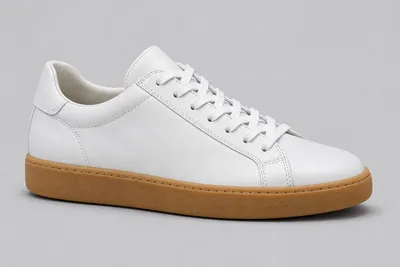
keep the product exactly as it is, change only the background and the light
What people make with Kling Image 4.0
Posters and flyers
Get the headline, the date, the place and the small print in one picture, already laid out.
Product and e-commerce images
Put a product in a scene, add a headline, and keep the product itself unchanged.
Menus and price lists
Make a menu or a rate card with every item and price in place.
Large prints
Make a picture at 4K or 8K that stays sharp on a wall, a banner or a magazine page.
Portraits and fashion
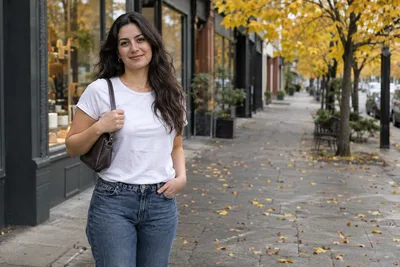
Try a new outfit, a new setting or a new season on a photo while the person stays the same.
Infographics and slides
Turn a list of facts into a diagram with readable labels.
Kling Image 4.0 FAQ
Is Kling Image 4.0 free to use?
You can start for free after signing in with Google. Each image uses credits, and the cost is shown on the Generate button before you press it. See the pricing page for plans and credit packs.
What is Kling Image 4.0?
An image model from Kling AI, part of Kuaishou, launched on November 17, 2026. It makes still images from text or from pictures you upload, with a focus on fine detail and long, readable text.
Is Kling Image 4.0 the same as Kling 4.0?
No. Kling 4.0 is Kling AI’s video model. Kling Image 4.0 makes still images. This page is about the image model.
Does Kling Image 4.0 really make 8K images?
Kling says it is the first image model with native 8K output. On PictCraft you can pick 8K in the Size control; it is part of the Pro and Max plans, and an 8K file is large, so it takes longer to make and to download.
What resolution can I use here?
2K, 4K and 8K. 4K and 8K are part of the Pro and Max plans. Kling Image 4.0 has no 1K size.
How much text can it put in an image?
Kling says up to 2,000 characters in one image. Put the exact words in quotes in your prompt and say where each line goes. Short lines are still safer than long paragraphs.
Which languages can the text be in?
Kling lists English, Japanese, Korean, Spanish, Portuguese, Simplified Chinese and Traditional Chinese.
Can I make a series of matching images?
The model can make up to 10 matching images from one prompt. PictCraft makes one image at a time; to build a set, add your first result as a photo and ask for the next view.
Can I use my own photos?
Yes. Add up to 5 photos and refer to them as Picture 1, Picture 2 and so on. Say what to keep and what to change.
Kling Image 4.0 or Seedream 5.5: which should I use?
Both are in the generator on this page, so you can run the same prompt on each. Kling Image 4.0 goes up to 8K here and is built for long text; Seedream 5.5 stops at 2K, costs fewer credits and can make transparent backgrounds.
Is there a watermark?
No. PictCraft adds no watermark or label to your images. It is still an AI-generated picture, so say so when you share it.
Are there limits on what I can make?
Yes. Nudity, sexual content and anything that sexualizes minors are not allowed. Prompts and images are checked before an image is generated.
What happens to the photos I upload?
Your uploads and results are saved to your account so you can find them again, and they stay there until you delete them. Only you can see them.