MiniMax H3 Image Online Free
Write a prompt or add your photos, and MiniMax H3 Image paints a detailed picture in about half a minute. It keeps text sharp, follows long instructions, and can mix up to 5 reference images in one result. Sign in with Google to start for free, with no watermark.
- Text to image
- Multi-image editing
- Up to 4K

What MiniMax H3 Image can make
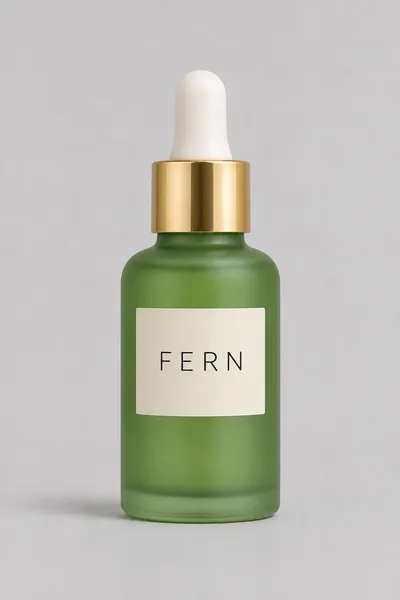
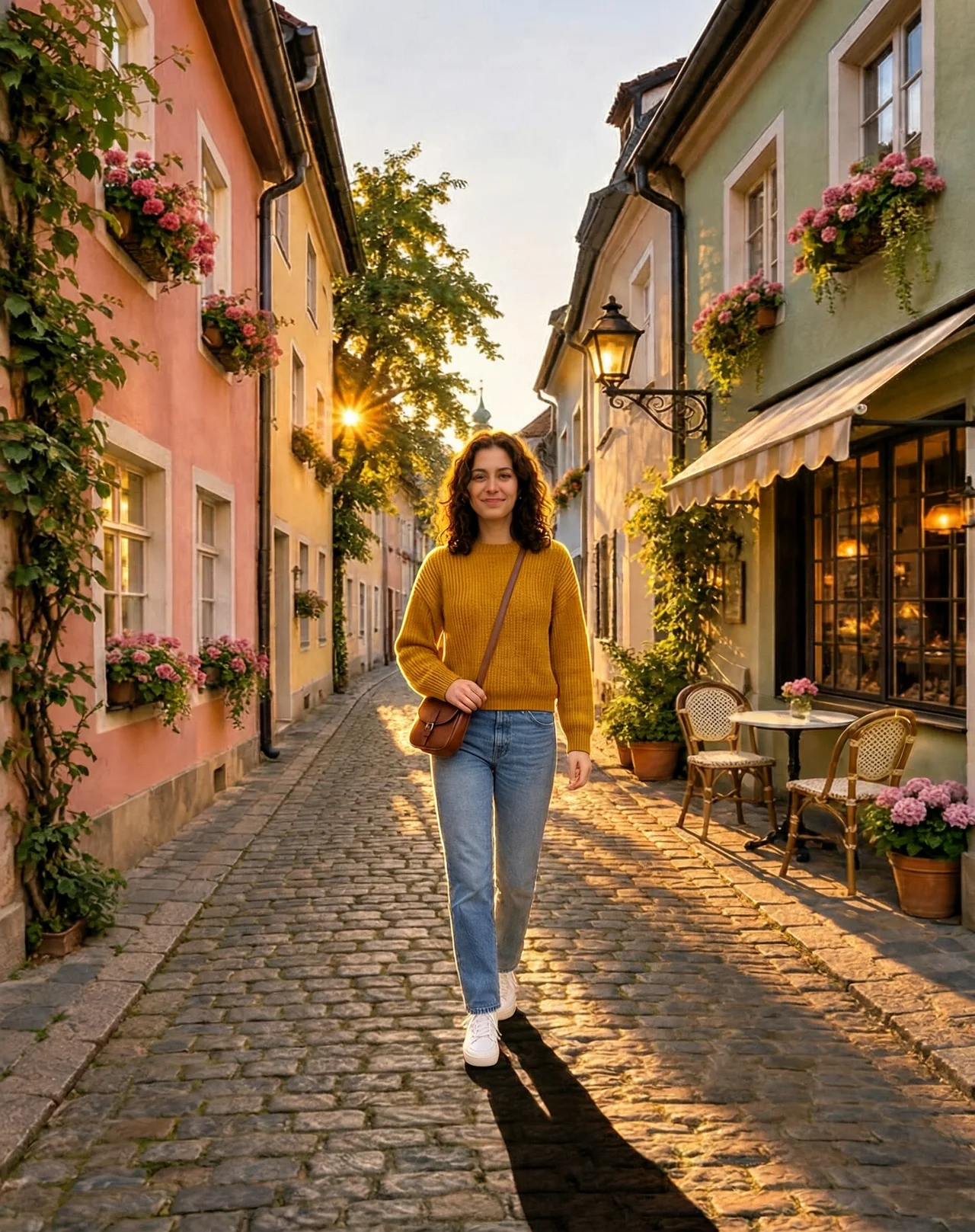
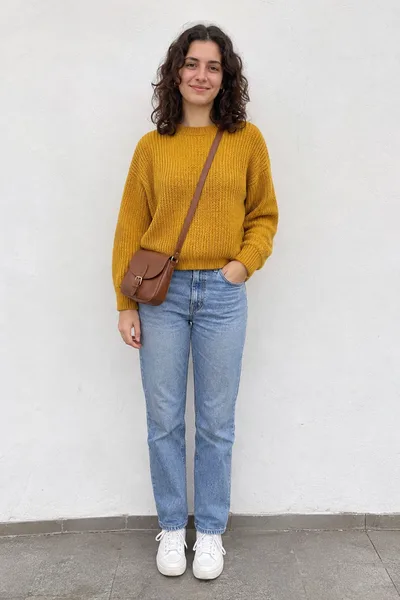
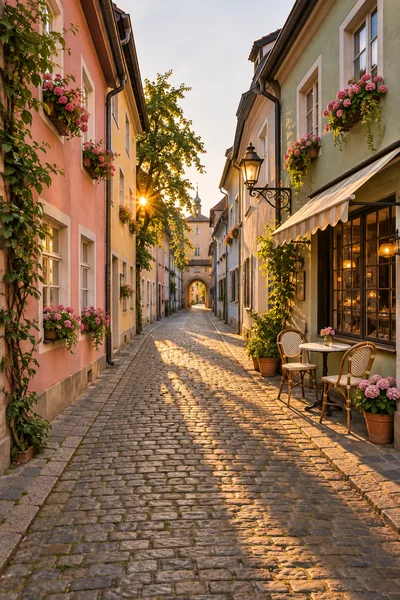
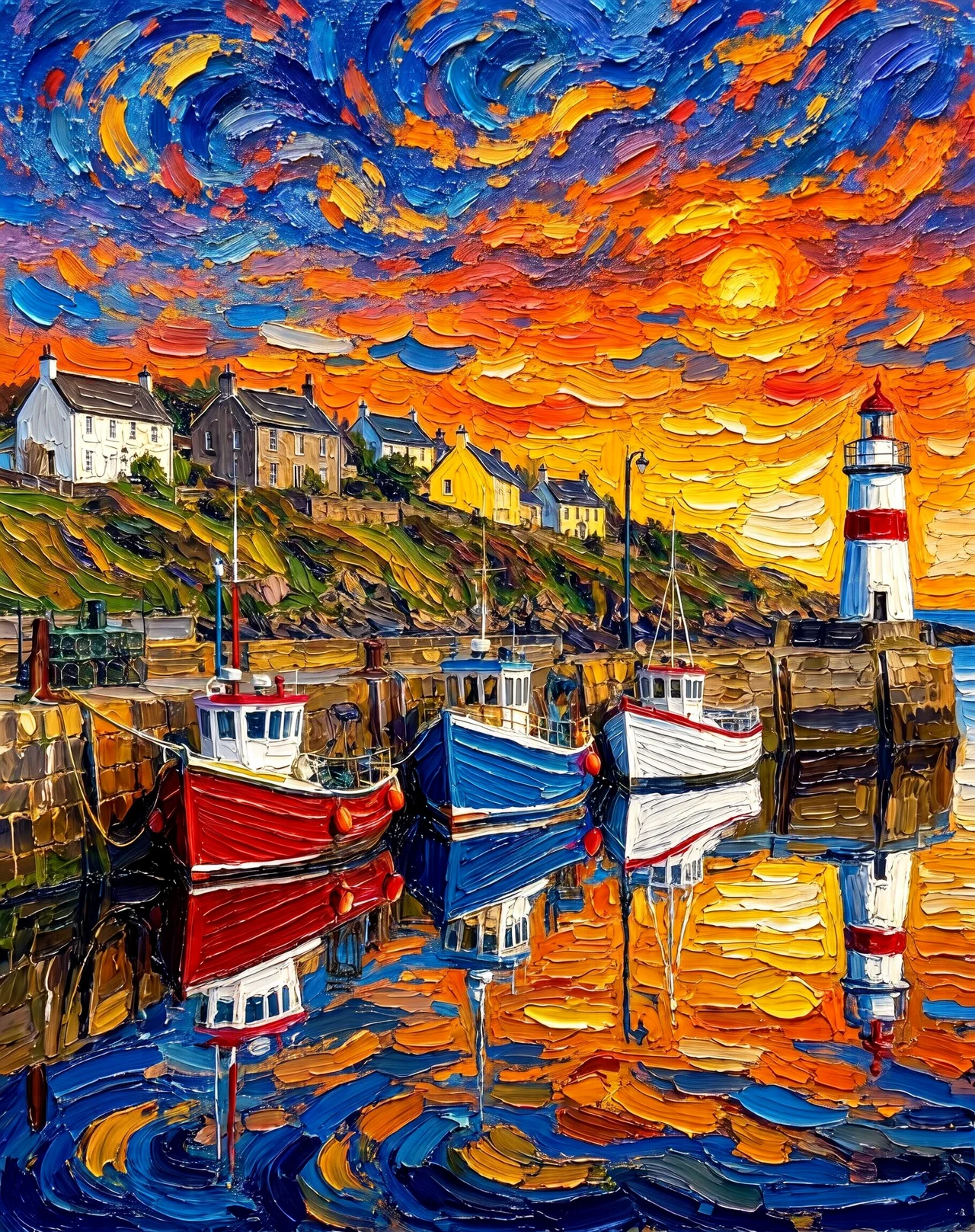
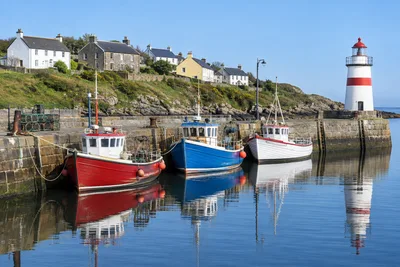
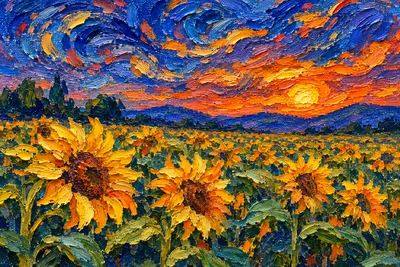
Every picture below was made with MiniMax H3 Image on PictCraft. Press Try this prompt and the generator above is set up the same way.
Made from a prompt only
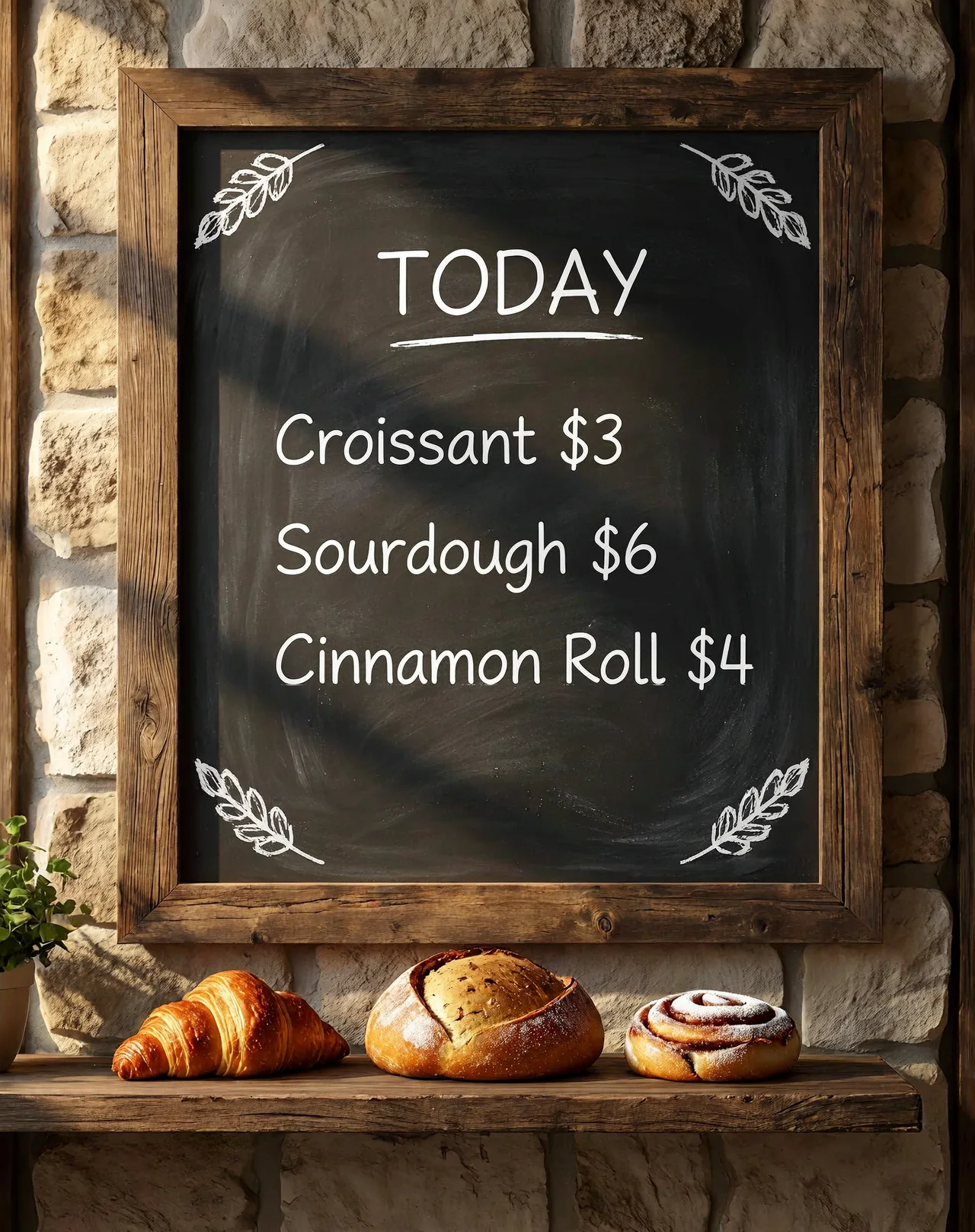
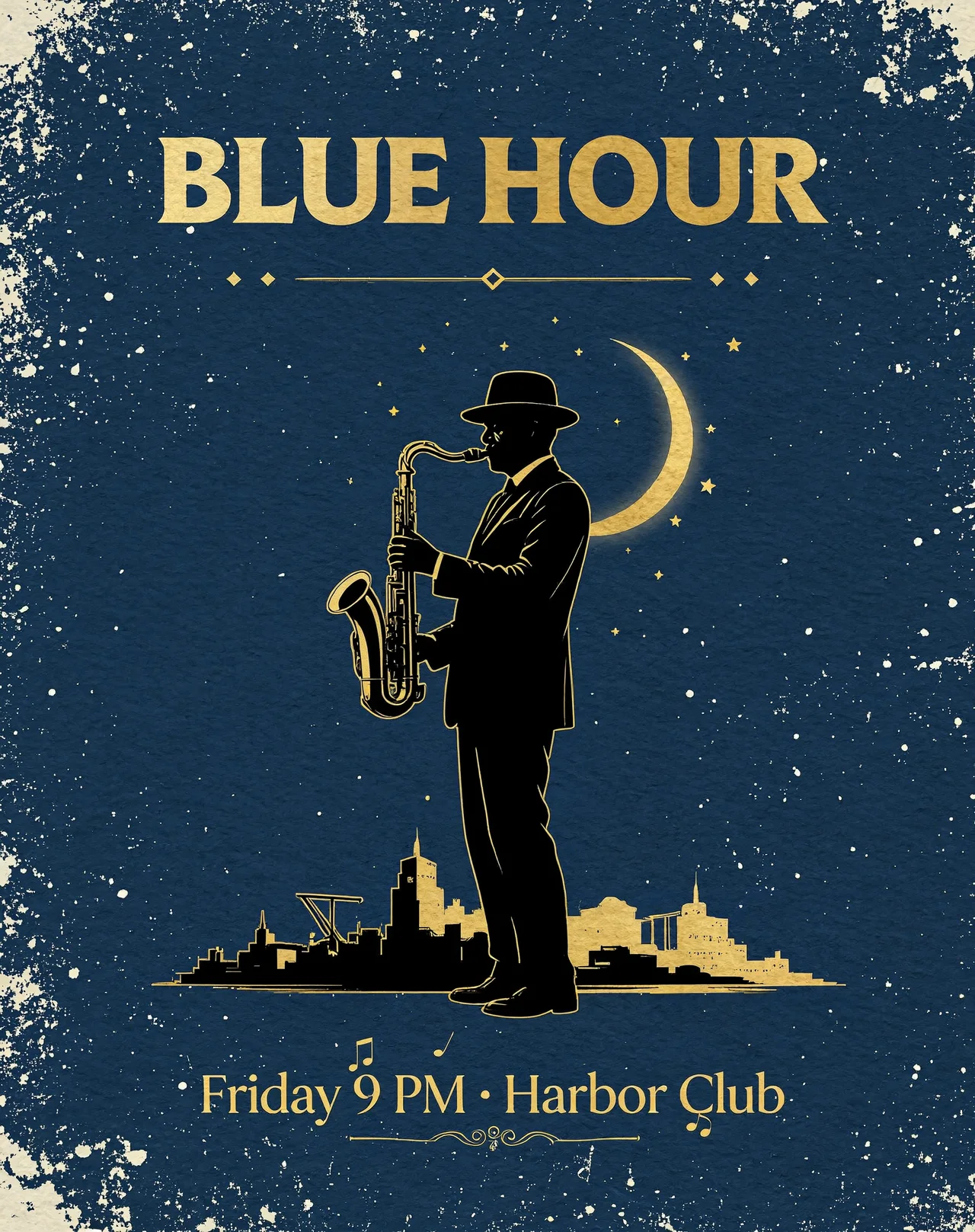
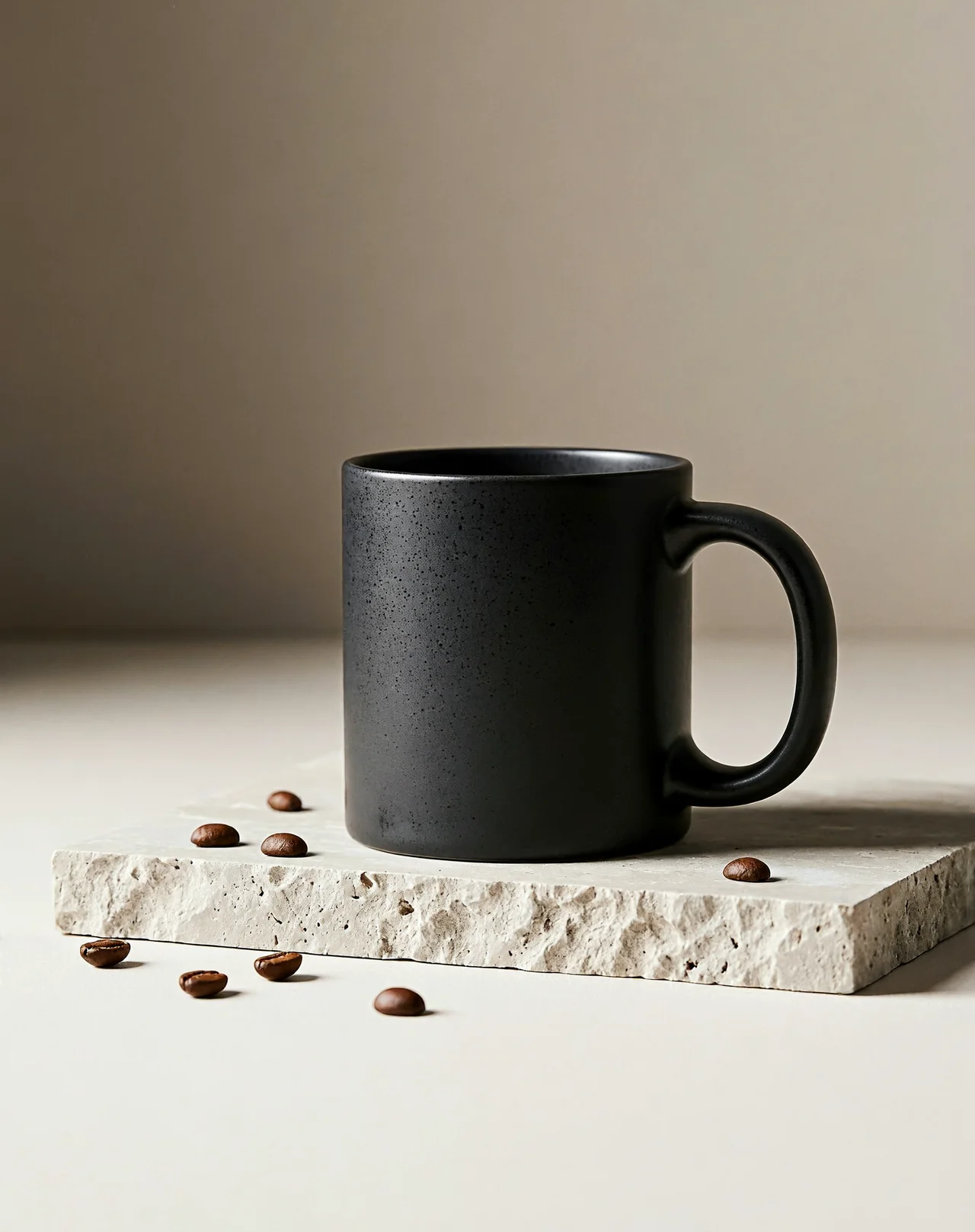
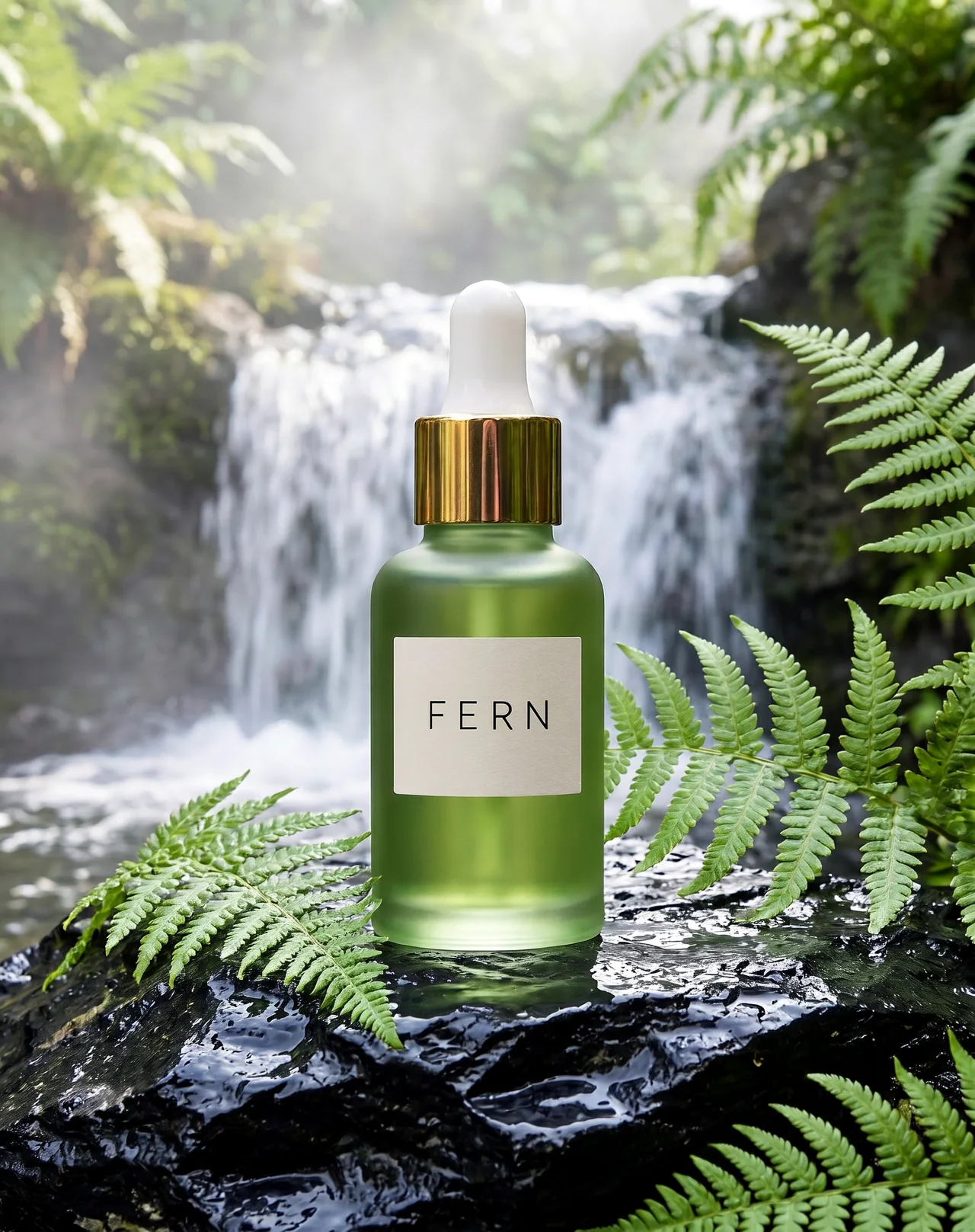
What is MiniMax H3 Image?
MiniMax H3 Image is an image model from MiniMax, released in November 2026 as part of the MiniMax H3 family. One model does two jobs: it creates images from a text prompt, and it edits images using the photos you give it as references.
It is built for large, detailed pictures. It can output up to about 16 megapixels (4096 × 4096) without an upscaler, and it is known for drawing text inside images correctly, from shop signs to poster titles.
MiniMax released the model weights openly, so developers can run it on their own GPUs. On PictCraft you don't need any of that: it runs in your browser, next to our image to image AI.
MiniMax H3 Image at a glance
| Maker | MiniMax |
|---|---|
| Released | November 2026 |
| Modes | Text to image, image editing with references |
| Max resolution | About 16 MP (4096 × 4096) |
| Reference images | Up to 16 in the model, up to 5 on PictCraft |
| Model size | 33.1B-parameter diffusion transformer |
| Weights | Open, under the MiniMax-H3-Image Community License |
| On PictCraft | 1K, 2K and 4K in 6 shapes, download with no watermark |
Where MiniMax H3 Image shines, and where it doesn't
- Text inside images: signs, labels, titles and short slogans come out spelled right.
- Big, sharp pictures: 2K and 4K results hold fine detail like hair, fabric and leaves.
- Following long prompts: it keeps track of several objects, colours and positions at once.
- Editing with references: combine a face, a product, a place or a style from different photos.
- Long paragraphs, tiny dense text, and letters with accents.
- Transparent backgrounds: every image comes out on a solid background.
- Changing one small area only: it redraws the whole picture, so say what to keep.
How to use MiniMax H3 Image online
- 1
Write or add
Type what you want to see. To edit, add up to 5 photos first. JPG, PNG or WEBP, up to 50 MB each.
- 2
Name your pictures
With several photos, call them Picture 1, Picture 2 and so on, in the order you added them. For example: put the bag from Picture 1 on the café table in Picture 2.
- 3
Pick a size and generate
Choose 1K, 2K or 4K and a shape. The cost in credits is shown on the button. Download the result with no watermark.
a sign that reads “OPEN 24/7”
keep the face and the outfit, change only the background
What people make with MiniMax H3 Image
Posters and social graphics
Get the headline already inside the picture, spelled the way you typed it.
Product photos
Take one plain shot of a product and place it in a kitchen, a forest or a studio set.
Characters
Keep the same person or mascot across several scenes for a story or a campaign.
Concept art
Sketch out game scenes, book covers and moods at 4K, with room to crop.
Mockups
See signs, packaging and menus with real words on them before anything is printed.
MiniMax H3 Image FAQ
Is MiniMax H3 Image free to use?
You can start for free after signing in with Google. Each image uses credits, and the cost is shown on the Generate button before you press it. See the pricing page for plans and credit packs.
What is MiniMax H3 Image?
An image model from MiniMax that creates pictures from text and edits pictures using reference photos. It came out in November 2026.
Is MiniMax H3 Image open source?
The weights are public on Hugging Face under the MiniMax-H3-Image Community License. That is an open-weights license with its own conditions, not a standard open-source license, so read it before you run the model yourself.
Can I use it without installing anything?
Yes. On PictCraft it runs in the browser on a phone or a computer. You don't need a GPU, ComfyUI or a download.
Can I run MiniMax H3 Image in ComfyUI?
Yes, ComfyUI has packaged model files for it, but you need a strong graphics card. If you just want results, use the generator on this page.
How many reference images can I use?
The model accepts up to 16. On PictCraft you can add up to 5 per image, and you refer to them as Picture 1, Picture 2 and so on in the prompt.
What resolution does it support?
PictCraft offers 1K, 2K and 4K. 4K is part of the Pro and Max plans.
How is it different from MiniMax H3?
MiniMax H3 is the wider model family. H3 Image is the member made for still pictures: creating them from text and editing them from photos.
Can it put text in an image?
Yes, and it is one of its strengths. Put the exact words in quotes in your prompt. Short lines work best.
Is there a watermark?
No. It is still an AI-generated picture, so say so when you share it.
Are there limits on what I can make?
Yes. Nudity, sexual content and anything that sexualizes minors are not allowed. Prompts and images are checked before an image is generated.
What happens to the photos I upload?
Your uploads and results are saved to your account so you can find them again, and they stay there until you delete them. Only you can see them.