MAI Image 2.7 Online Free
Write a prompt or add your photos, and Microsoft’s MAI Image 2.7 makes the picture. Its strength is precise editing: change one object’s colour, material or position, and the rest of the image stays as it was. Sign in with Google to start for free, with no watermark.
- Text to image
- Precise photo editing
- Transparent PNG
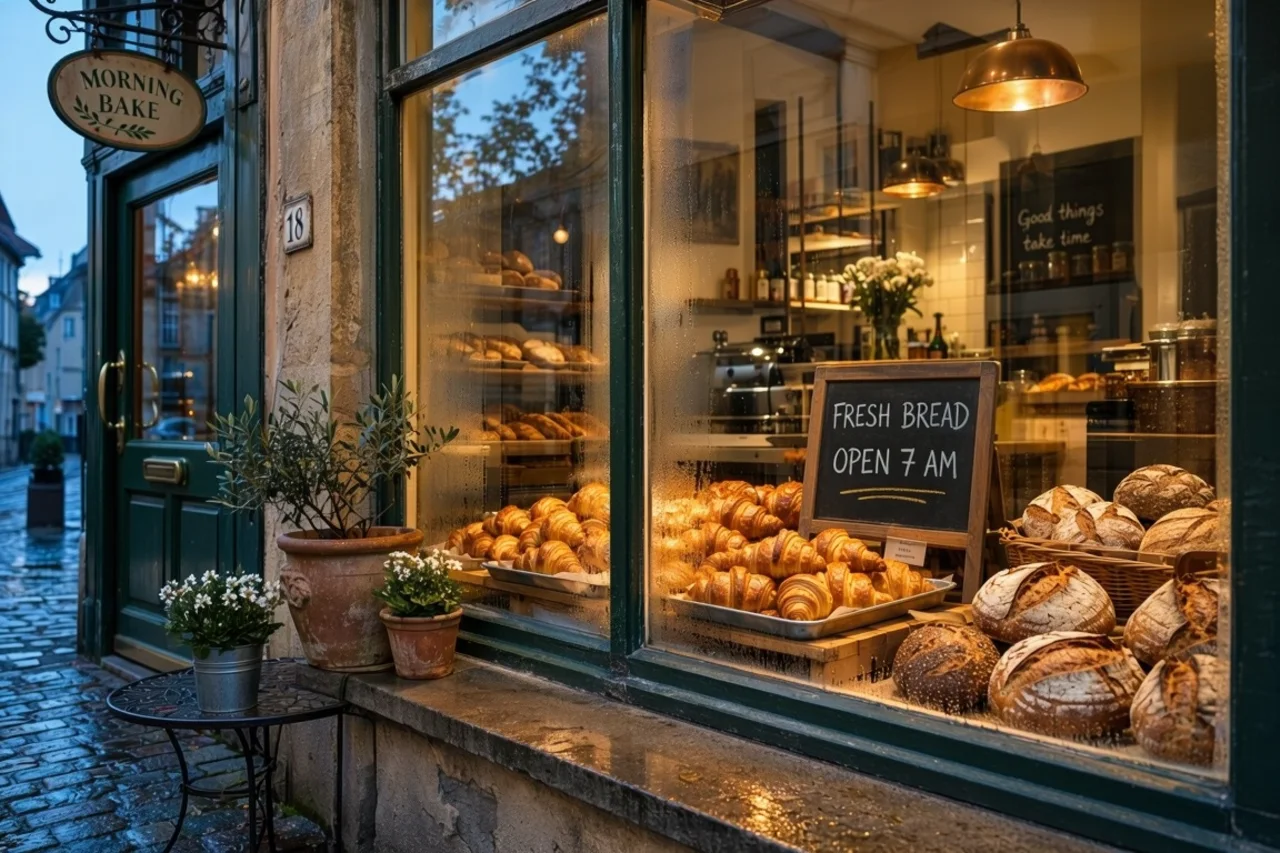
What MAI Image 2.7 can make
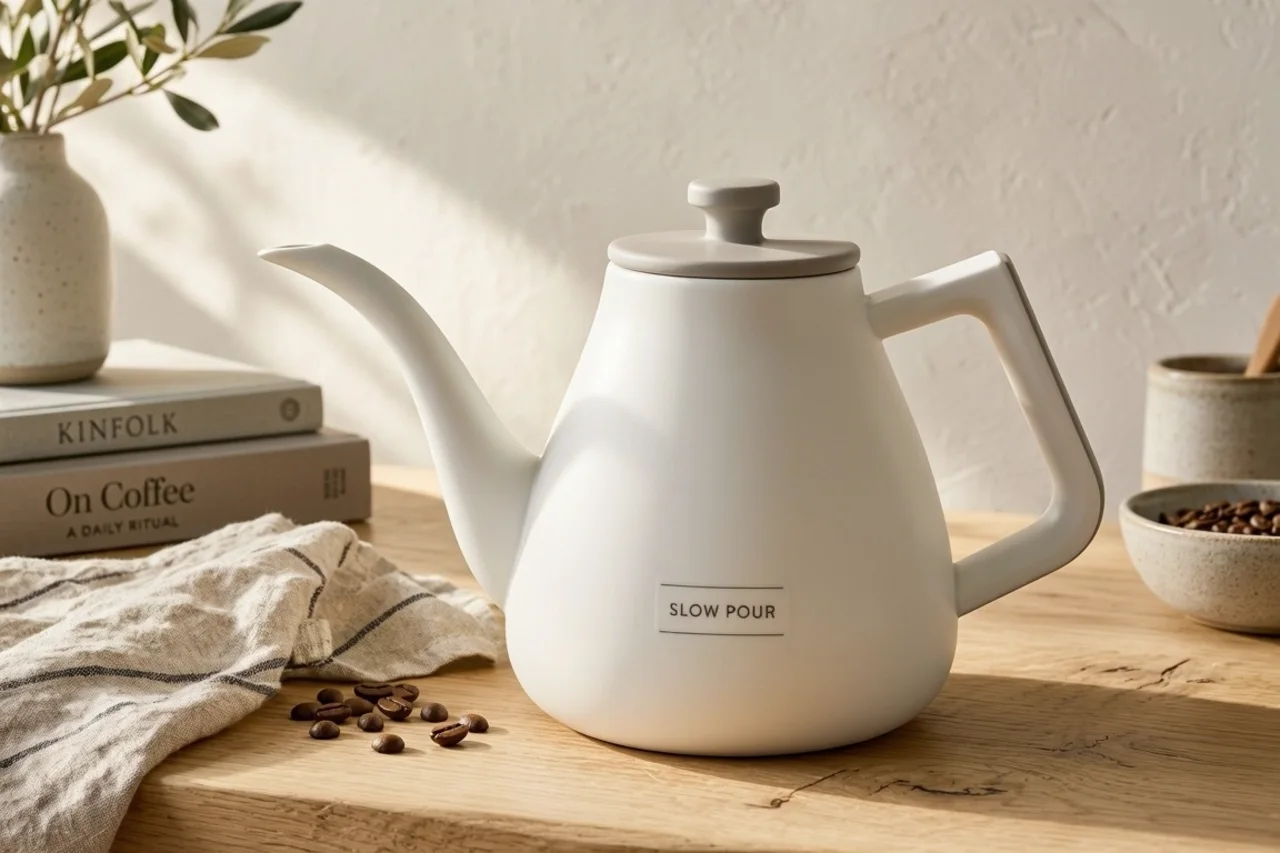
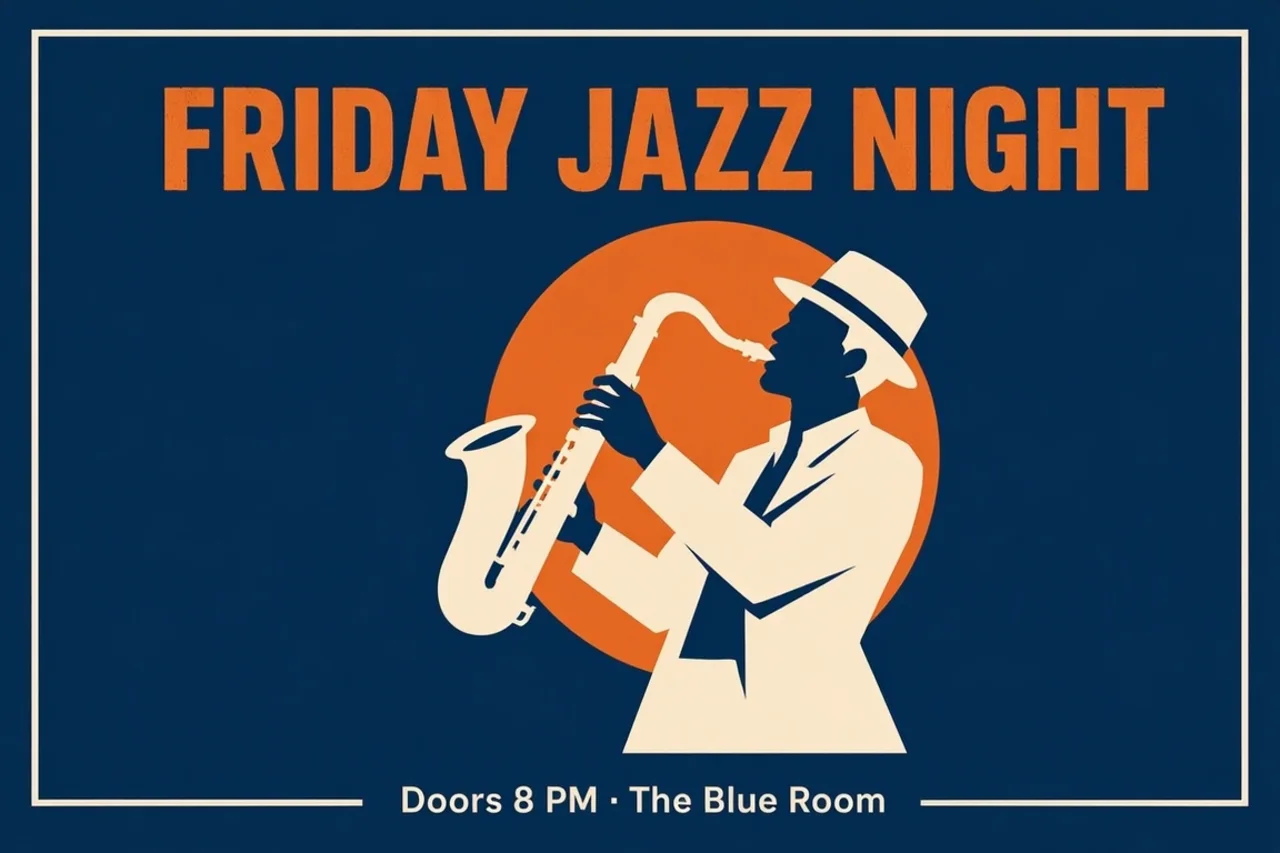
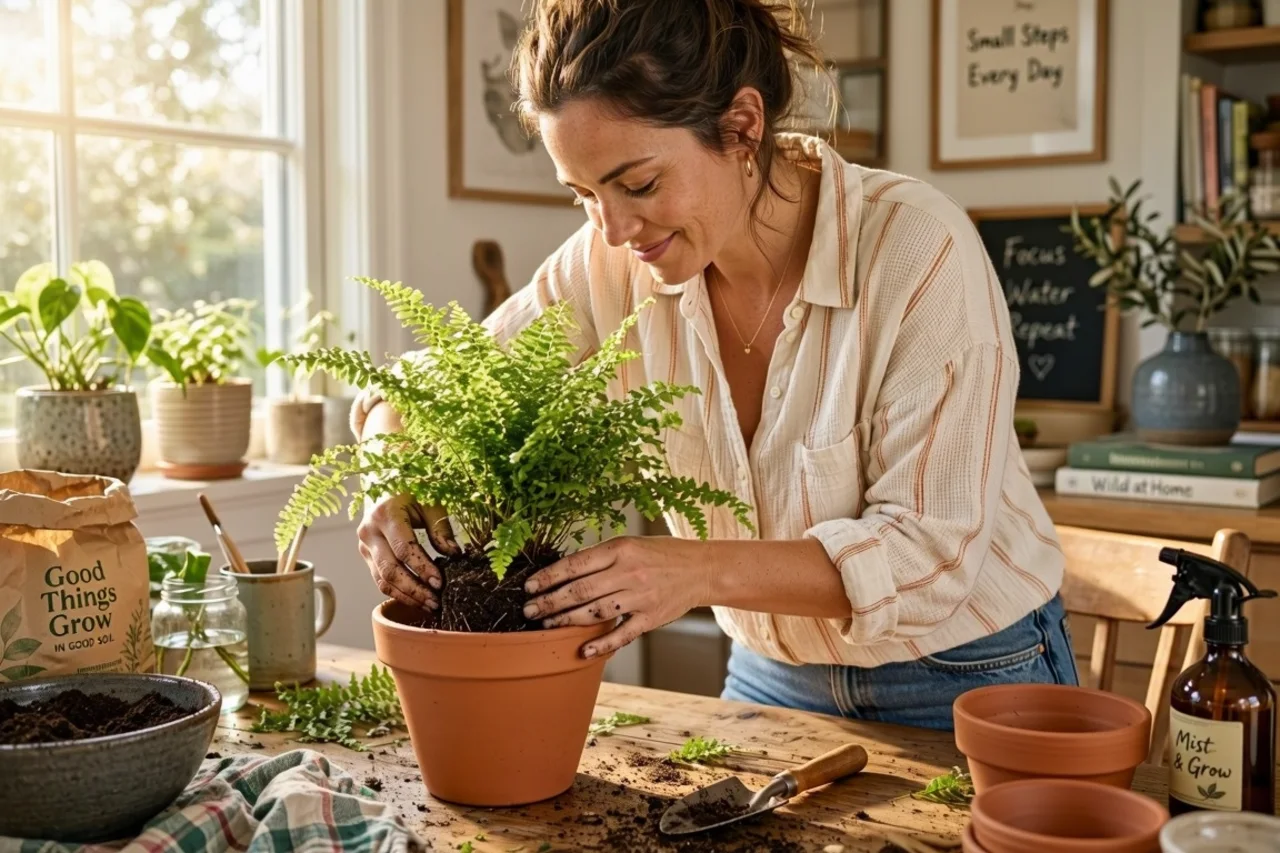
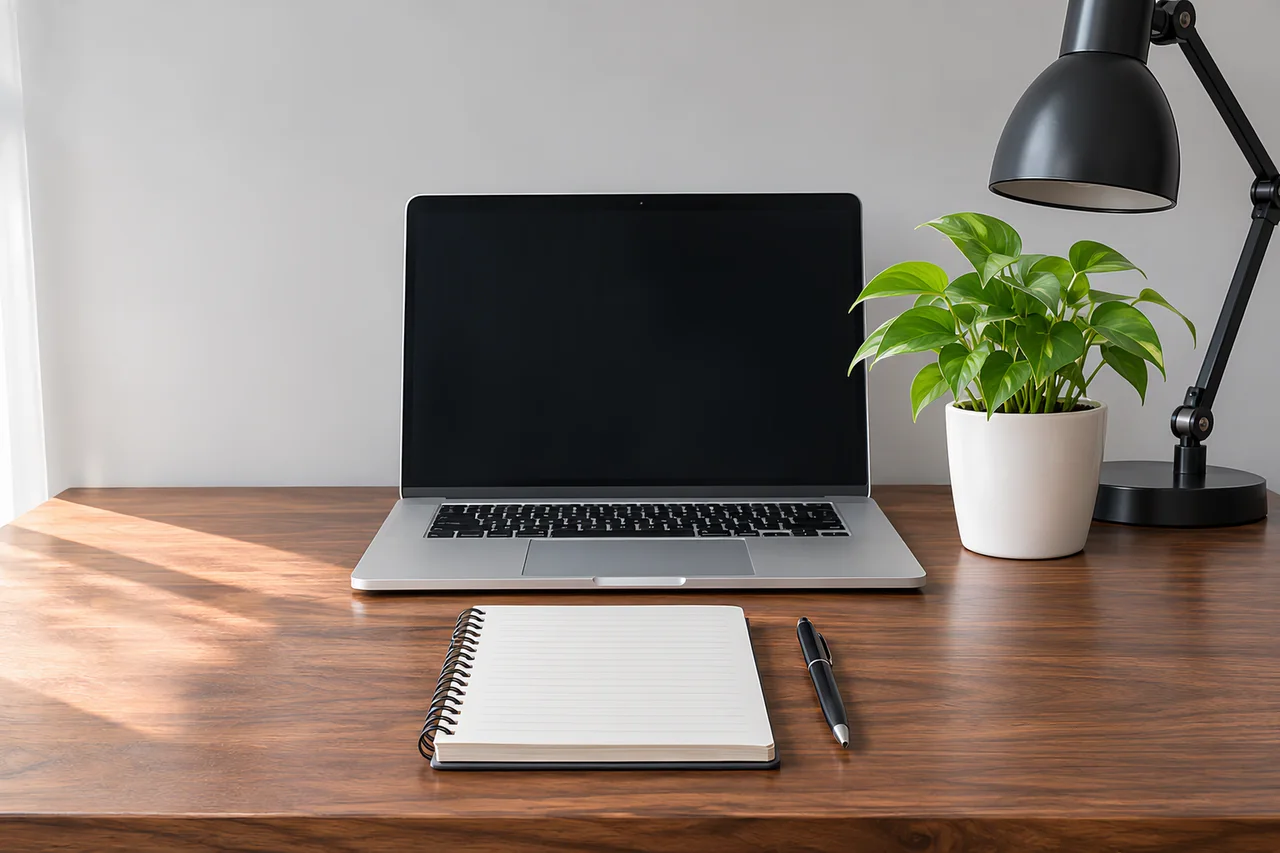
Every picture below was made with MAI Image 2.7. Press Try this prompt and the generator above is set up the same way.
Made from a prompt only
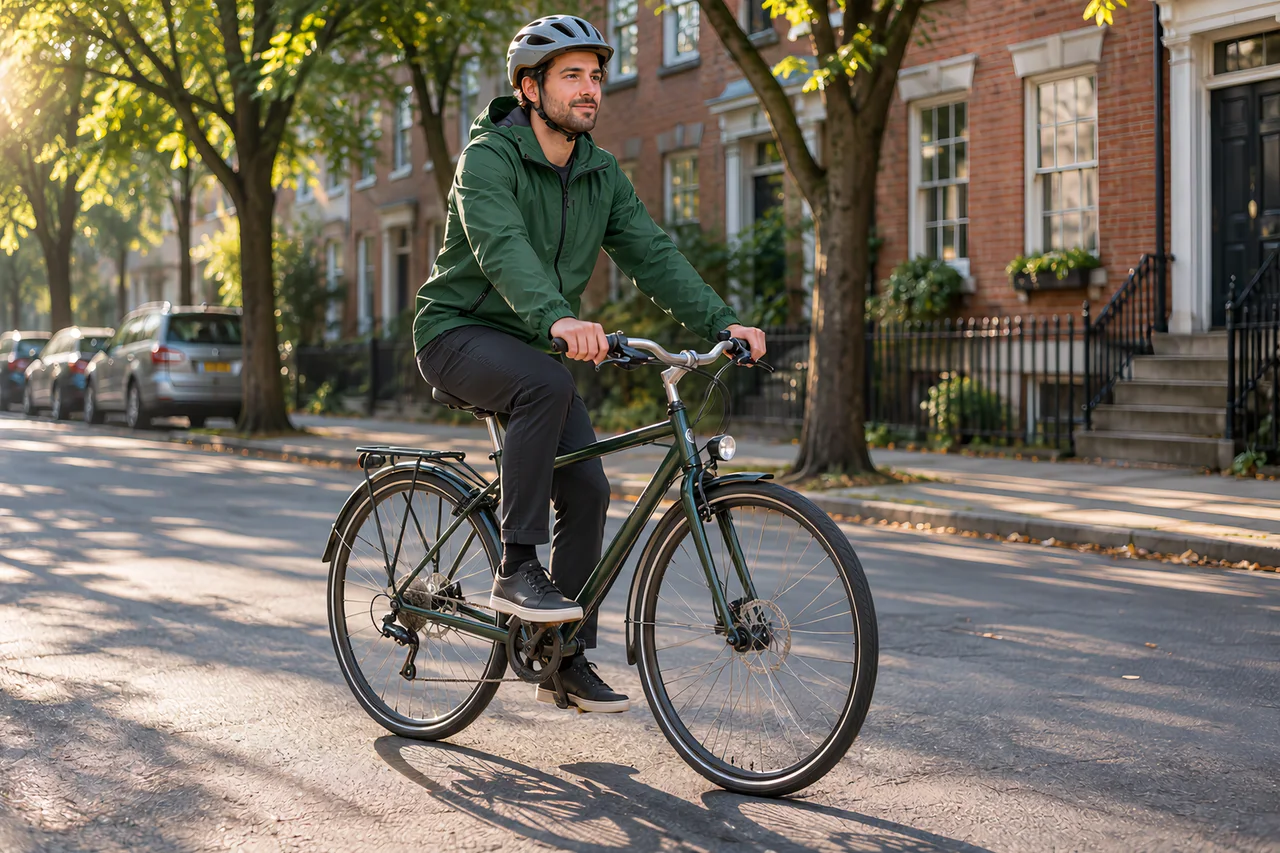
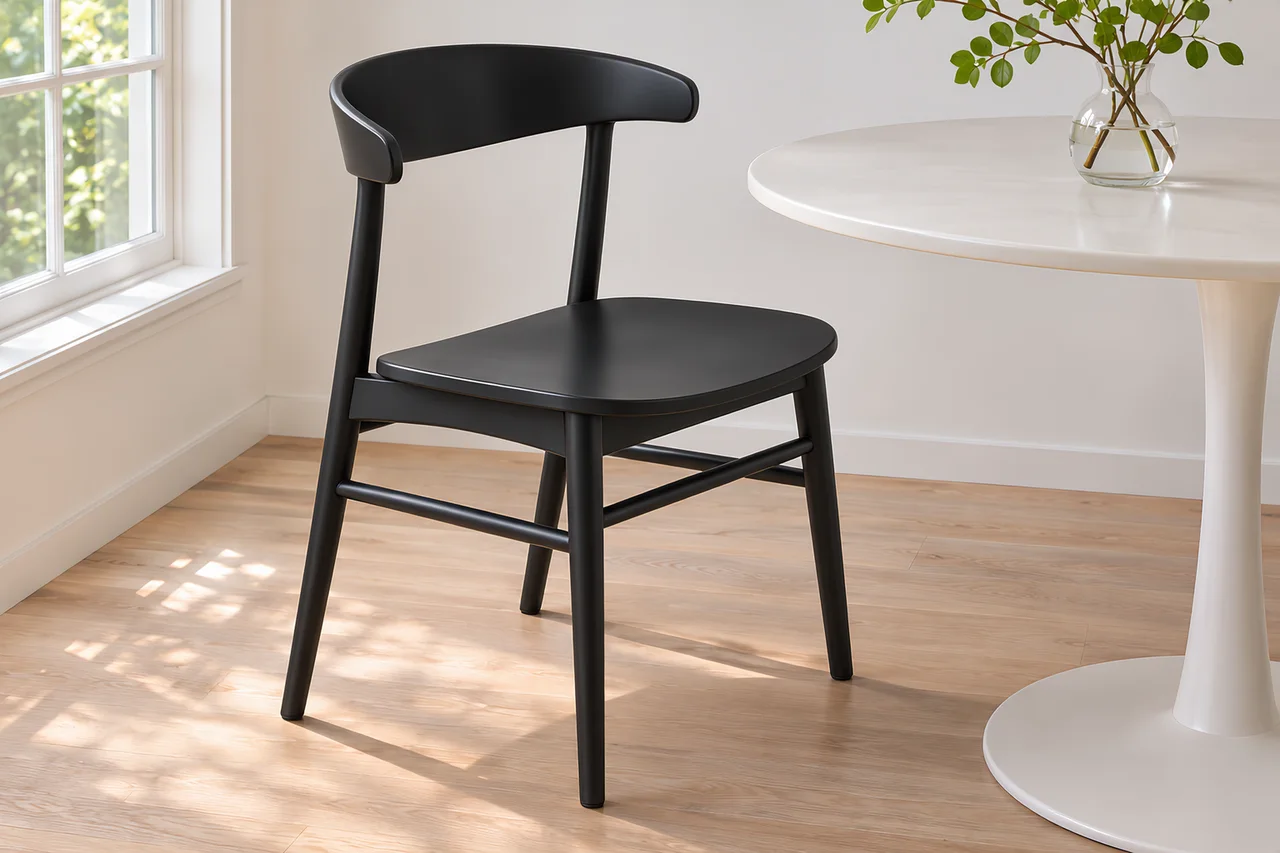
What is MAI Image 2.7?
MAI Image 2.7 is an image model from Microsoft AI. An editing-only preview came out on October 27, 2026, and the full model, with text to image, went into public preview on November 17, 2026. It creates images from a text prompt and edits the photos you give it.
Its main promise is fine-grained editing. You can change an object’s colour, material or position without disturbing the rest of the image, and the picture stays consistent when you edit it several times in a row. Microsoft reports that it ranks first on the Artificial Analysis image editing leaderboard, with 1,215 Elo as of November 16, 2026. It can also leave the background transparent, which suits product images, logos, icons and illustrations.
On PictCraft it runs in your browser with nothing to install, next to our image to image AI and the other models. The faster, cheaper MAI Image 2.7 Flash is a separate model and is not offered here.
MAI Image 2.7 at a glance
| Maker | Microsoft AI |
|---|---|
| Released | November 17, 2026 (public preview); editing preview on October 27 |
| Modes | Text to image, image editing with reference photos |
| Editing | Changes one object’s colour, material or position and leaves the rest |
| Transparent backgrounds | Yes, as a PNG you can drop onto any design |
| Editing leaderboard | #1 on Artificial Analysis, 1,215 Elo (November 16, 2026, reported by Microsoft) |
| Same family | MAI Image 2.7 Flash, a faster and cheaper version |
| On PictCraft | 1K and 2K in 6 shapes, up to 5 photos, no watermark |
Where MAI Image 2.7 shines, and where it doesn't
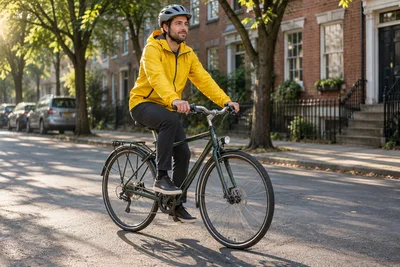
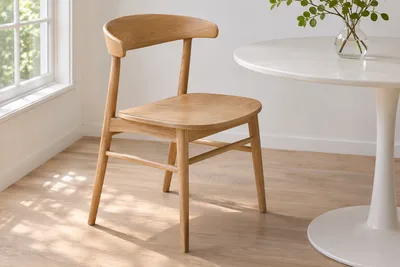
- One-object edits: recolour a jacket, turn a wooden chair into metal or move a vase, and the rest of the photo stays put.
- Editing in steps: the picture stays consistent when you make one change after another.
- Following the prompt: what you describe is what appears, including where things sit in the frame.
- Transparent backgrounds: product cut-outs, logos, icons and stickers come out ready to place.
- 4K: MAI Image 2.7 goes up to 2K. For 4K, switch to another model in the generator.
- Price with photos: each photo you add costs 2 more credits, and 2K costs more than on most models here.
- It is still a preview: Microsoft may change how it behaves before the final release.
How to use MAI Image 2.7 online
- 1
Write or add
Type what you want to see. To edit, add up to 5 photos first. JPG, PNG or WEBP, up to 50 MB each.
- 2
Name the object and the change
Say which object changes and how: its colour, its material or where it sits. Then tell it to keep the rest. With several photos, call them Picture 1, Picture 2.
- 3
Pick a size and generate
Choose 1K or 2K and a shape. For a logo or a cut-out, set Background to Transparent. The cost in credits is shown on the button.
change the mug from white to cobalt blue, keep the table, the hand and the light the same
download the new picture, add it as your photo, and ask for the next edit
What people make with MAI Image 2.7
Product colourways
Show one product photo in every colour or finish you sell, without shooting each one.
Interior and furniture ideas
Change the material of a table, the colour of a wall or the place of a lamp in a photo of a real room.
Logos and icons
Make a mark or an icon on a transparent background and drop it straight into a design.
Ad variations
Keep the layout and the product, and change one element for each audience or season.
Photo fixes
Move an object that sits in the wrong place, or recolour one item that clashes with the rest.
Illustrations and diagrams
Turn a description into a clean illustration, then adjust one part at a time.
MAI Image 2.7 FAQ
Is MAI Image 2.7 free to use?
You can start for free after signing in with Google. Each image uses credits, and the cost is shown on the Generate button before you press it. See the pricing page for plans and credit packs.
What is MAI Image 2.7?
An image model from Microsoft AI, in public preview since November 17, 2026. It creates pictures from text and edits pictures you upload, and it is built for precise changes to one object at a time.
Who makes MAI Image 2.7?
Microsoft AI, the team behind the MAI model family. MAI Image models are also the default in Bing Image Creator. PictCraft is independent and not affiliated with Microsoft.
What can it change in a photo?
An object’s colour, its material or its position, while the rest of the image stays the same. Name the object and the change, then tell it to keep everything else.
Can MAI Image 2.7 make images from text only?
Yes. The October preview could only edit; since November 17, 2026 the model also does text to image. Leave the photo area empty and describe the picture.
How many reference images can I use?
Up to 5 per image. Refer to them as Picture 1, Picture 2 and so on in the prompt. Each photo adds 2 credits to the cost, which is shown on the Generate button.
What resolution does it support?
1K and 2K. MAI Image 2.7 has no 4K mode. If you need 4K, pick another model in the generator; 4K is part of the Pro and Max plans.
Can MAI Image 2.7 make transparent backgrounds?
Yes. Pick MAI Image 2.7, open the settings and set Background to Transparent. The result is a PNG with a see-through background.
What is MAI Image 2.7 Flash?
A faster and cheaper version that Microsoft released on the same day. PictCraft offers the full MAI Image 2.7, not Flash.
MAI Image 2.7 or GPT Image 2.5: which should I use?
Both are in the generator on this page, so you can run the same prompt on each. Microsoft reports that MAI Image 2.7 leads the Artificial Analysis editing leaderboard; GPT Image 2.5 offers 4K here and MAI Image 2.7 does not.
Is there a watermark?
No. PictCraft adds no watermark or label to your images. It is still an AI-generated picture, so say so when you share it.
Are there limits on what I can make?
Yes. Nudity, sexual content and anything that sexualizes minors are not allowed. Prompts and images are checked before an image is generated.
What happens to the photos I upload?
Your uploads and results are saved to your account so you can find them again, and they stay there until you delete them. Only you can see them.