Free AI Christmas Photo Generator
Upload a photo of yourself, the two of you, the whole family or the dog, and get it back as a Christmas photo: by the fireplace, at the tree farm, on a snowy porch. Every face stays the one your relatives know. Someone missing from the picture? Add their photo too. Sign in with Google to start for free, with no watermark.
- 12 Christmas scenes
- Every face, kept
- No watermark
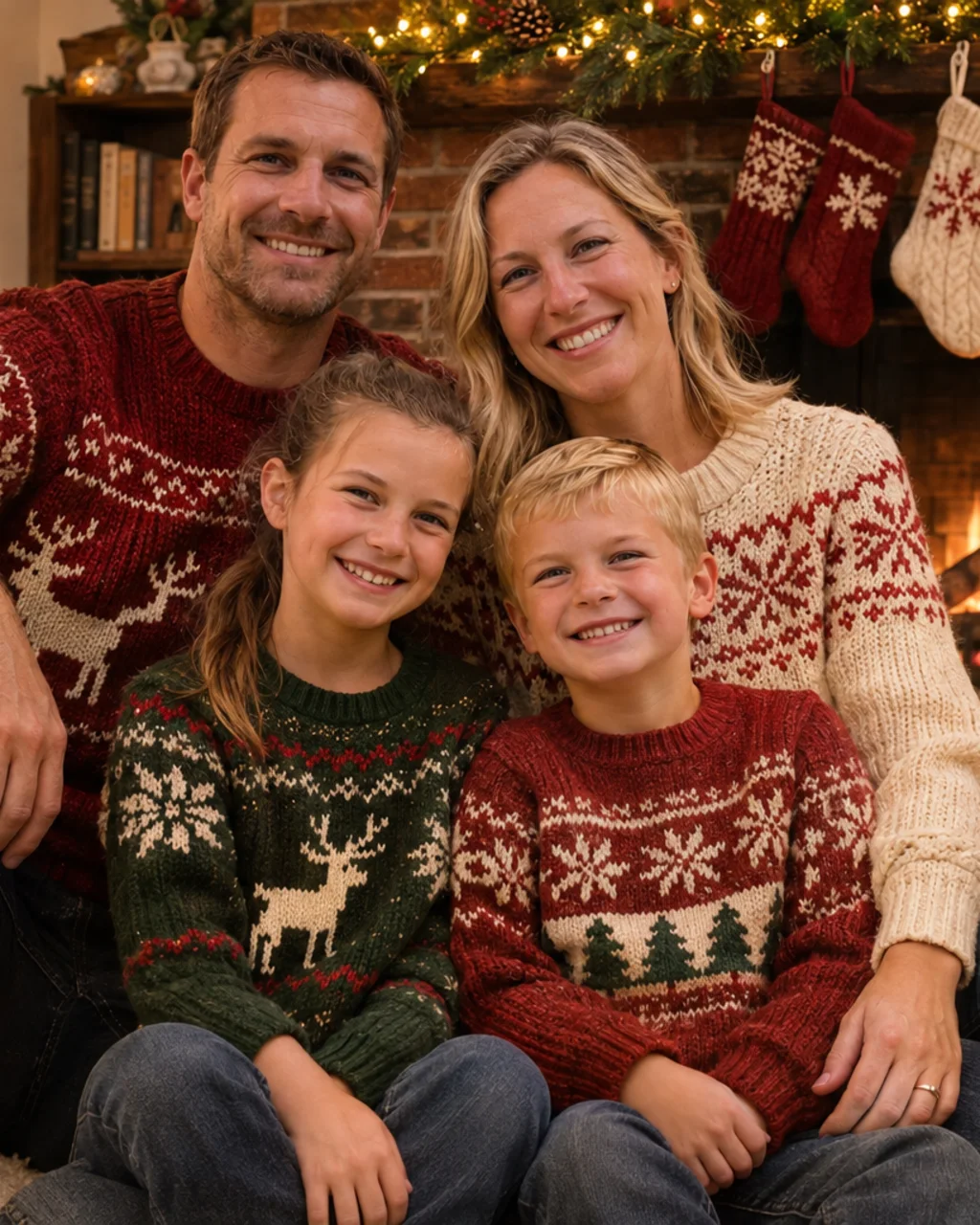
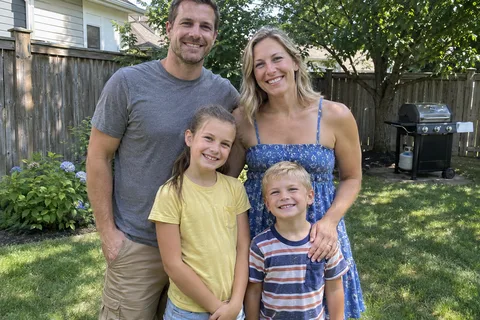
AI Christmas photo ideas: 12 scenes, one tap each
Pick a scene and the generator above is set up the same way, prompt included. You only add your own photos.
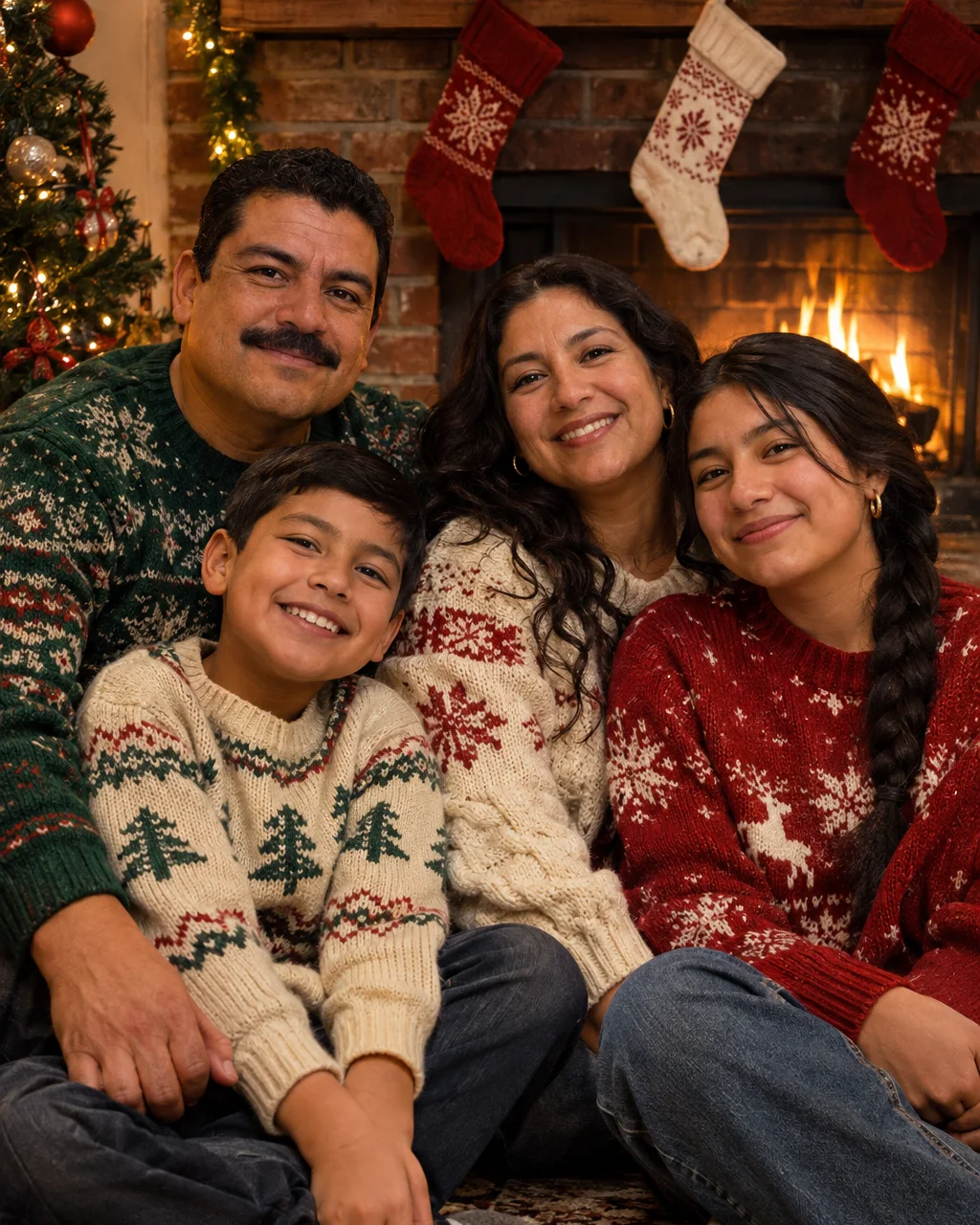
By the fireplace
Use this scene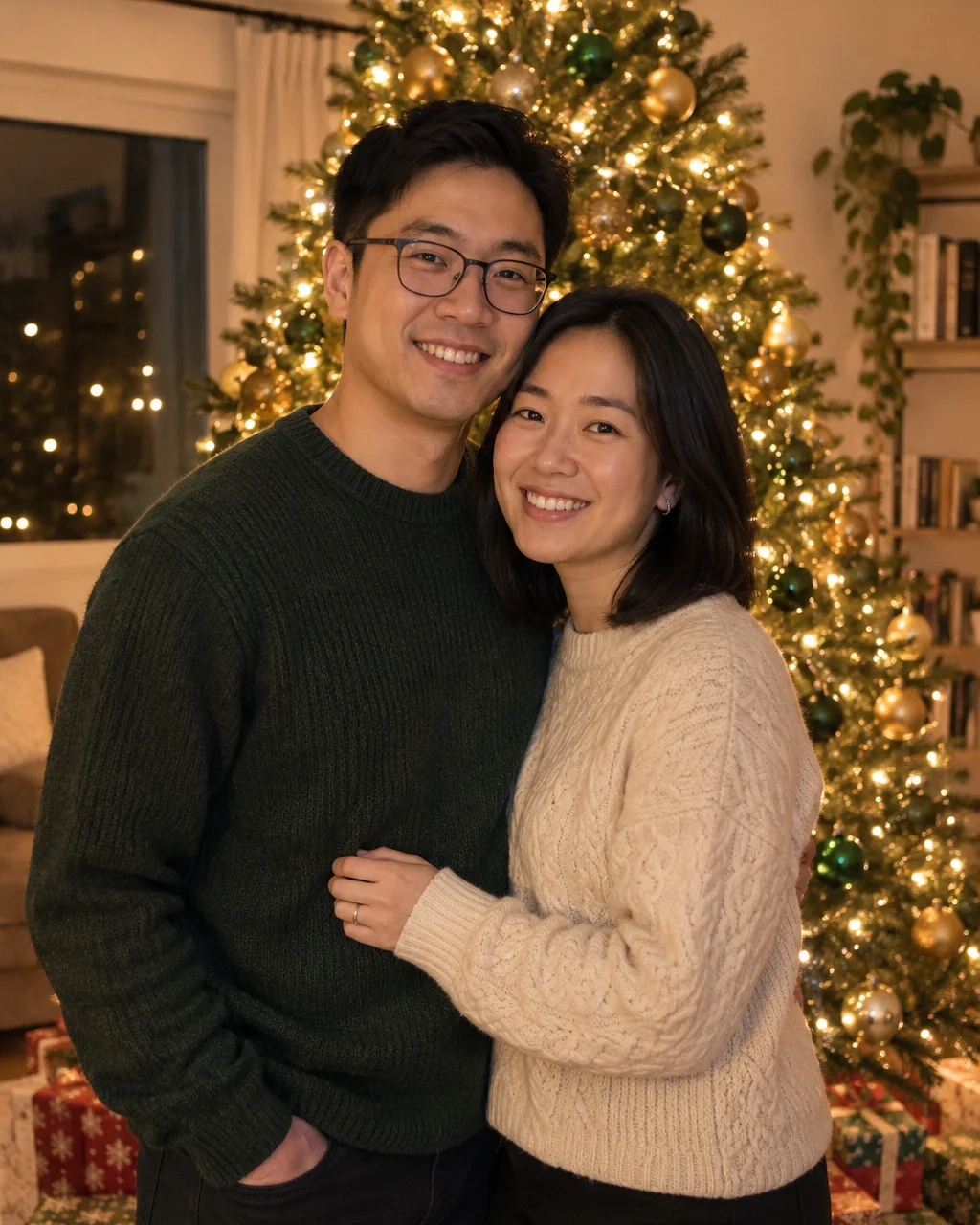
Christmas tree
Use this scene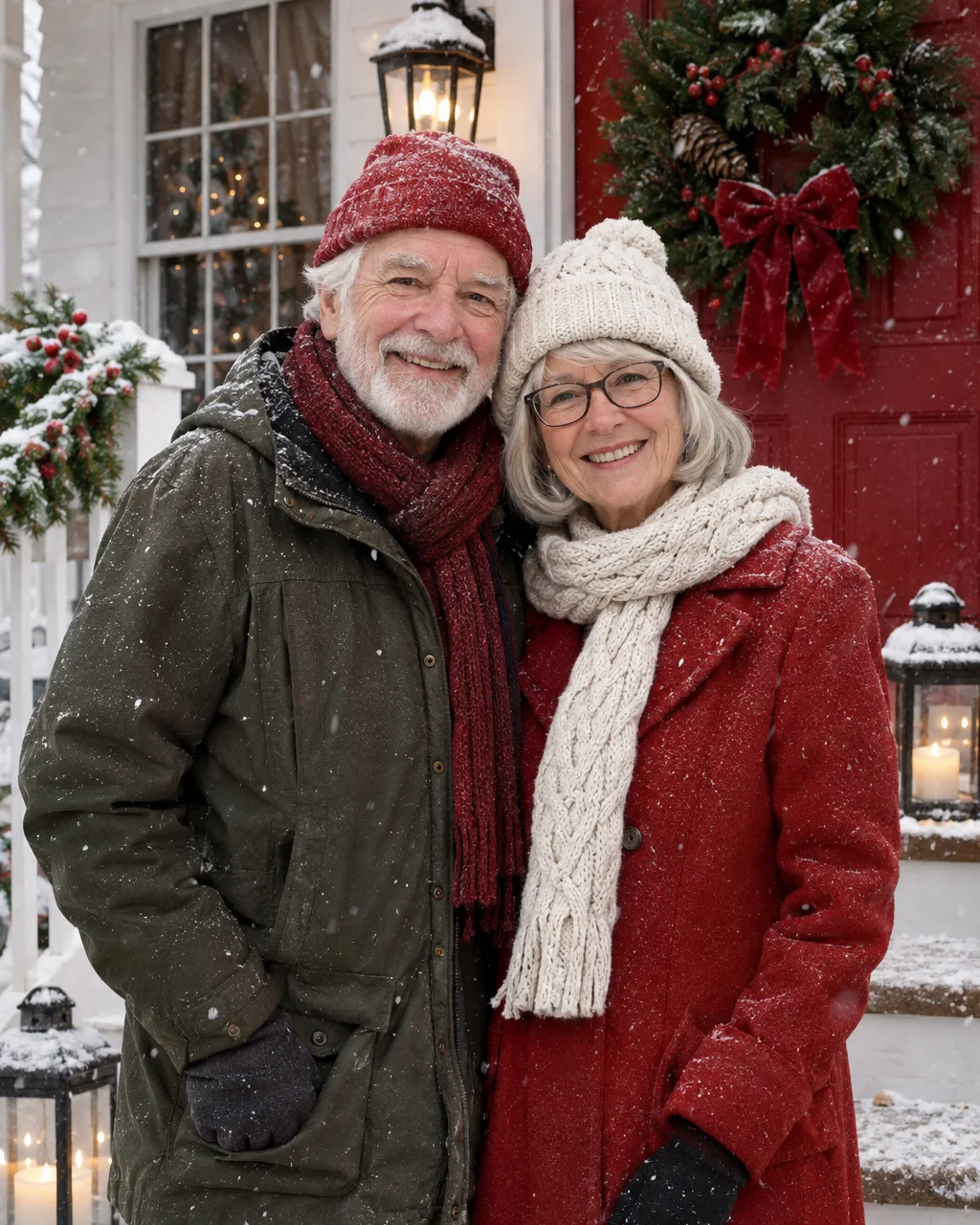
Snowy front porch
Use this scene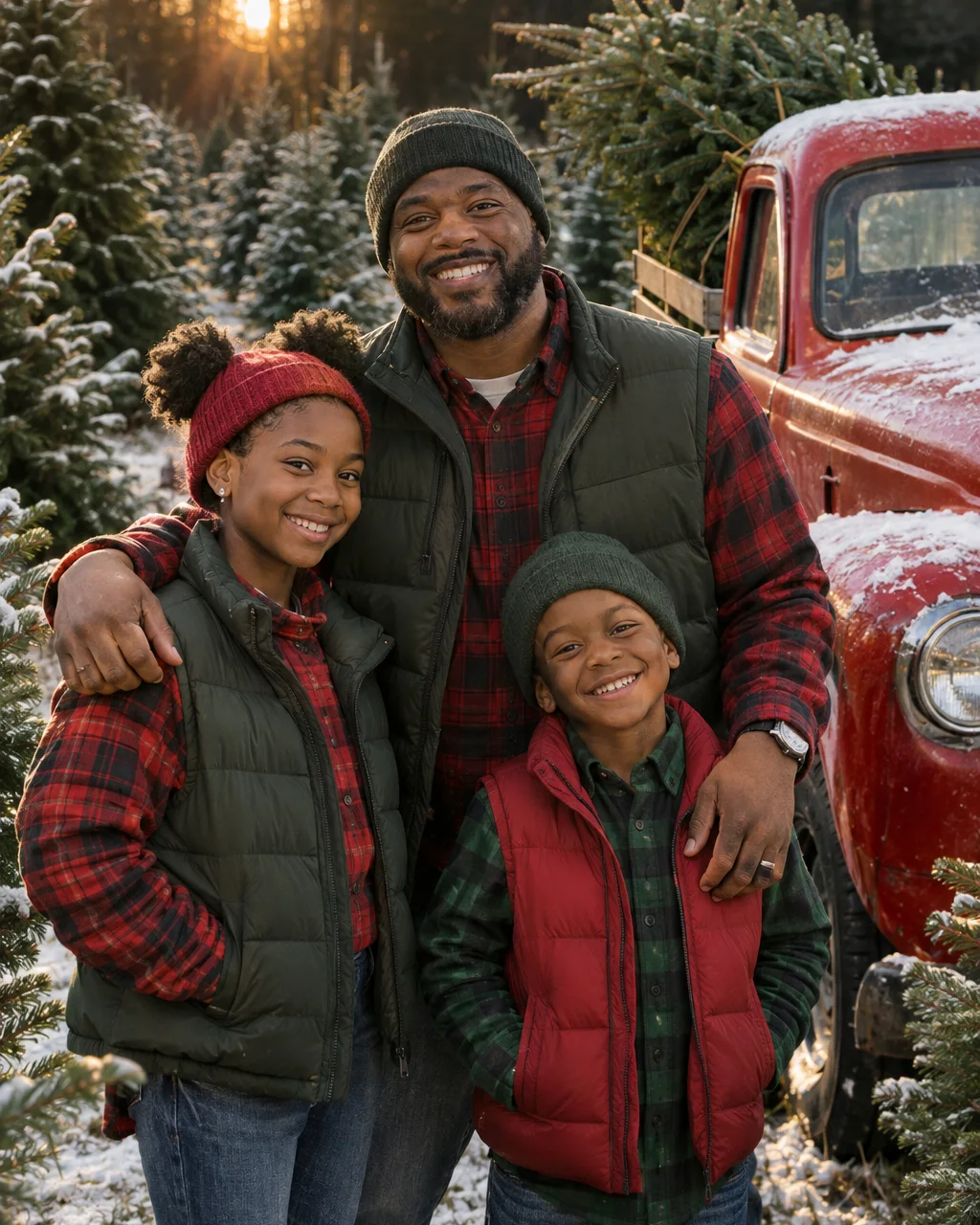
Tree farm
Use this scene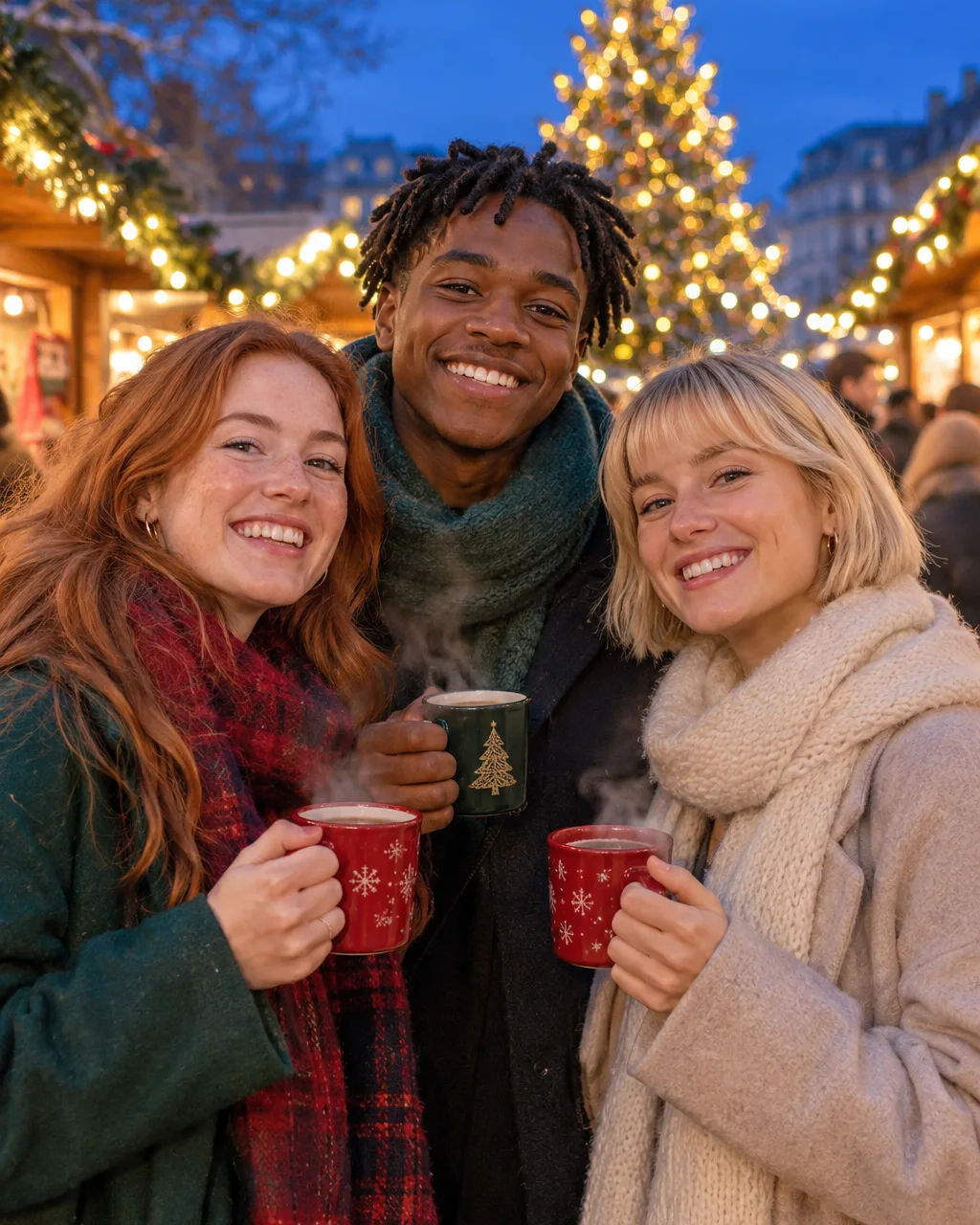
Christmas market
Use this scene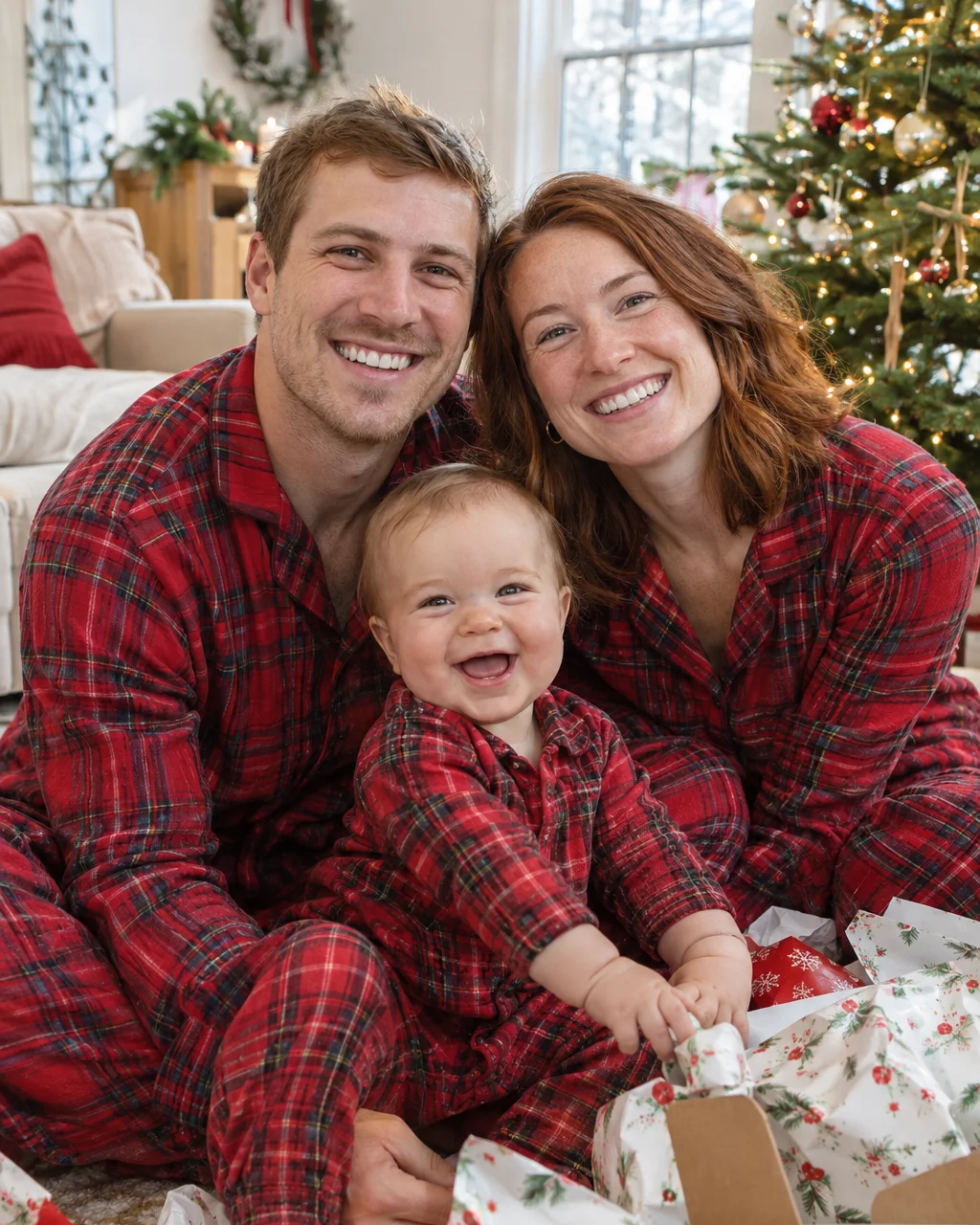
Christmas morning
Use this scene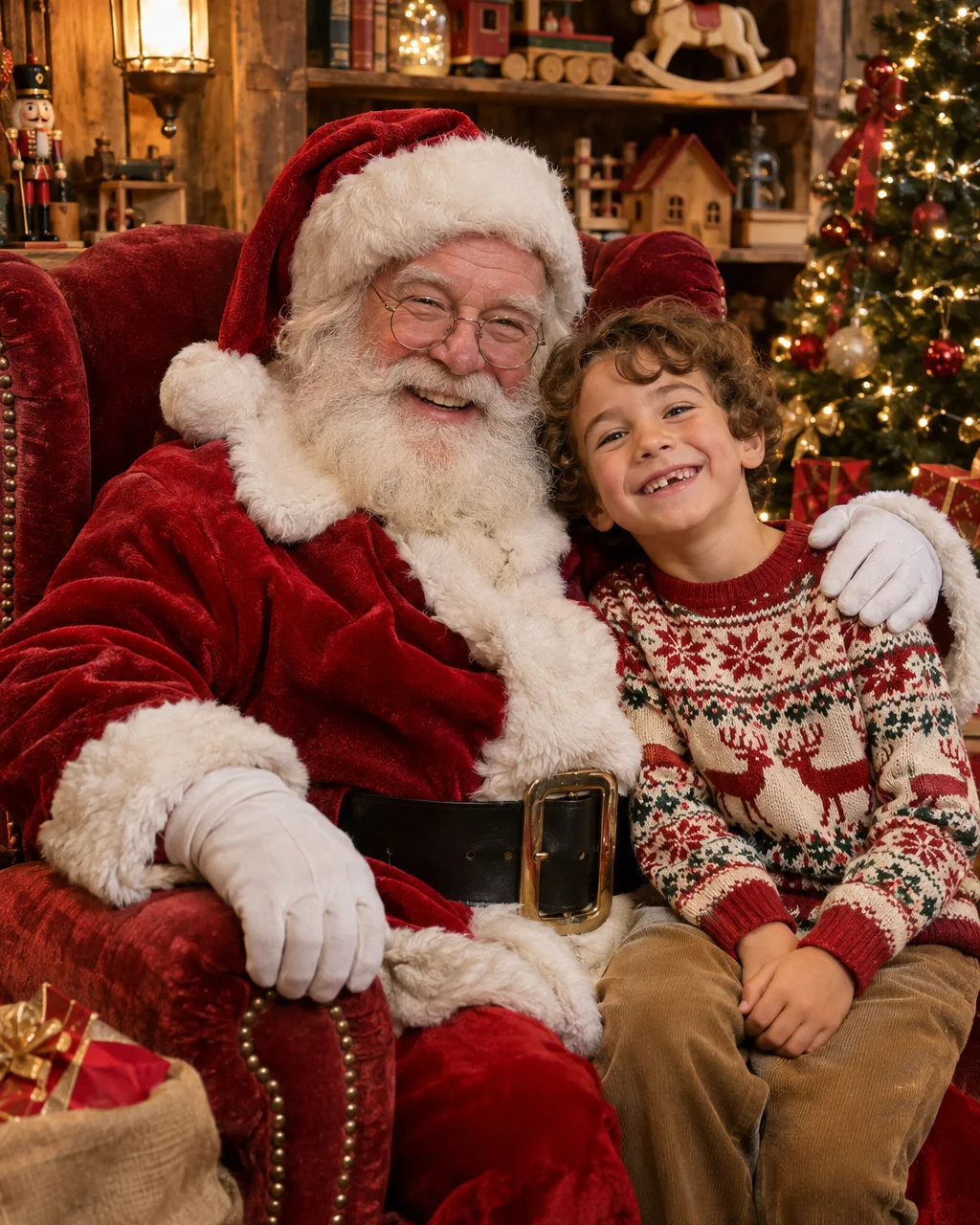
With Santa
Use this scene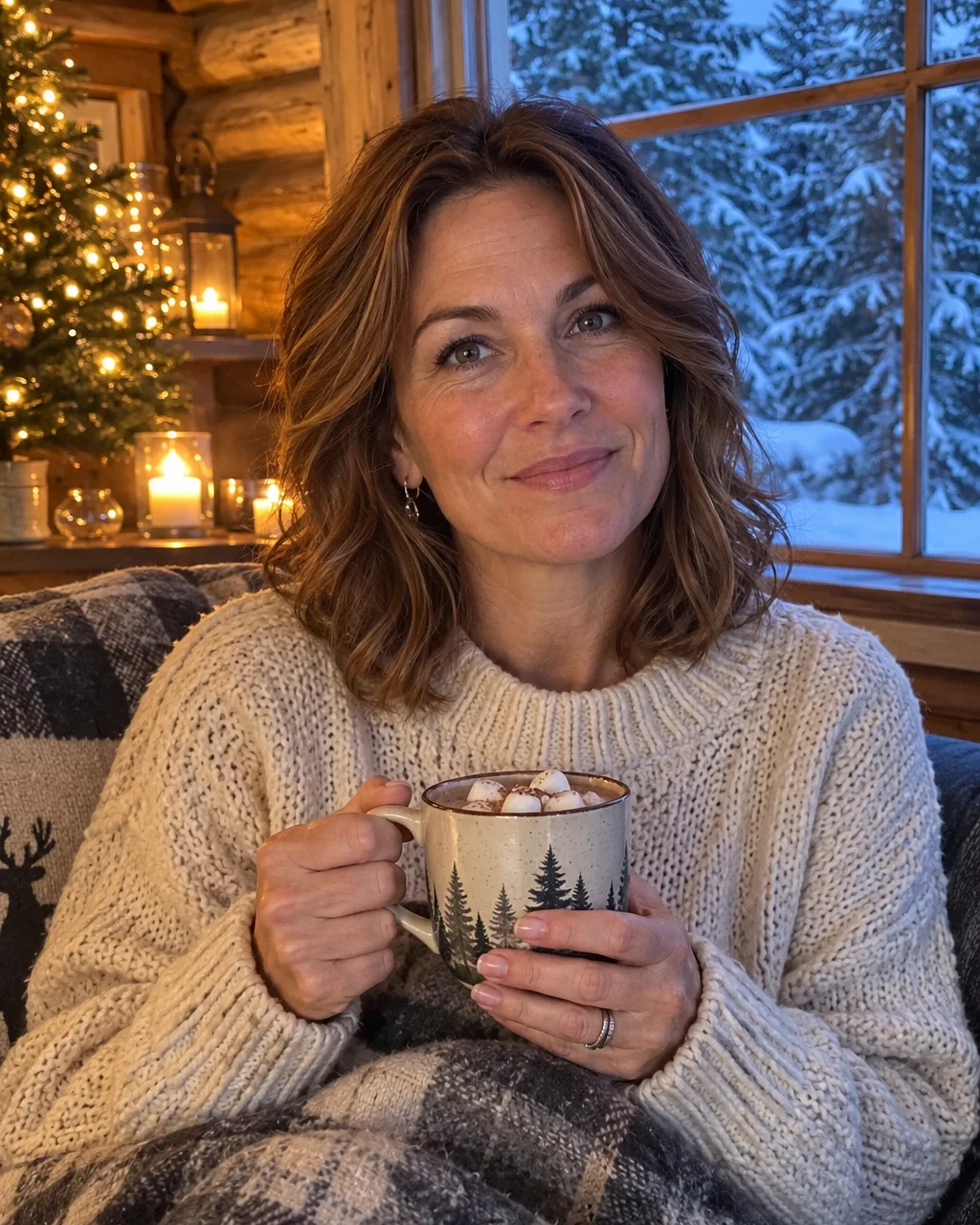
Cabin window
Use this scene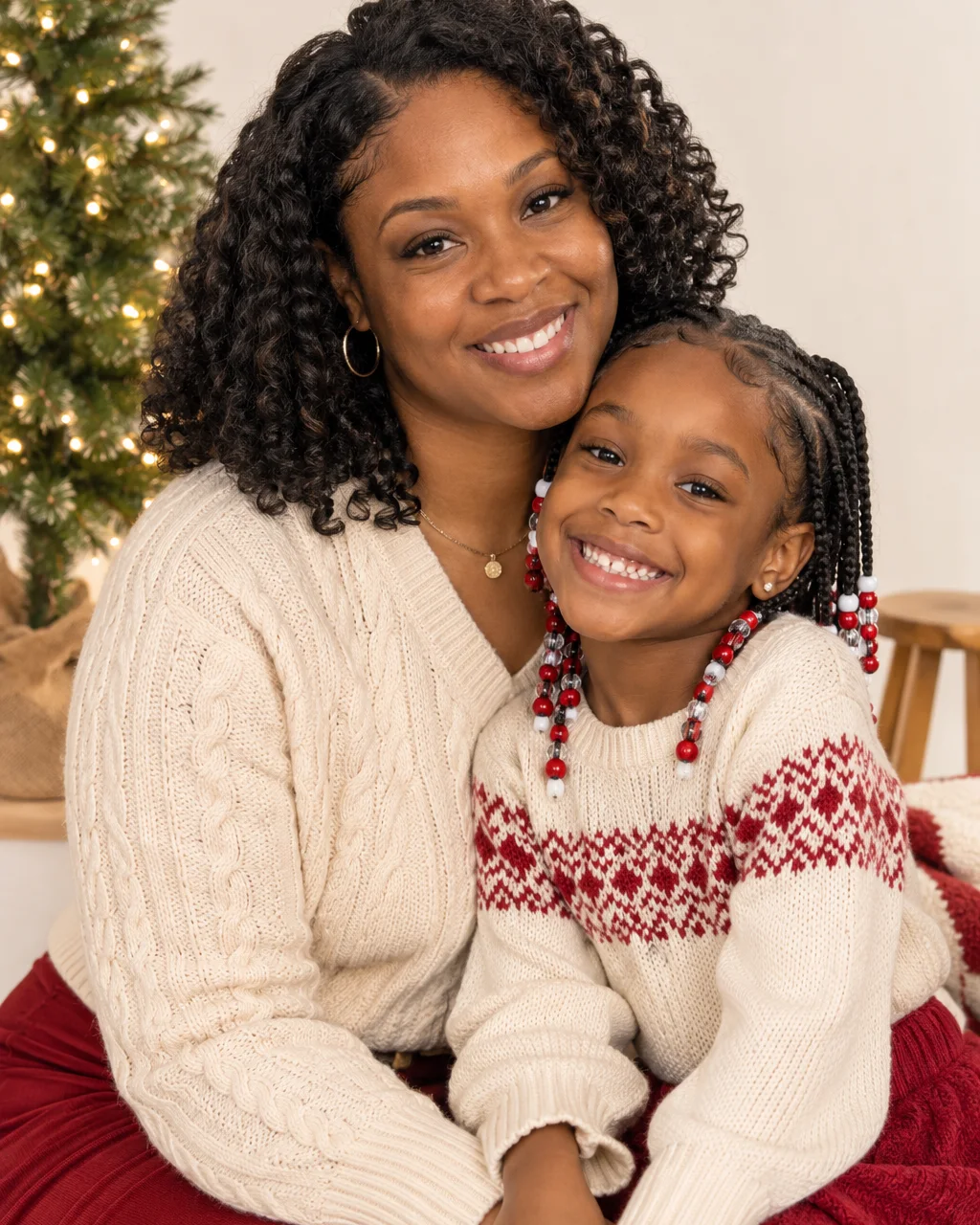
Studio portrait
Use this scene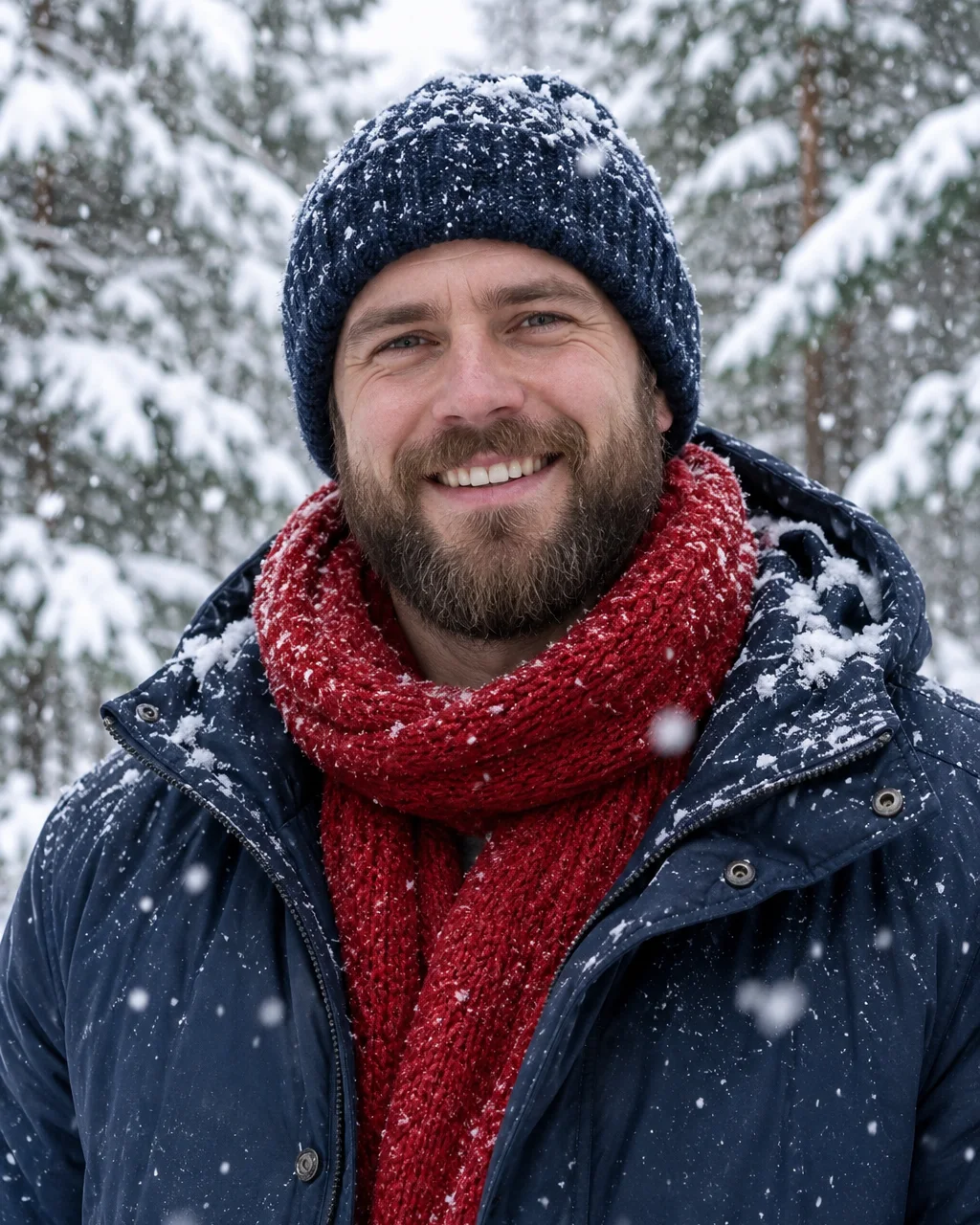
Snow day
Use this scene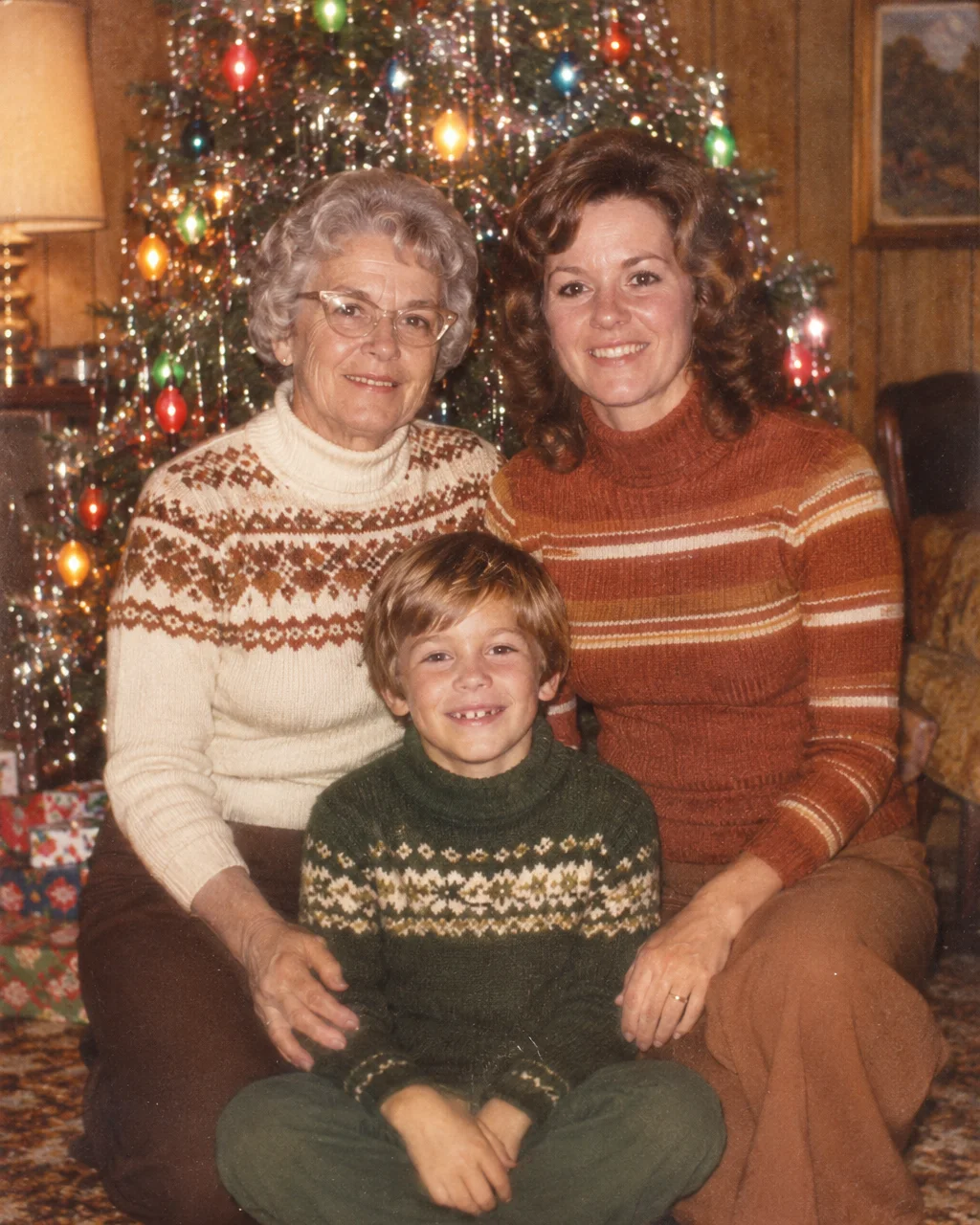
Vintage film
Use this scene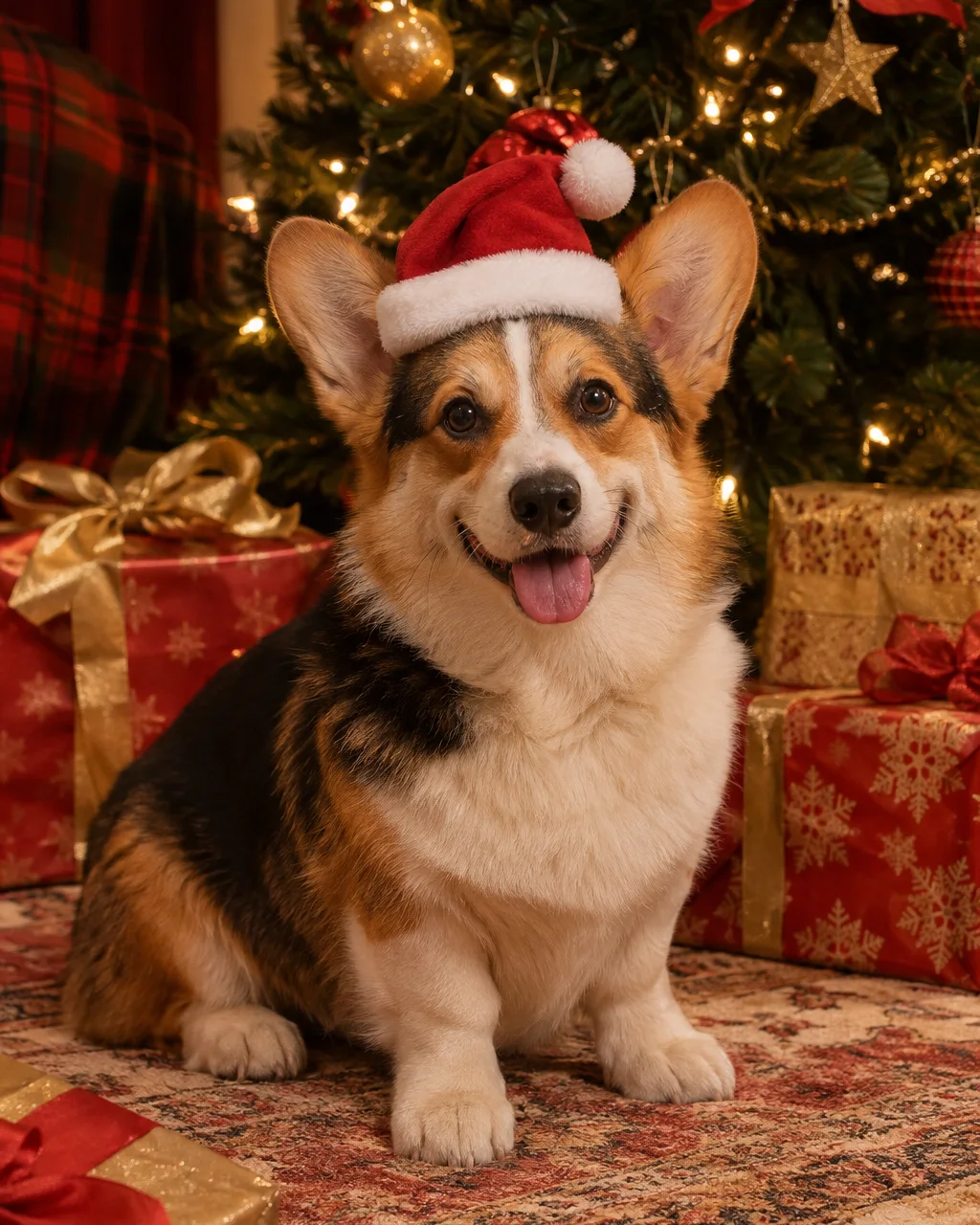
Santa paws
Use this sceneWhat is an AI Christmas photo?
An AI Christmas photo is a holiday picture made from a photo you already have. You upload an ordinary shot, and an AI model redraws it as a Christmas scene: the room, the light, the clothes and the season all change, and the people stay the same.
You do not need a photographer, matching sweaters or everyone in the same room. A selfie, a vacation picture or last summer's family photo is enough: pick a scene, and the Christmas photo is ready in a minute or two.
It also works as an AI Christmas photo editor. Every prompt can be changed, so you can swap the sweaters for pajamas or add snow outside the window. It runs on PictCraft's image to image AI, which starts from your own photo and not from a stranger's face.
One photo for you, the two of you, the family or the pet
There is nothing to set. The generator looks at who is in your photos and keeps them. If someone is missing from the group shot, add a separate photo of them, up to 5 photos in all, and everyone ends up in the same picture.
| What to upload | What it keeps | |
|---|---|---|
| You | A selfie or a half-body shot | Your face, hair and skin tone |
| The two of you | One photo with both of you | Both faces, without blending them |
| The family | One group photo, or separate photos of each person | Every face and the same number of people |
| You and your pet | One photo of you and your pet together | Your face, and the pet's breed, coat and markings |
| Your pet alone | A clear photo of your dog or cat | Breed, face, eye color, coat and markings |
How to make an AI Christmas photo
- 1
Add your photos
Click, drop or paste up to 5 photos. One group shot is enough, and separate photos of each person work too. JPG, PNG or WEBP, up to 50 MB each.
- 2
Pick a scene
Choose one of the 12 scenes. The prompt is filled in for you, and you can still edit any word.
- 3
Generate, compare and share
Switch between your photo and the Christmas photo to check every face. Download it without a watermark, or send a link to the family.
Everyone facing the camera in even light, with each face large enough to see clearly. Shoulders-up or half-body shots give the closest likeness.
Faces that are tiny in a wide shot, sunglasses, heavy beauty filters, very dark photos, someone half hidden behind another person.
AI Christmas photo generator, a chatbot or a photoshoot?
There are three common ways to get this year's Christmas photo. Here is what each one asks of you.
| Holiday photoshoot | AI chatbot with your own prompt | AI Christmas photo generator | |
|---|---|---|---|
| What it needs | A booking, matching outfits and everyone in one place | A photo and a prompt you write and rewrite | One photo you already have |
| The scene | Wherever the photographer shoots | Whatever you manage to describe | 12 scenes with the prompt written |
| Checking the faces | You see the proofs later | You scroll back to compare | Before and after on the same screen |
| What you get | Edited photos after some days | One image at a time | A full-size image with no watermark and a link to share |
What people do with an AI Christmas photo
The Christmas card
Choose the 3:4 shape. At the 2K size the picture is large enough to print as a 5x7 inch card.
The family group chat
Send a link, and anyone who opens it can make their own in the same scene.
A profile picture for December
A snowy portrait or a Santa hat for the month.
A gift for the grandparents
A framed picture of the kids, or of everyone in matching pajamas.
The pet's own card
The dog in a Santa hat, signed with a paw.
Why use PictCraft's AI Christmas photo generator
Still you.
The prompt tells the model to keep every face, and you compare before and after on one screen.
One photo is enough.
No set of ten selfies and no waiting for a model of your face. Add more only when someone is missing.
No watermark.
Nothing is printed on the picture, including the first one.
Private until you share.
Your photos and results are visible only to you, are not used to train AI models, and can be deleted with one button. A share link exists only if you make one, and you can turn it off.
No charge when it fails.
Credits are taken only when an image arrives.
What an AI Christmas photo can and cannot do
It is a new picture, not a retouch.
The model redraws the whole photo, so small details such as a necklace or a freckle can change.
Big groups are harder.
With six or more people each face gets small. Split the group into two photos, or use a picture where everyone stands close.
Check the faces before you print.
The before and after view is there for this. If one face drifts, generate again or start from a sharper photo.
It is AI-generated.
Say so when you share it or send it as a card.
AI Christmas photo FAQ
Is the AI Christmas photo generator free?
You can start for free after signing in with Google. Each image uses credits, and the cost is shown on the Generate button before you press it. See the pricing page for plans and credit packs.
How do you make AI Christmas photos?
Upload a photo, pick a scene and press Generate. The prompt is written for you. The Christmas photo is ready in about a minute or two.
Will it actually look like me?
That is the goal. The prompt tells the model to keep each face, the hair and the skin tone, and you can switch between your photo and the result to check. A sharp, front-facing photo gives the closest match.
Can I do the whole family in one photo?
Yes. Upload one group photo with everyone in it. The generator keeps every face and the same number of people. Groups of up to five work best.
What if we have no photo with everyone in it?
Add up to 5 photos, for example one of each person and one of the dog. The generator puts everyone into the same Christmas photo, as if you had all been in the room.
Can I make a couple Christmas photo?
Yes. Upload one photo that shows both of you. Both faces are kept and not blended.
Can I include my dog or cat?
Yes. Upload a photo of you together, or of the pet alone. The breed, coat and markings are kept.
Can I get a photo with Santa?
Yes. The With Santa scene places everyone from your photo next to Santa in his workshop.
Can I use the picture for a Christmas card?
Yes. Choose the 3:4 shape and the 2K size and the picture is large enough for a 5x7 inch print. You download an image file and print it yourself or at a photo counter.
Is this the ChatGPT Christmas photo trend?
It is the same idea. The trend was to upload a family photo to a chatbot and describe a festive scene. Here the scenes are ready, so there is no prompt to write.
Can I change the scene or write my own prompt?
Yes. The prompt box is a normal text field. Change the room, the outfits or the weather, or replace the whole prompt.
Is there an app to install?
No. It runs in the browser on a phone or a computer. You sign in with Google, and you need to be 18 or older.
How does sharing work?
Press Share on a result to send the picture with a link. The link opens a page with your Christmas photo and a button that lets a friend make one in the same scene. Nothing is public until you share it, the page never shows the photo you uploaded, and you can turn the link off at any time.
What happens to the photos I upload?
Your uploads and results are saved to your account so you can find them again, and they stay there until you delete them. Only you can see them, and they are not used to train AI models.
Is there a watermark on the download?
No. It is still an AI-generated picture, so say so when you share it.
Are there limits on what I can make?
Yes. Nudity and sexual content are not allowed, and neither is anything that sexualizes minors. Prompts and images are checked before an image is generated. Only use photos of yourself, your family or people who agreed to it.
More for December: the AI Christmas card generator makes a finished card with your greeting and names on it, and the ugly Christmas sweater generator puts a sweater on your photo.