Free GTA 6 Filter for Your Photos
Upload one photo and get it back as a GTA 6 style poster: palm trees, neon hotels, a sky anywhere from a pink sunset to a blue night, and you in the middle of the action with a face your friends still recognize. Pick a scene and a time of day, and the prompt is written for you. Sign in with Google to start for free, with no watermark.
- 12 game scenes
- 5 times of day
- No watermark
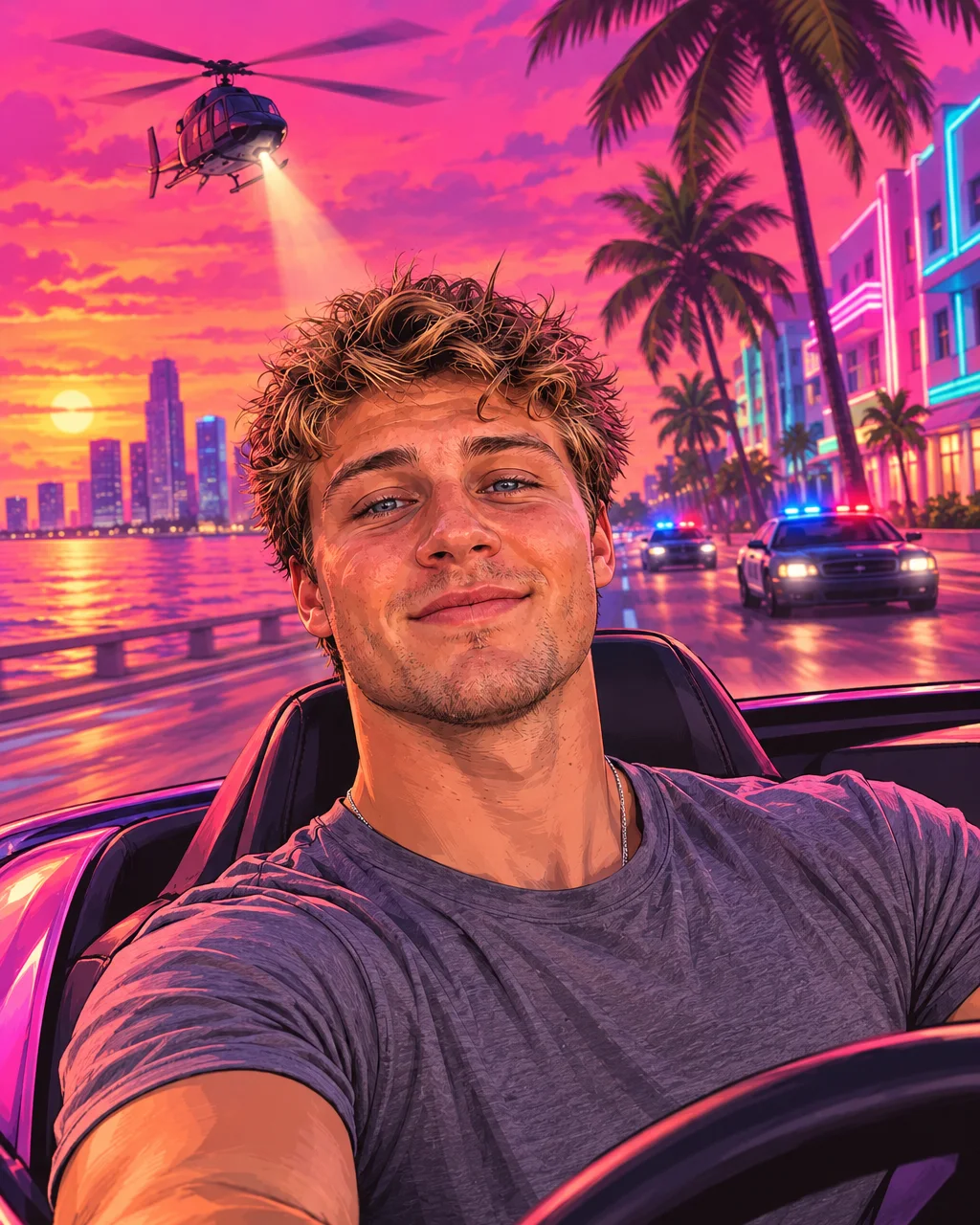
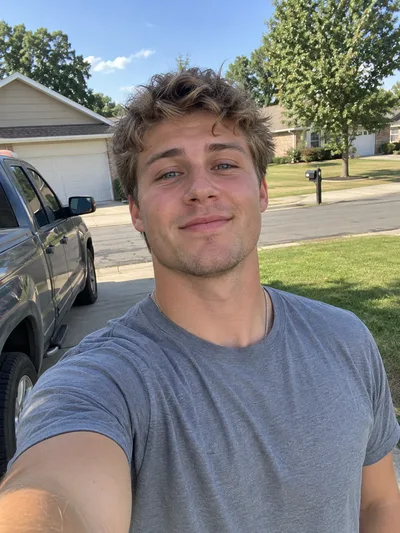
GTA 6 style photo ideas: 12 scenes, one tap each
Every scene has its GTA 6 prompt ready. Press one and the GTA 6 filter above is set up the same way, so you only add your own picture.
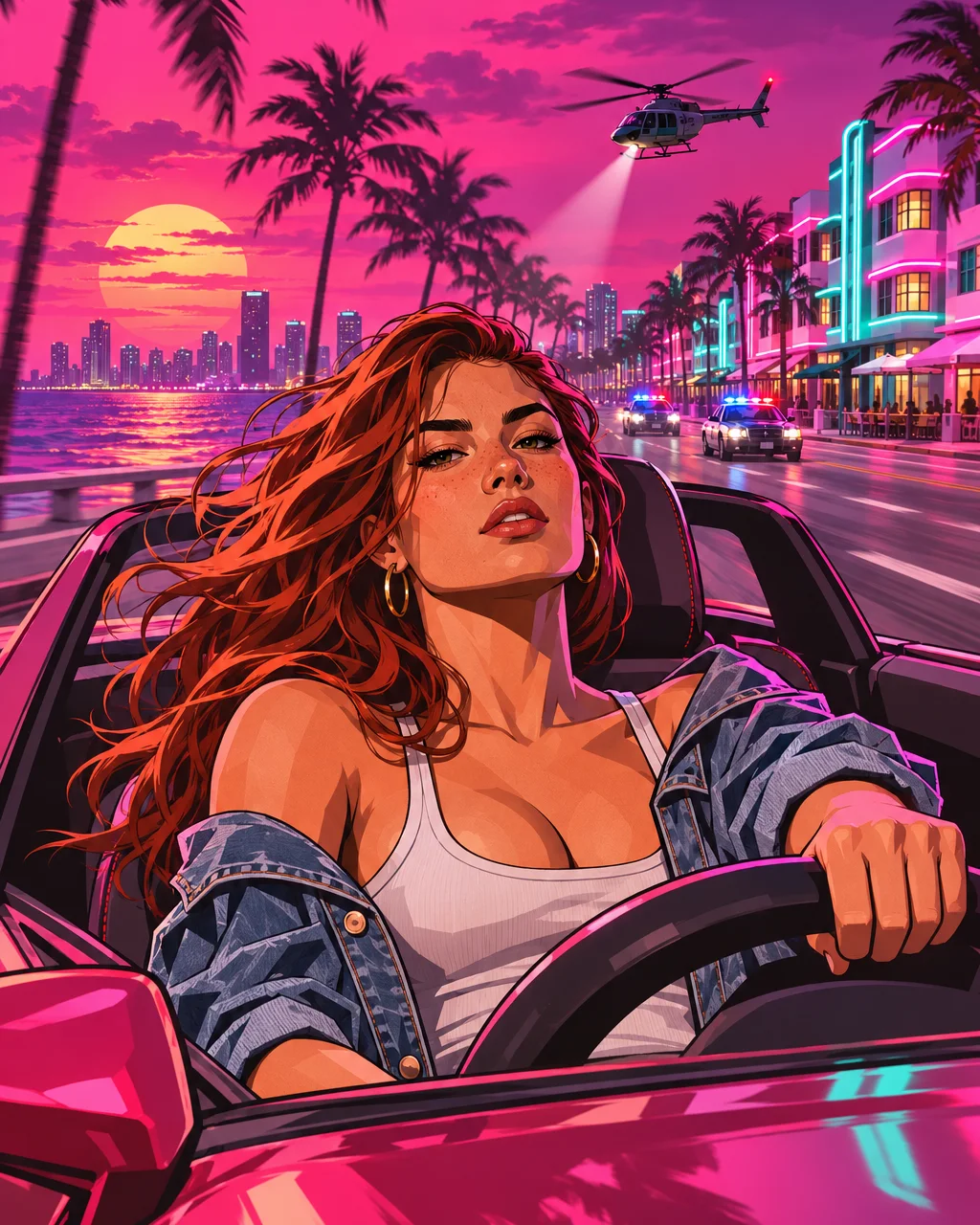
Getaway drive
Use this prompt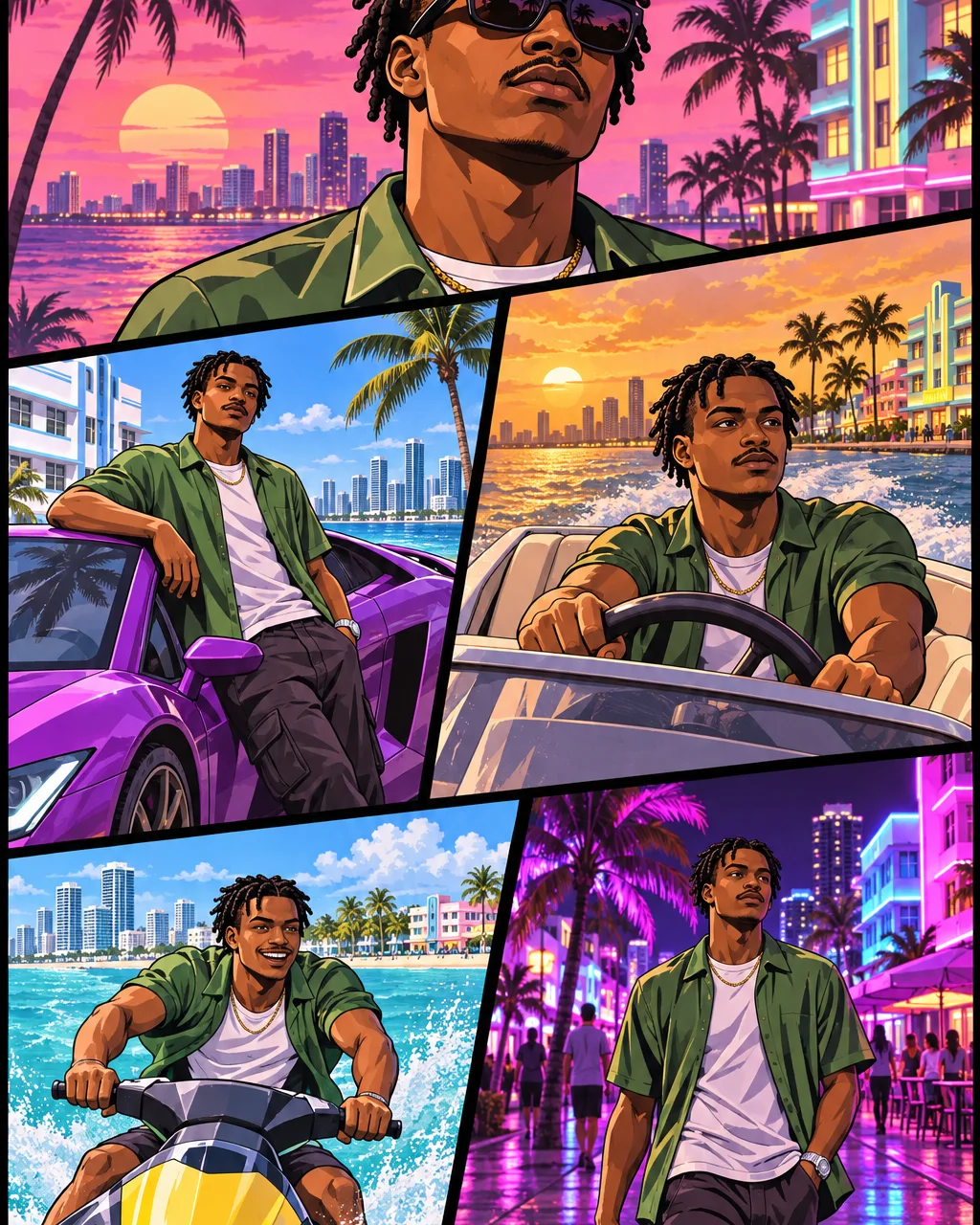
Cover collage
Use this prompt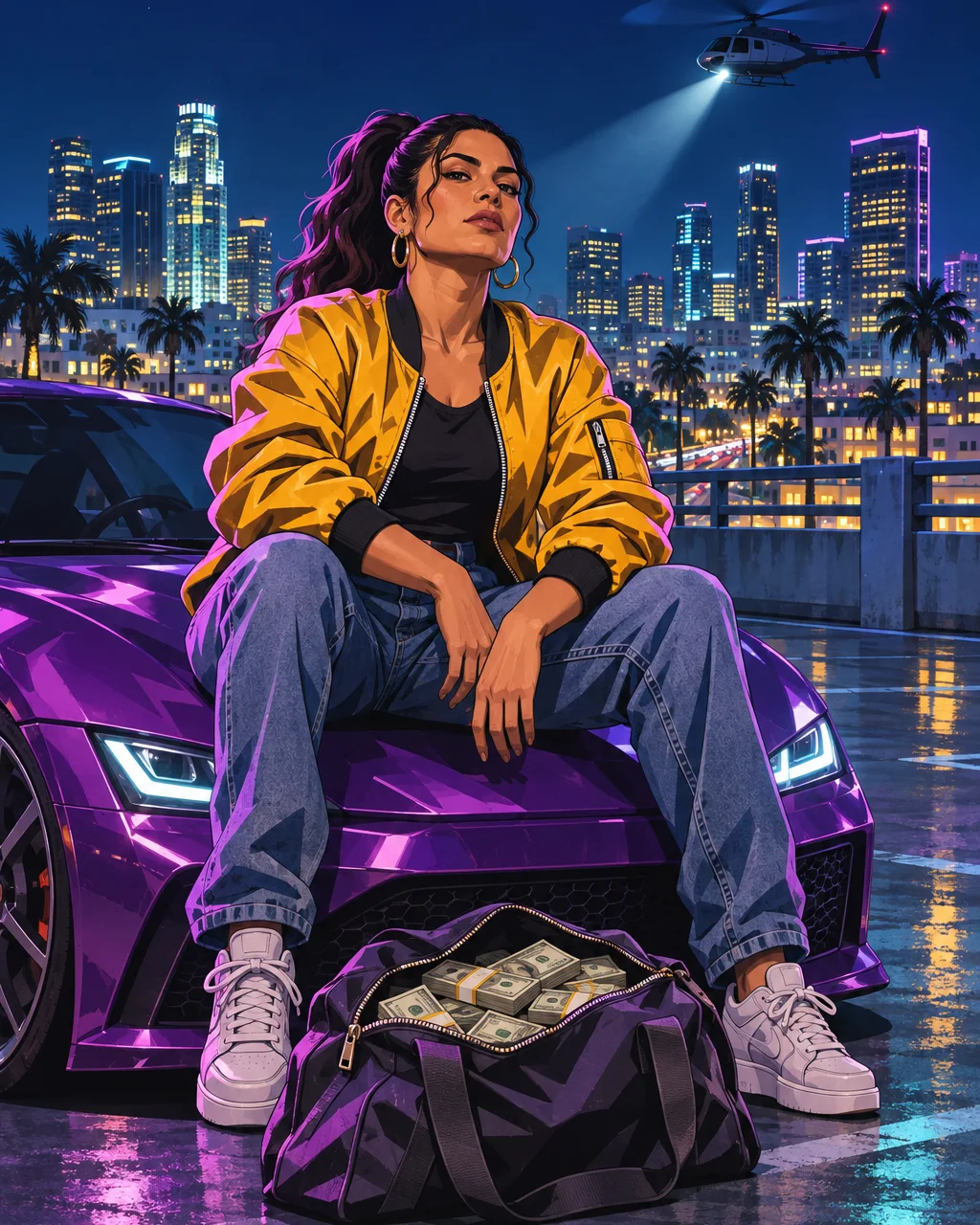
Payday
Use this prompt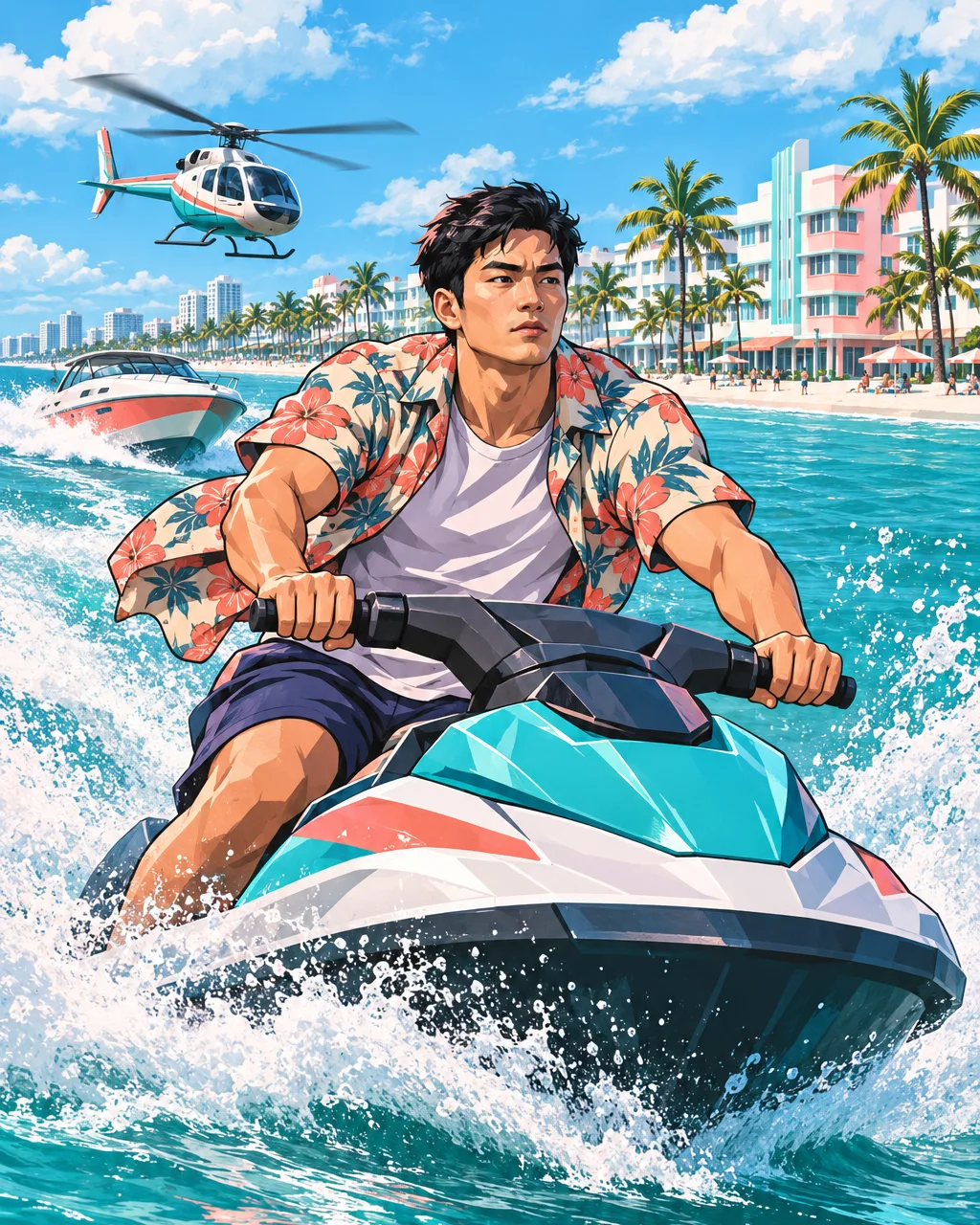
Jet ski run
Use this prompt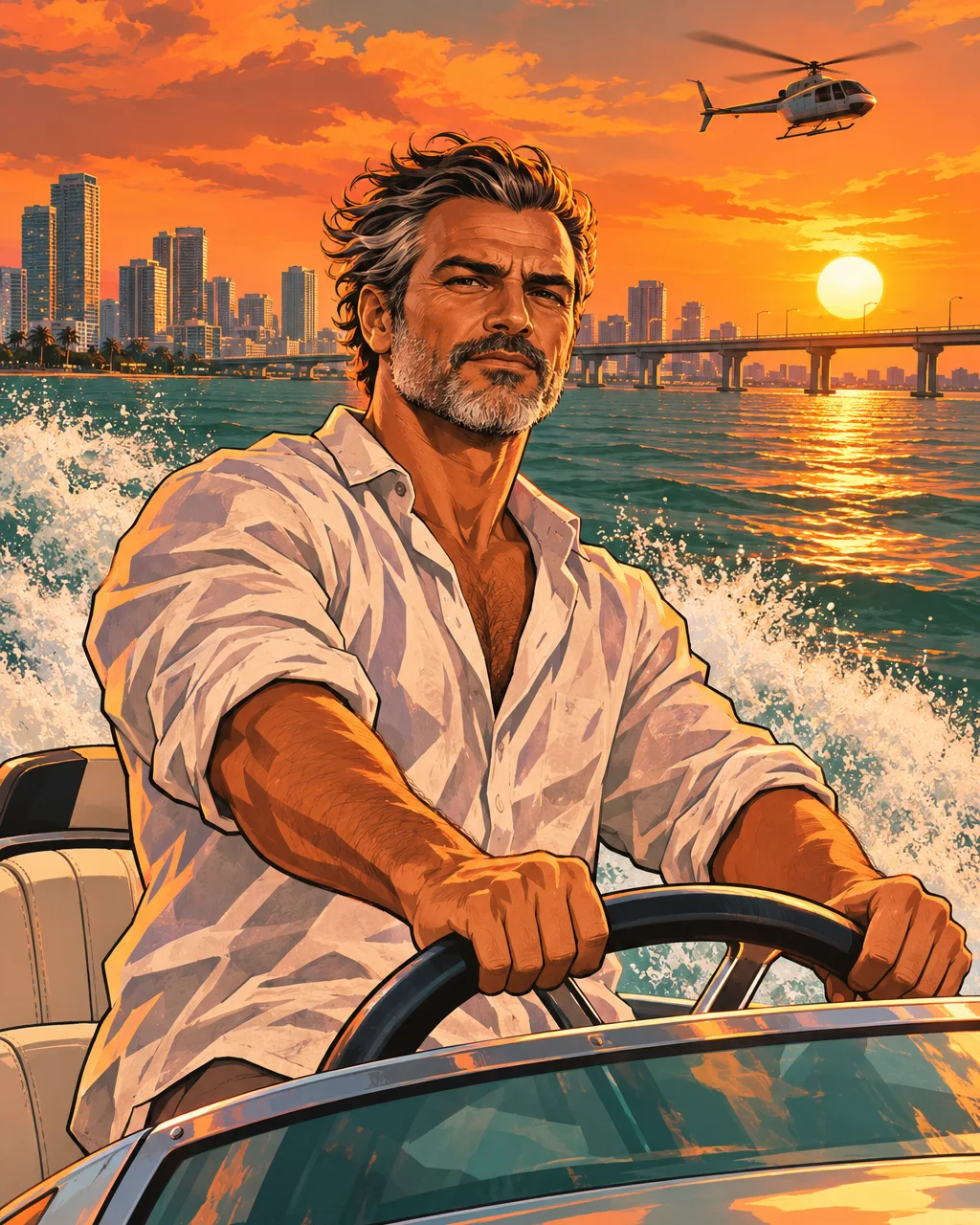
Speedboat
Use this prompt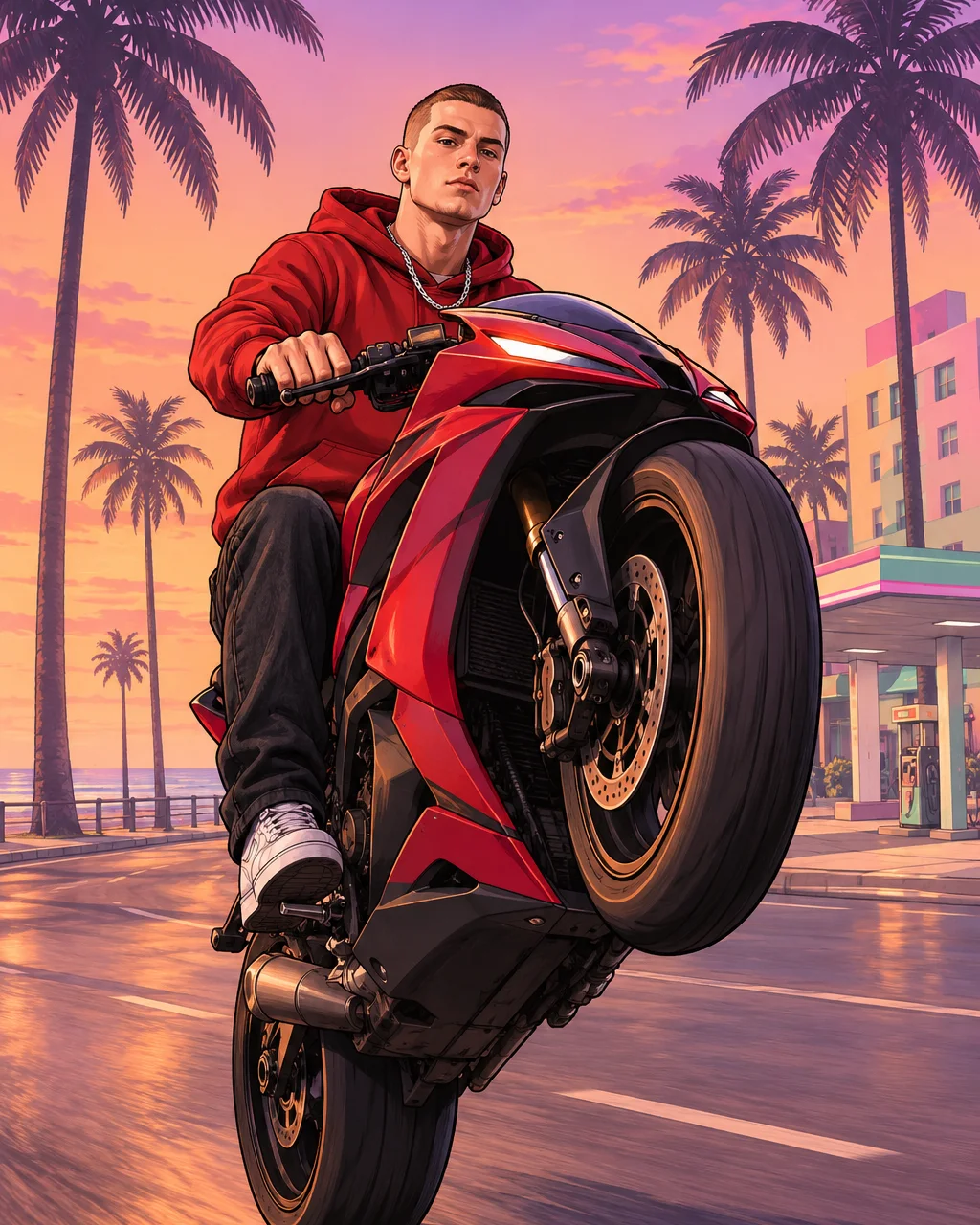
Bike wheelie
Use this prompt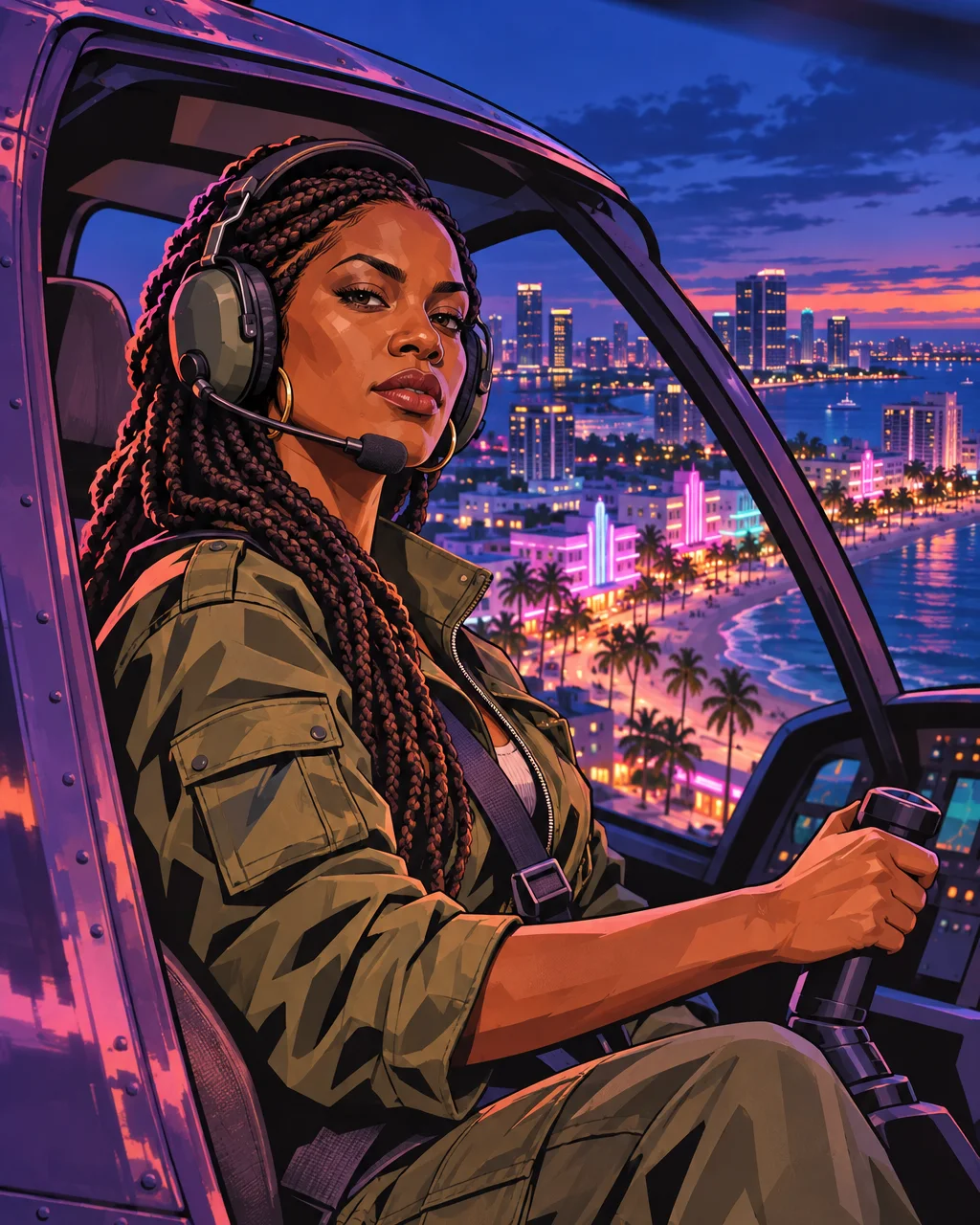
Helicopter
Use this prompt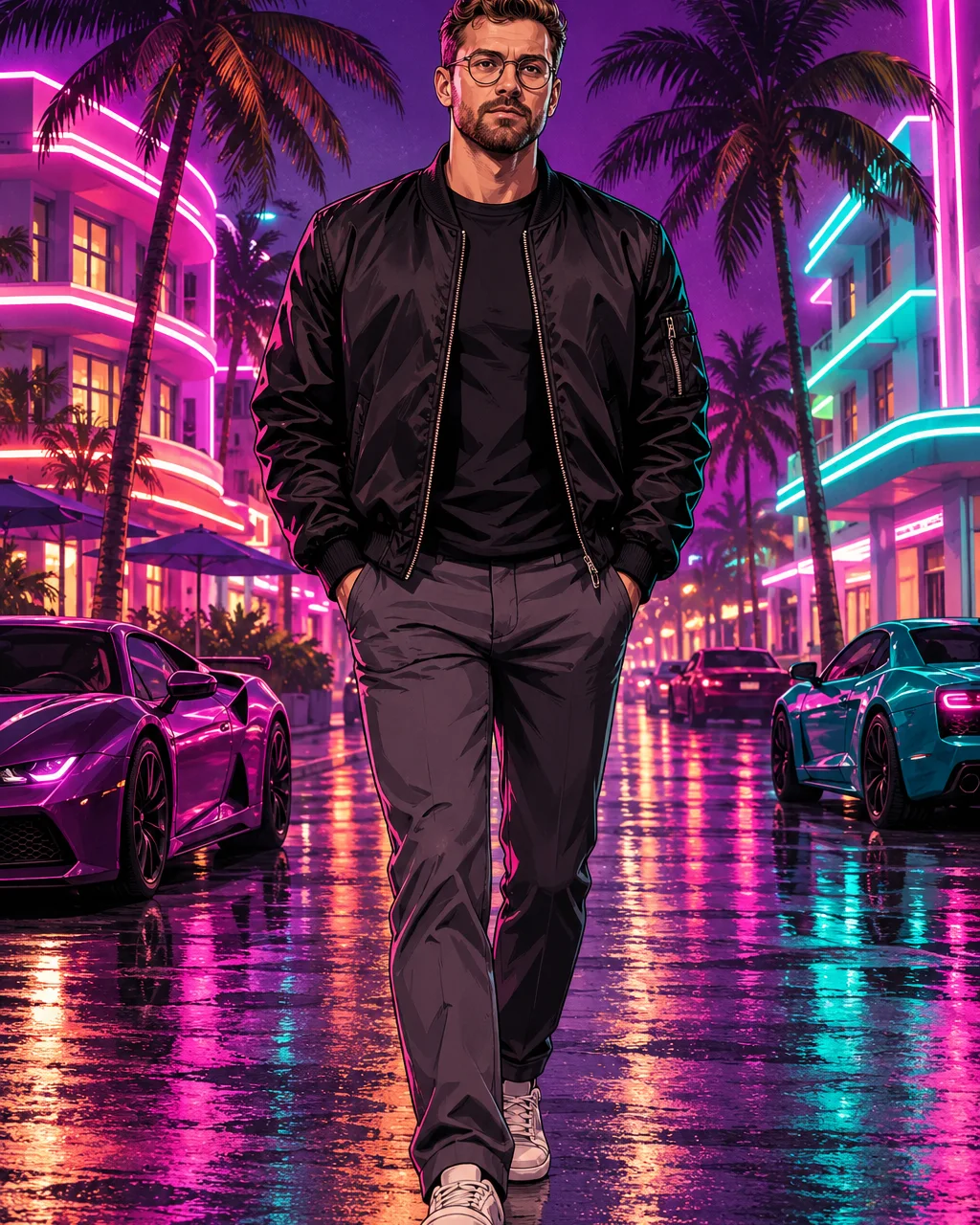
Neon strip
Use this prompt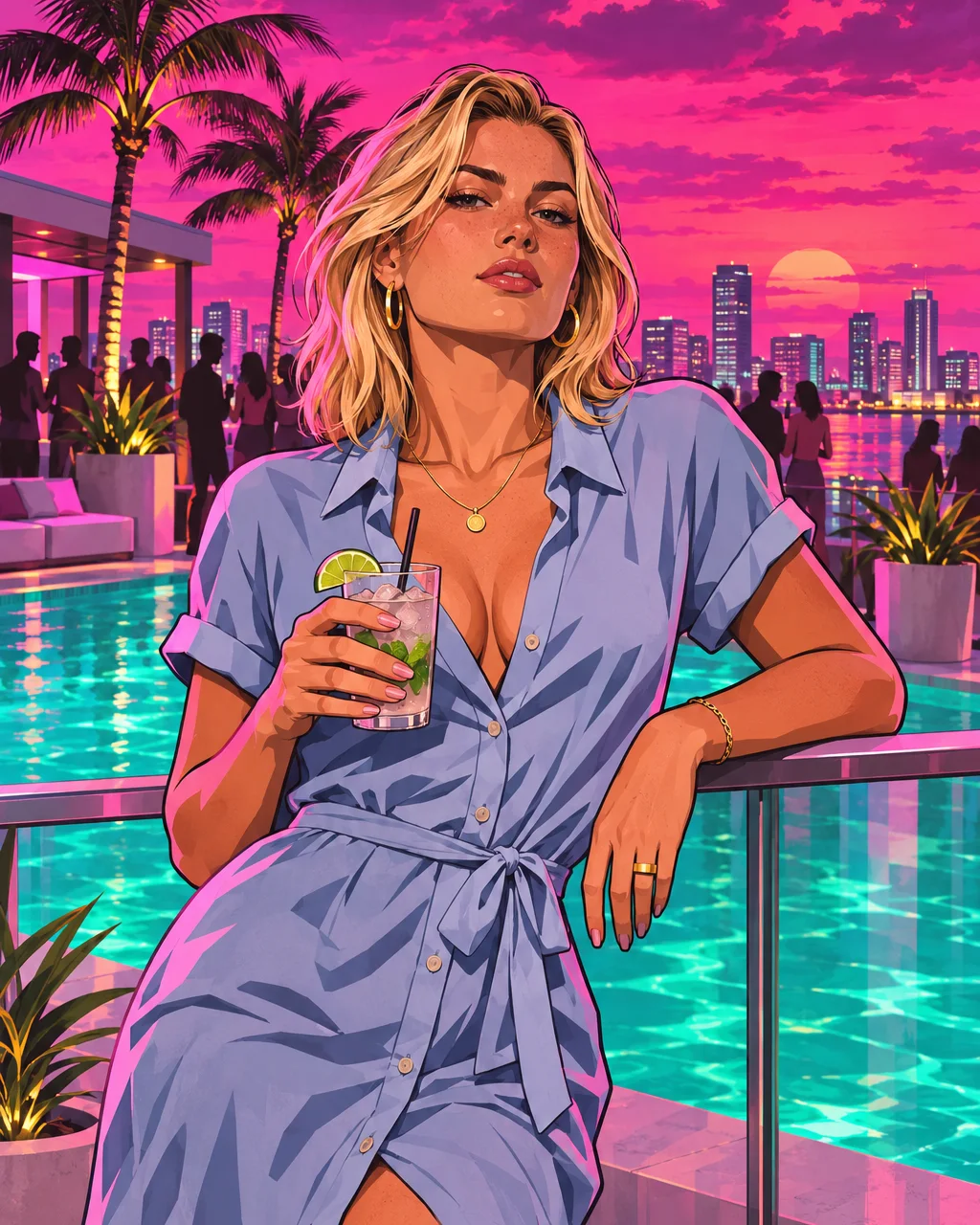
Rooftop pool
Use this prompt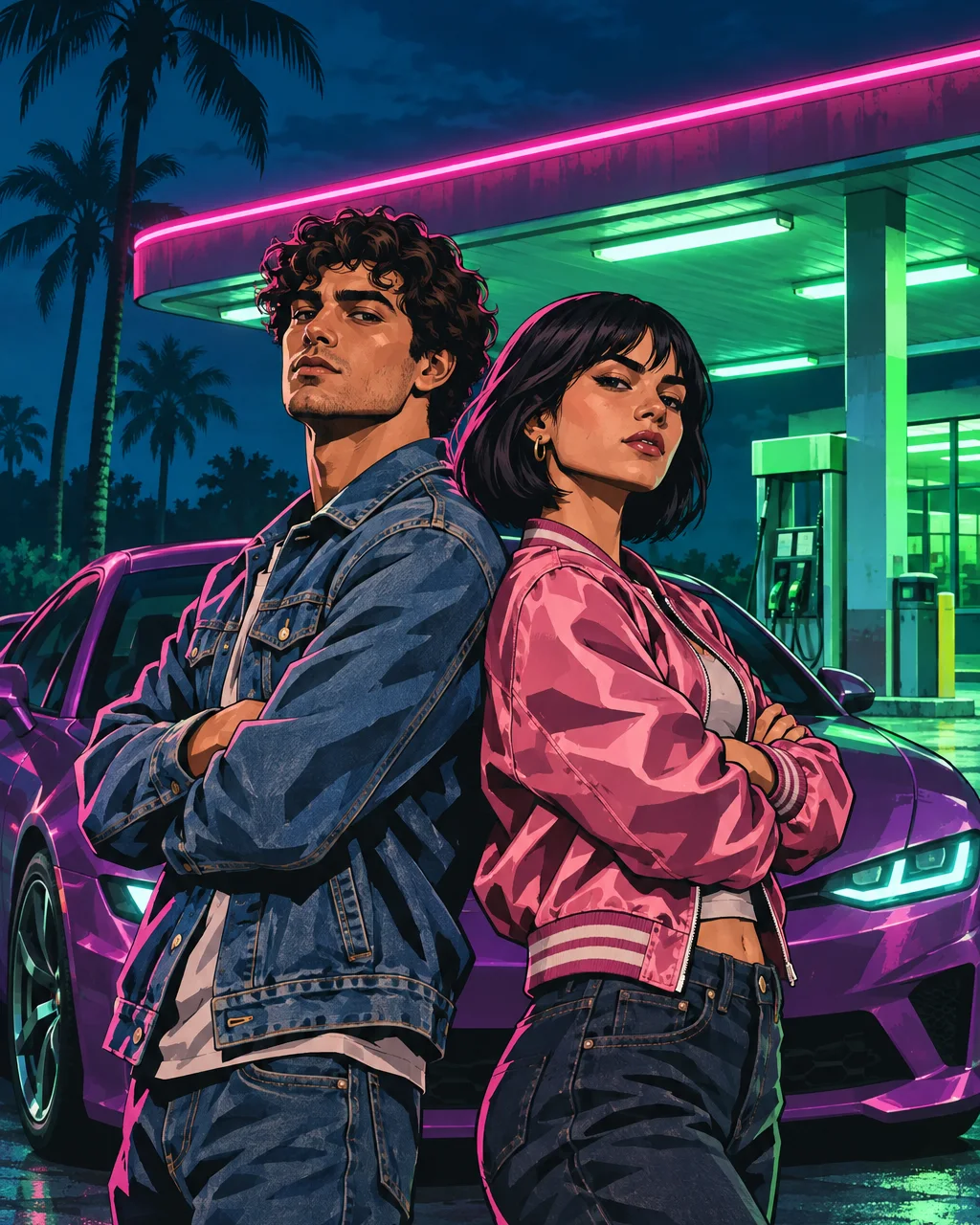
Partners
Use this prompt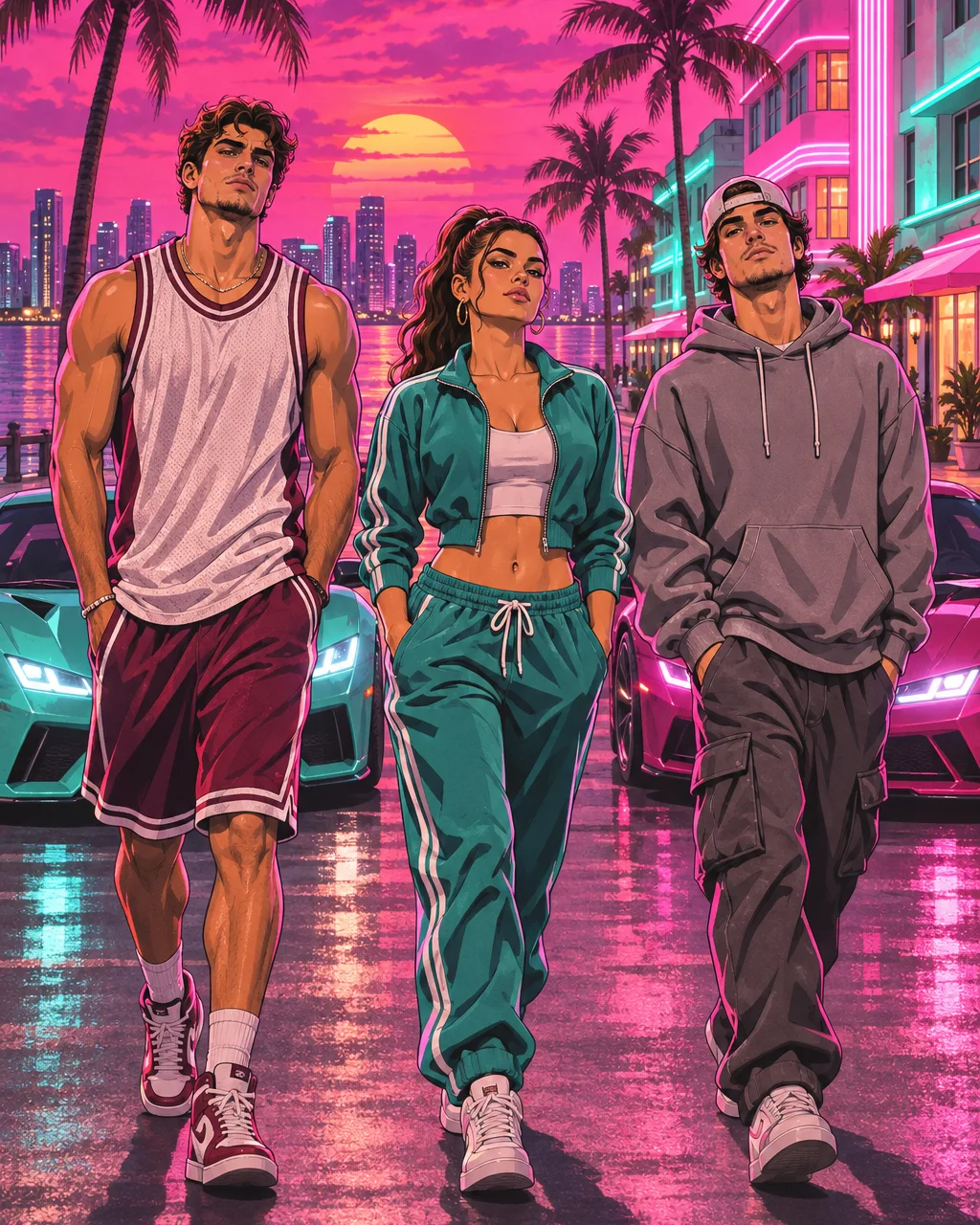
The crew
Use this prompt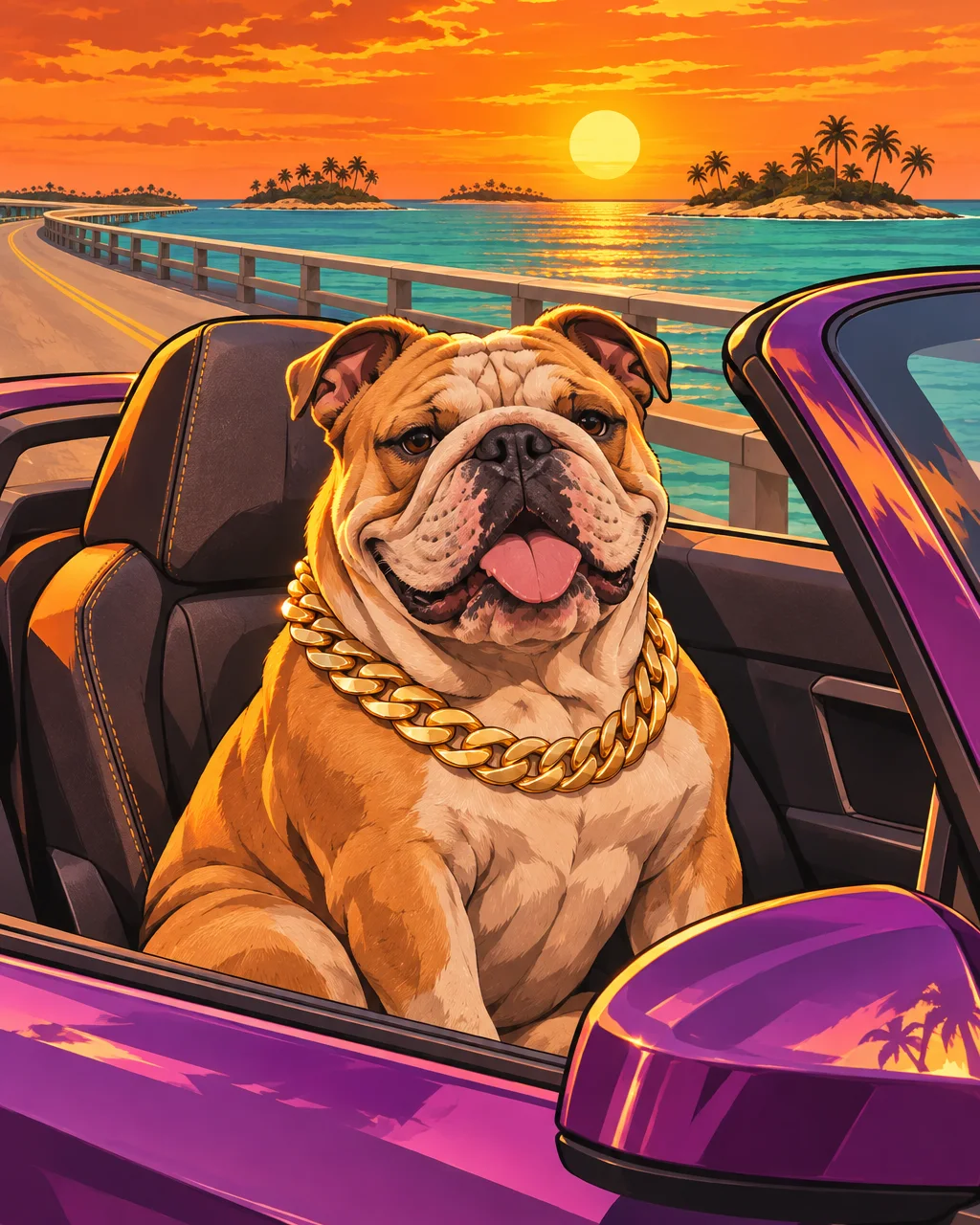
Sidekick
Use this promptWhat is a GTA 6 filter?
A GTA 6 filter redraws a photo in the art style of Grand Theft Auto VI: clean dark outlines, flat color with hard-edged shadows, and strong color over palm trees and neon hotels, from a hot pink sunset to a turquoise midday or a deep blue night.
Older GTA filters were camera effects that traced outlines over your face. An AI GTA 6 filter works differently. It reads the whole photo and paints a new one, so the hair, clothes, background and light all change together.
You may also see it called a GTA 6 AI filter, a GTA 6 AI generator or simply a GTA filter. On PictCraft it runs on our image to image AI, which is why the result starts from your own photo and not from a stranger's face.
What makes a photo look like GTA 6
Changing the colors is not enough. A GTA 6 style picture has three parts, and the scenes above set up all of them.
| The drawing | Clean dark outlines, flat color, hard-edged shadows and a pink rim light on the figure |
|---|---|
| The city | Palm trees, a skyline across the water and neon on art-deco hotels, at sunset, at midday or at night |
| The action | You are doing something from the game: driving, riding a jet ski, flying a helicopter, walking with your crew |
How to turn a photo into GTA 6 style
- 1
Add your photo
Click, drop or paste one photo. JPG, PNG or WEBP, up to 50 MB.
- 2
Pick a scene and a time
Choose one of the 12 scenes, then a time of day from dawn to night. The prompt is filled in for you, and you can still edit any word.
- 3
Generate and download
The cost in credits is shown on the button. Save your GTA 6 style photo without a watermark, or try another scene on the same picture.
A clear subject in good light, with the face fully visible. Half-body shots give the strongest character art.
Tiny faces in a wide shot, heavy beauty filters, sunglasses plus a mask, very dark photos.
AI GTA 6 filter, a camera effect or Photoshop?
There are three common ways to get the GTA look. Here is what each one gives you.
| Camera effect in a social app | Photoshop by hand | AI GTA 6 filter | |
|---|---|---|---|
| What it needs | Your face in front of the camera | The software and some skill | Any saved photo |
| What it changes | Outlines and color on top of the photo | Whatever you have time to paint | The whole picture, redrawn |
| Scenes | One fixed look | Any, if you can draw it | 12 game scenes, 5 times of day |
| What you get | A clip or a screenshot inside the app | A layered file | A full-size image with no watermark |
What people make with a GTA 6 filter
A profile picture
Character art of yourself for a gaming profile, a Discord avatar or a channel banner.
A trip recap
One travel photo turned into a cover collage for the group chat.
A birthday or party invite
Put the guest of honor on the poster.
A crew photo
Redraw the whole friend group as a crew.
A pet poster
Give the dog a gold chain and the passenger seat.
Why use PictCraft's GTA 6 AI filter
Still you.
The prompt tells the model which features to keep, so friends can tell who it is.
No watermark.
Nothing is printed on the picture you download.
Private.
Your photos and results are visible only to you and are not used to train AI models.
No charge when it fails.
Credits are taken only when an image arrives.
GTA 6 filter FAQ
Is the GTA 6 filter free?
You can start for free after signing in with Google. Each image uses credits, and the cost is shown on the Generate button before you press it. See the pricing page for plans and credit packs.
Is this the screen filter from the game?
No. The game has its own screen filters for gameplay and photo mode. This page is for your own photos: you upload a picture and get it back in the GTA 6 art style.
Is there a GTA 6 filter app to install?
No install is needed. The filter runs in the browser on a phone or a computer. You sign in with Google, which takes a few seconds, and you need to be 18 or older.
Is this the same as the GTA filter on Instagram, TikTok or Snapchat?
No. Those are live camera effects that add outlines and color on top of your face. This one takes a saved photo and redraws all of it, including the background, and gives you an image file to keep.
Which scene should I start with?
Cover collage is the one people share most: five panels of you in different places. For a single poster, Getaway drive and Jet ski run put the most action in the frame. You can run the same photo through every scene.
Can I turn myself into a GTA 6 character?
Yes. Every scene keeps your face, hair and skin tone and puts you in a moment from the game.
Can I make a GTA 6 cover or loading screen from my photo?
Yes. Pick the Cover collage scene. It builds five slanted panels in the layout of a game cover, each showing the person from your photo in a different place.
Will the character still look like me?
That is the goal. The prompt asks the model to keep your face, hair and skin tone. A sharp, front-facing photo gives the closest match. If a result drifts, run it again or use a clearer picture.
Can I change the time of day or the colors?
Yes. Use the Time switch: dawn, midday, golden hour, sunset or night. The sky and the colors of the scene change with it. The Cover collage has a different time in every panel, so the switch is off for that scene.
Can I write my own GTA 6 style prompt?
Yes. The prompt box is a normal text field. Change the place, the outfit or the time of day, or replace the whole prompt with your own.
Does it work on pets, couples and groups?
Yes. The Sidekick scene is written for a pet photo, Partners for a photo of two people, and The crew for a group. The other scenes expect one person.
Why is there no game logo on my picture?
The filter copies an art style, not the game's logos, title lettering or characters. Those belong to the publisher, so the prompts leave them out. The prompts also leave out weapons.
Are there limits on what I can make?
Yes. Nudity and sexual content are not allowed, and neither is anything that sexualizes minors. Prompts and images are checked before an image is generated. Only use photos of yourself or of people who agreed to it.
Is there a watermark on the download?
No. It is still an AI-generated picture, so say so when you share it.
What happens to the photo I upload?
Your uploads and results are saved to your account so you can find them again, and they stay there until you delete them. Only you can see them.
Is PictCraft connected to Rockstar Games?
No. PictCraft is an independent tool and is not affiliated with, endorsed by or sponsored by Rockstar Games or Take-Two Interactive.