Free Ugly Christmas Sweater Generator
Add a photo and the AI puts an ugly Christmas sweater on you, your team or your dog, and changes nothing else. No photo? You get the sweater itself, laid flat as a design. Pick one of 12 sweaters, set how ugly it gets, from mild to unhinged, and send it round before the office party. Sign in with Google to start for free, with no watermark.
- 12 sweaters
- 3 levels of ugly
- No watermark
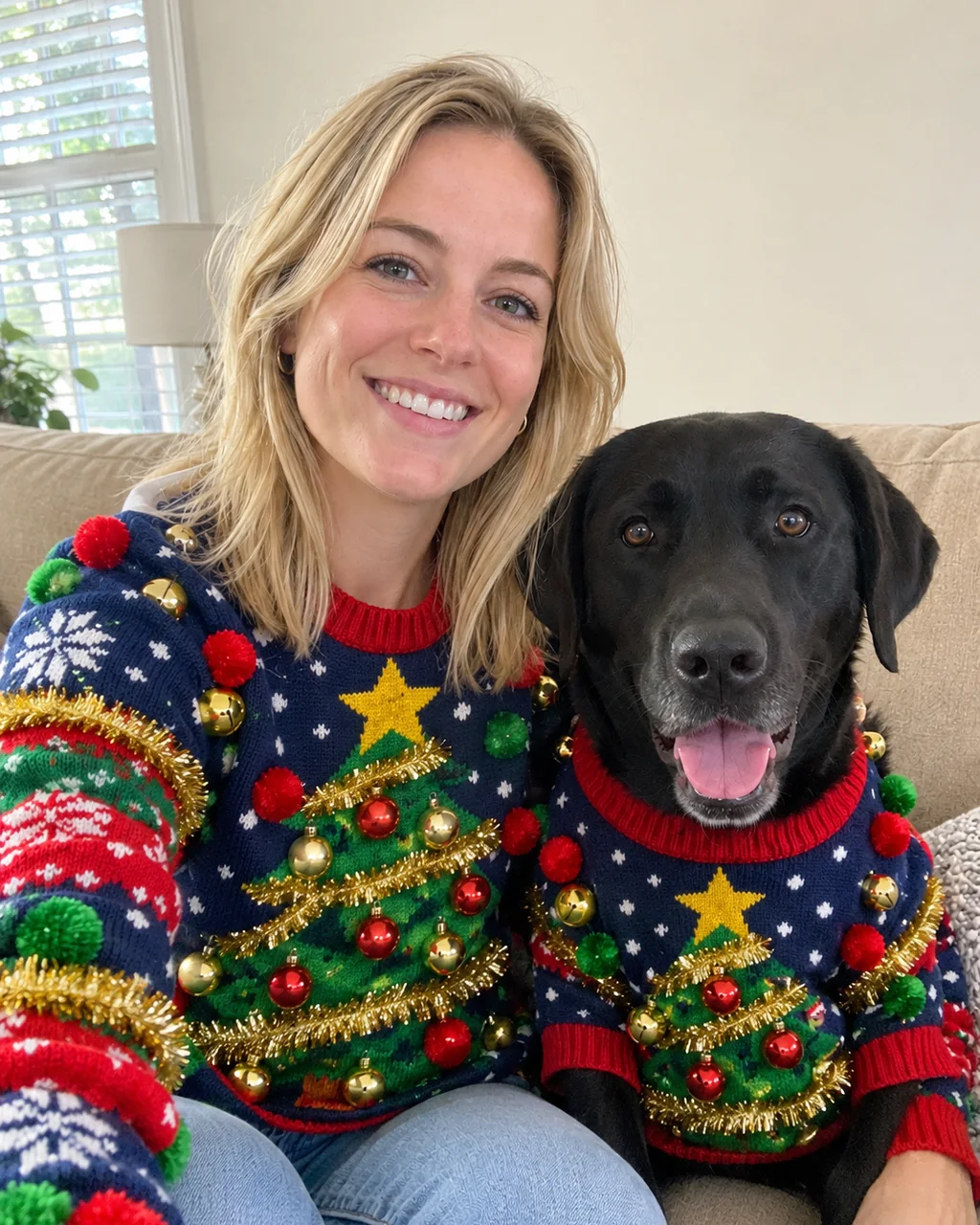
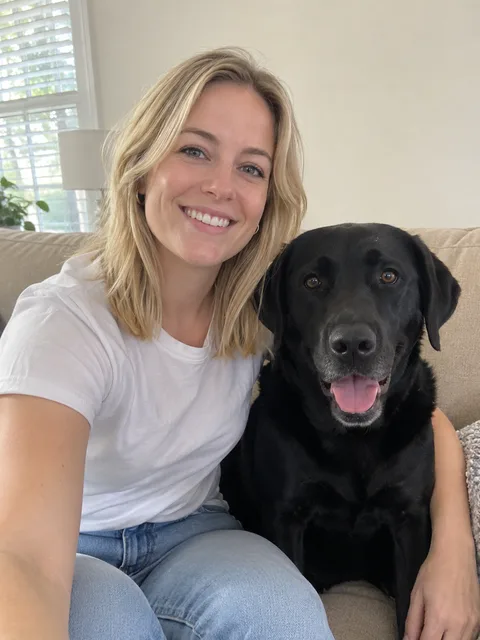
Ugly Christmas sweater ideas: 12 designs, one tap each
Pick a sweater and the generator above is set up the same way, prompt included. Add your photo to wear it, or leave the box empty to get the design alone.
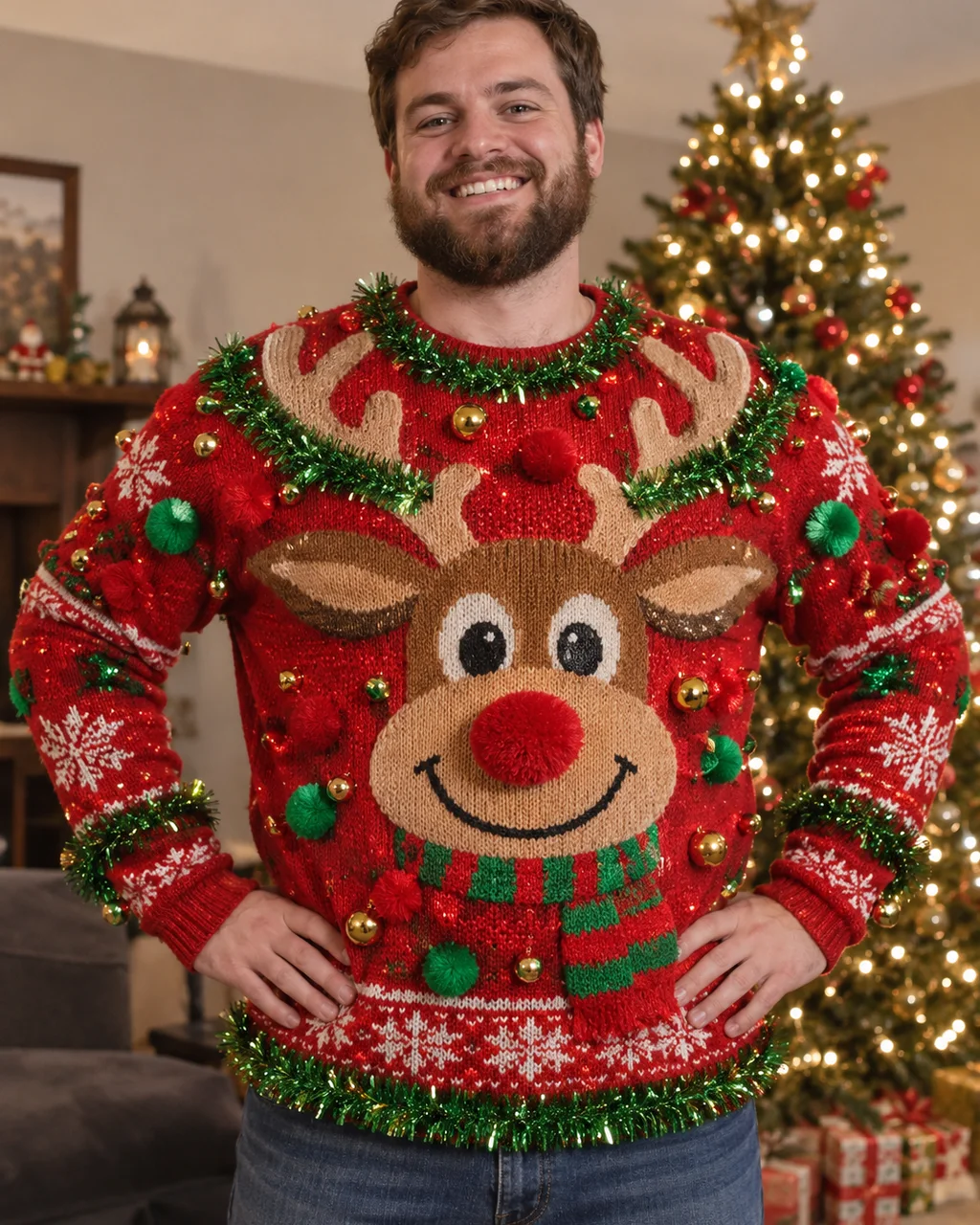
Reindeer
Use this sweater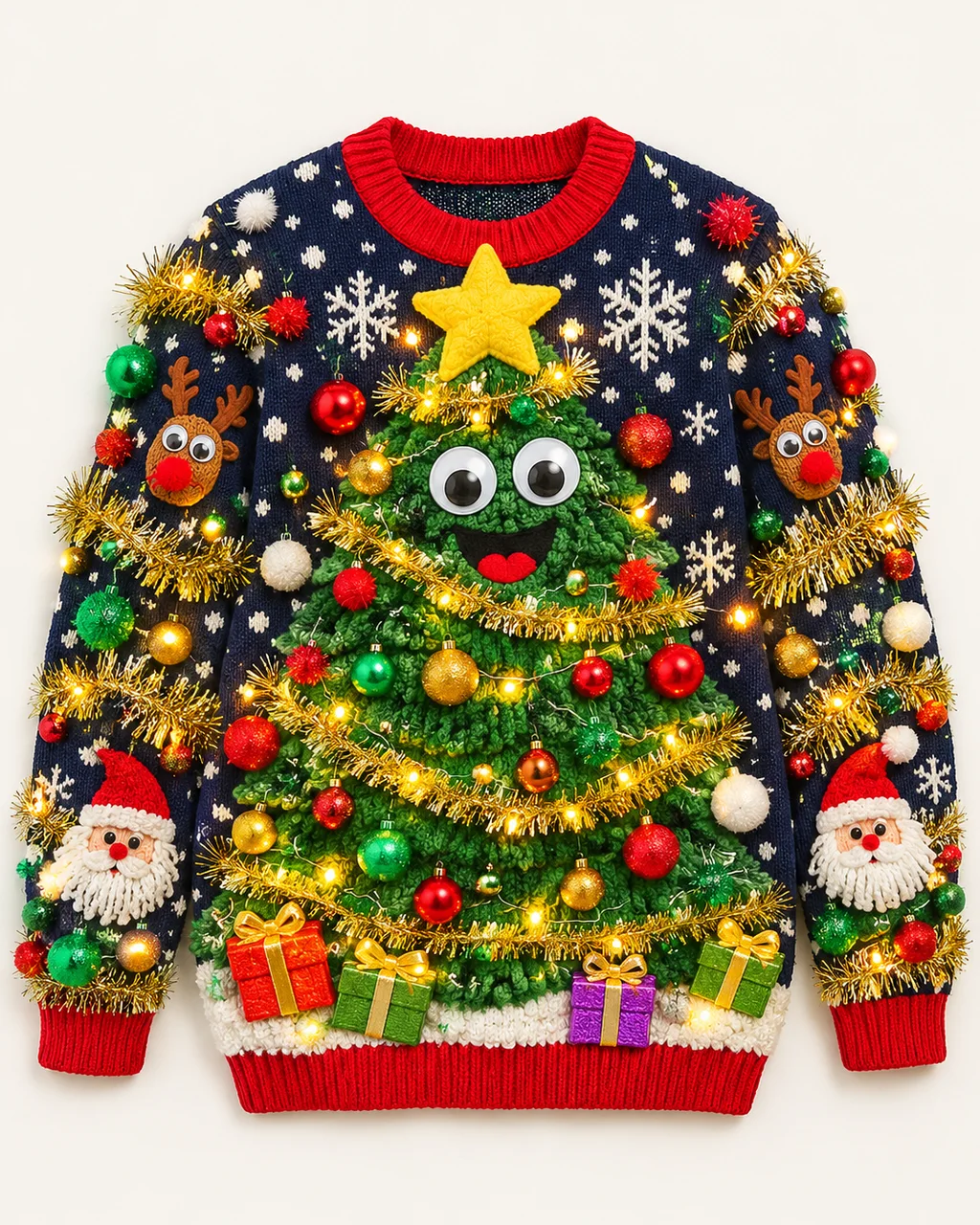
Light-up tree
Use this sweater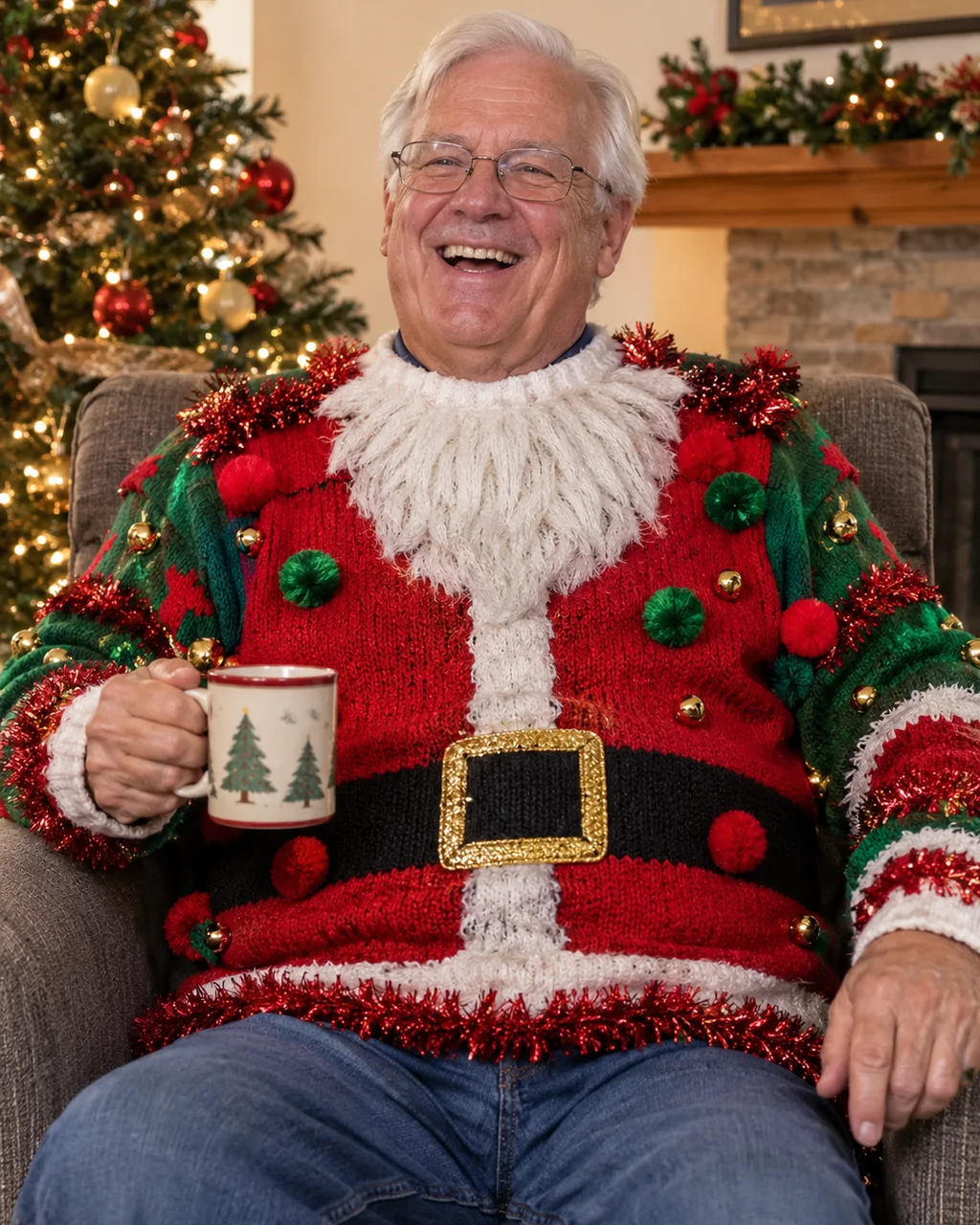
Santa belly
Use this sweater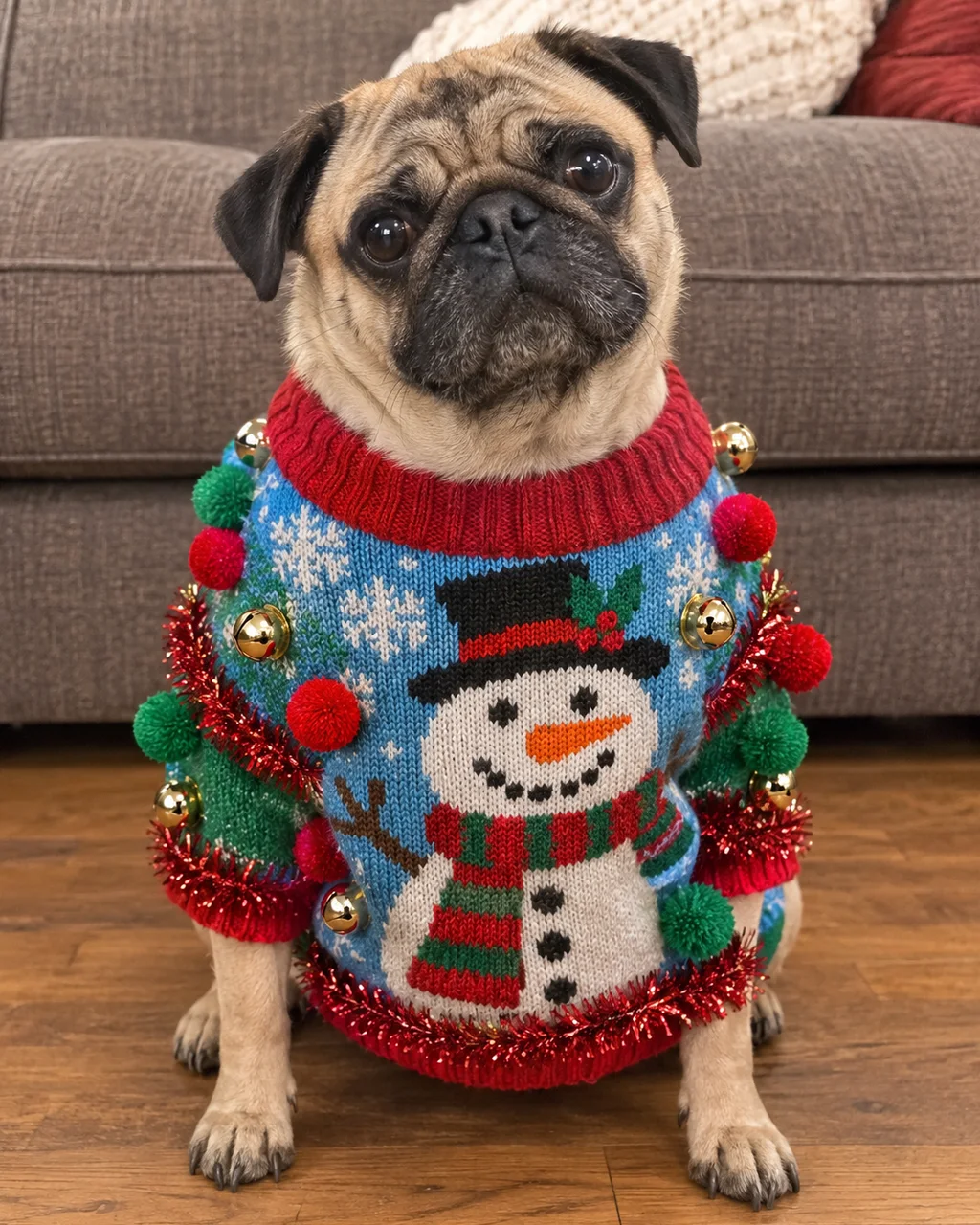
Snowman
Use this sweater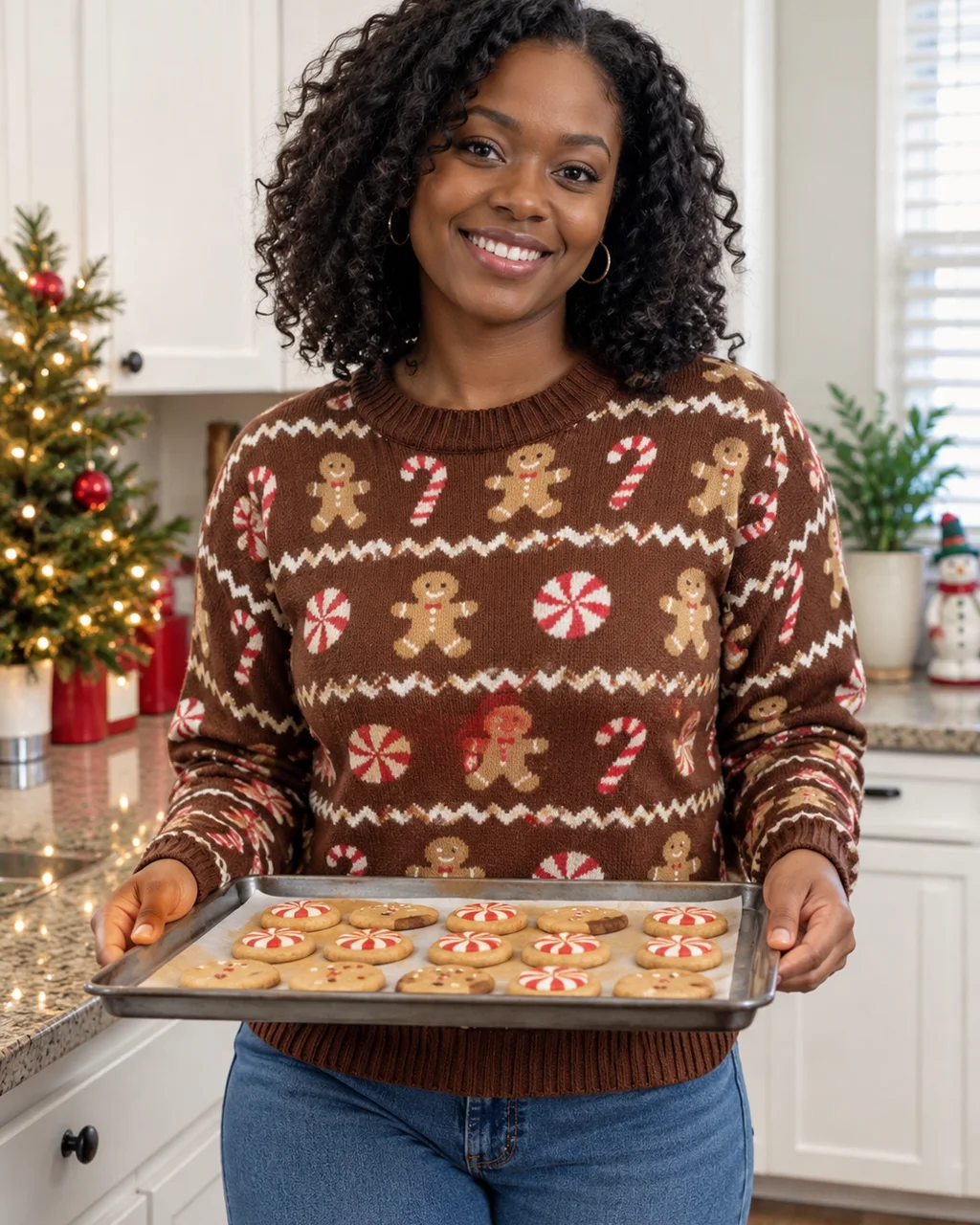
Gingerbread
Use this sweater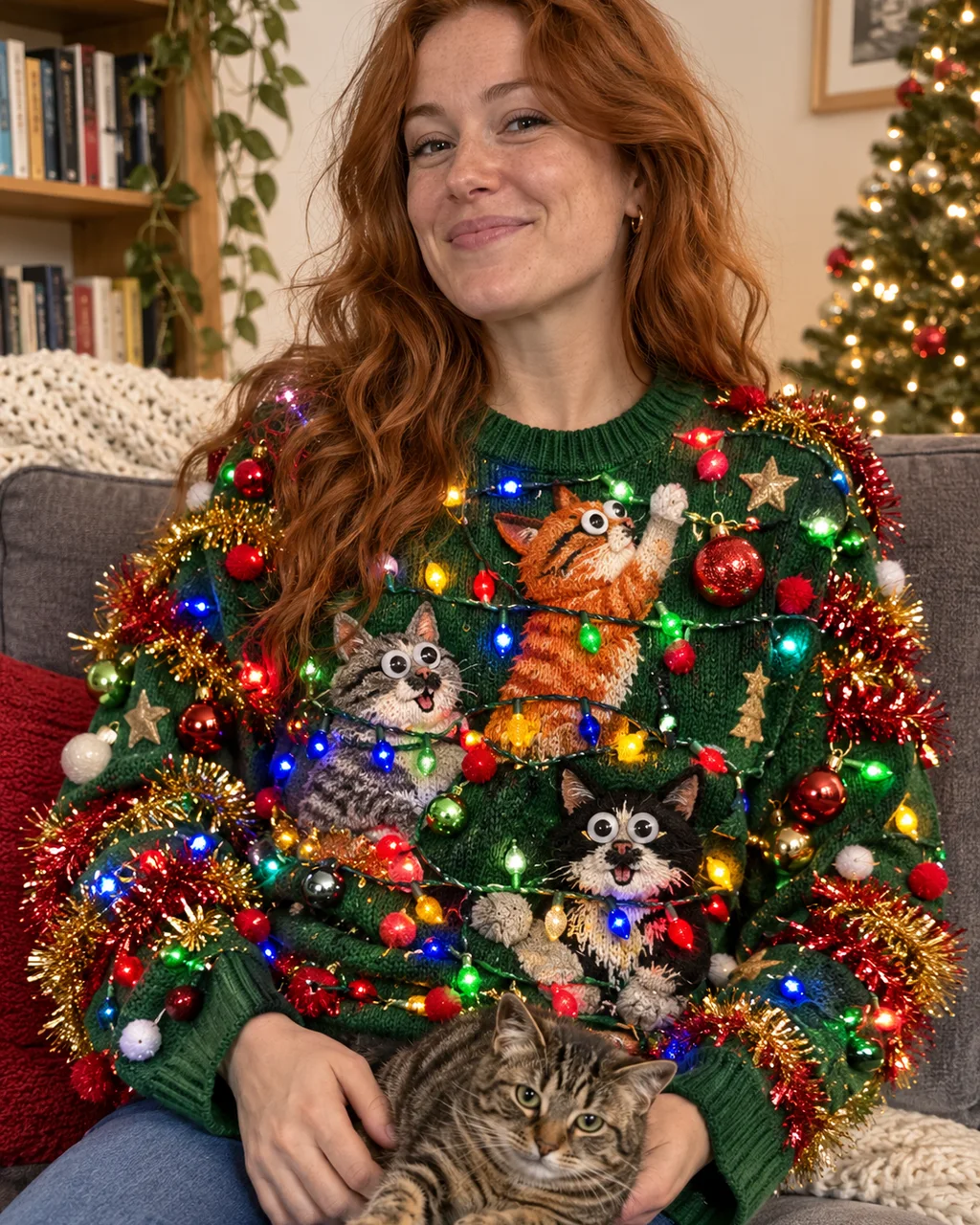
Cat chaos
Use this sweater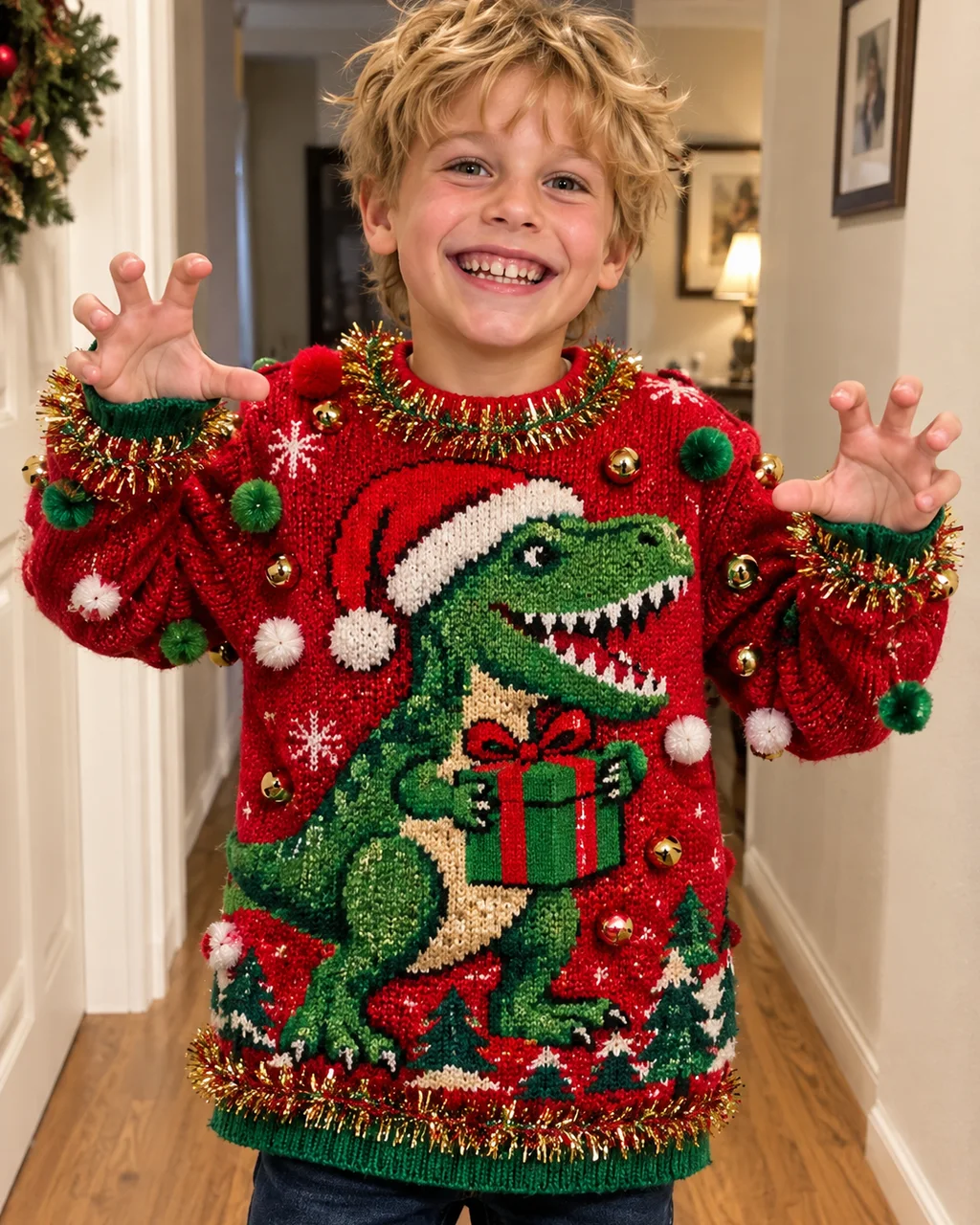
Santa-saurus
Use this sweater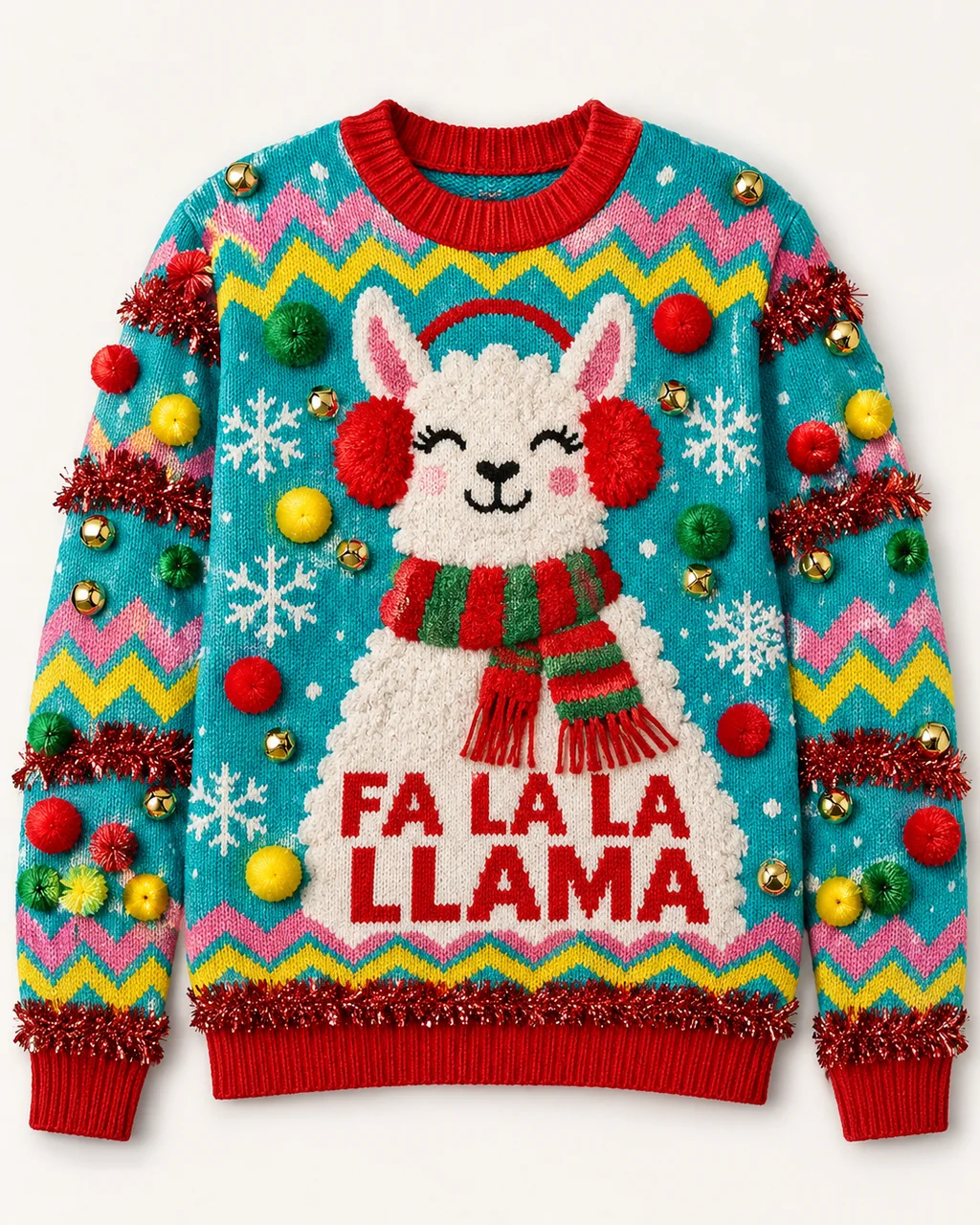
Fa la llama
Use this sweater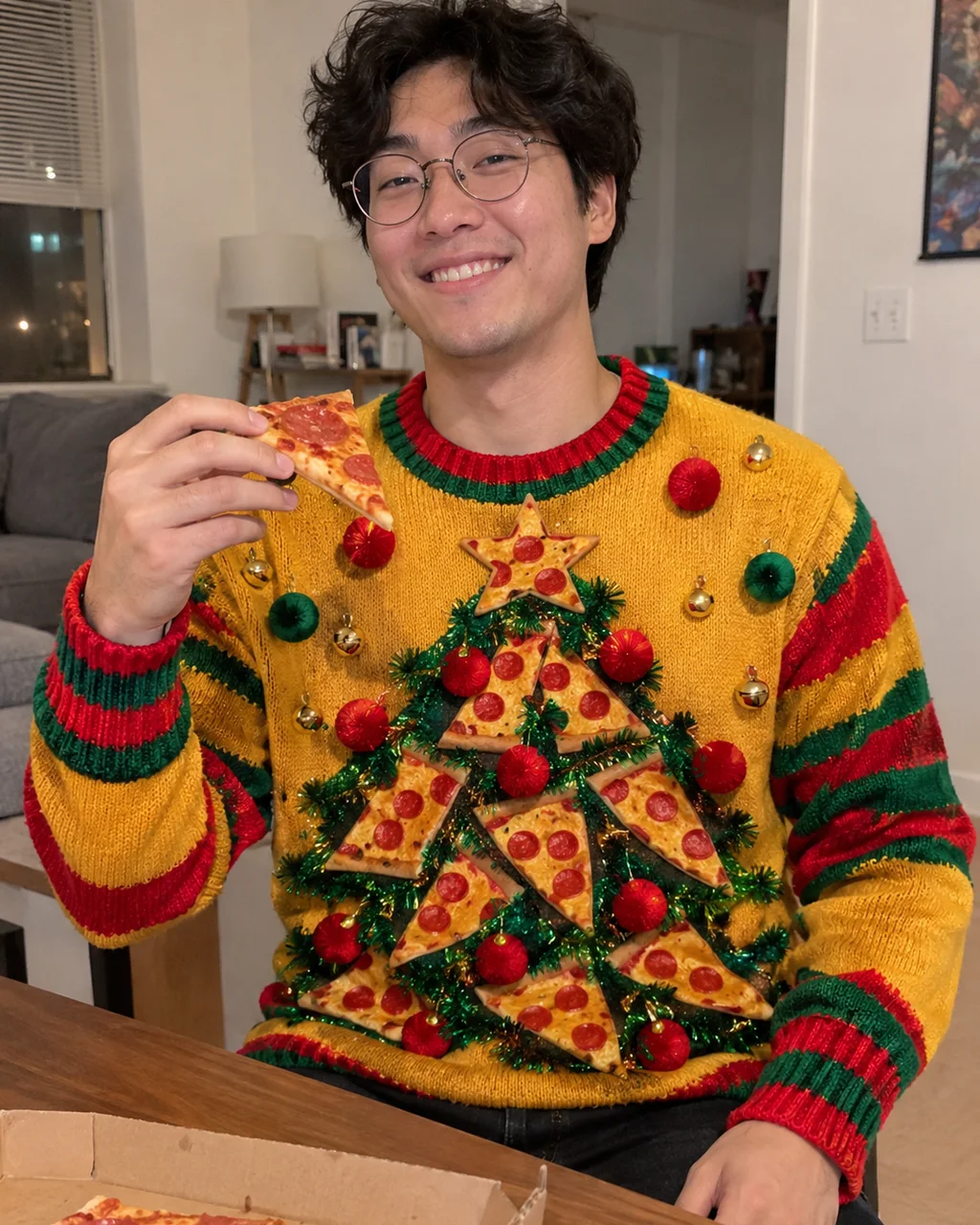
Pizza tree
Use this sweater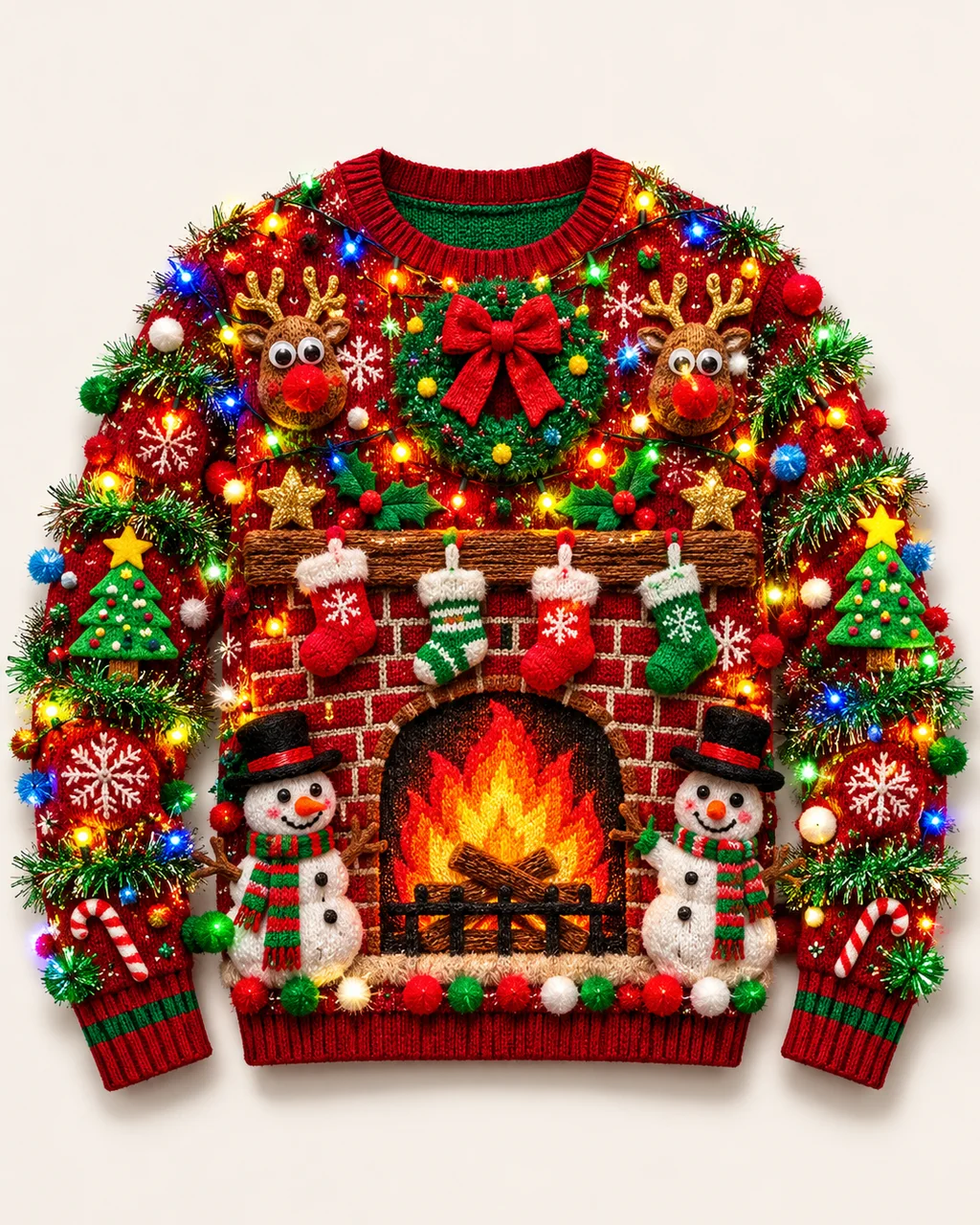
Fireplace
Use this sweater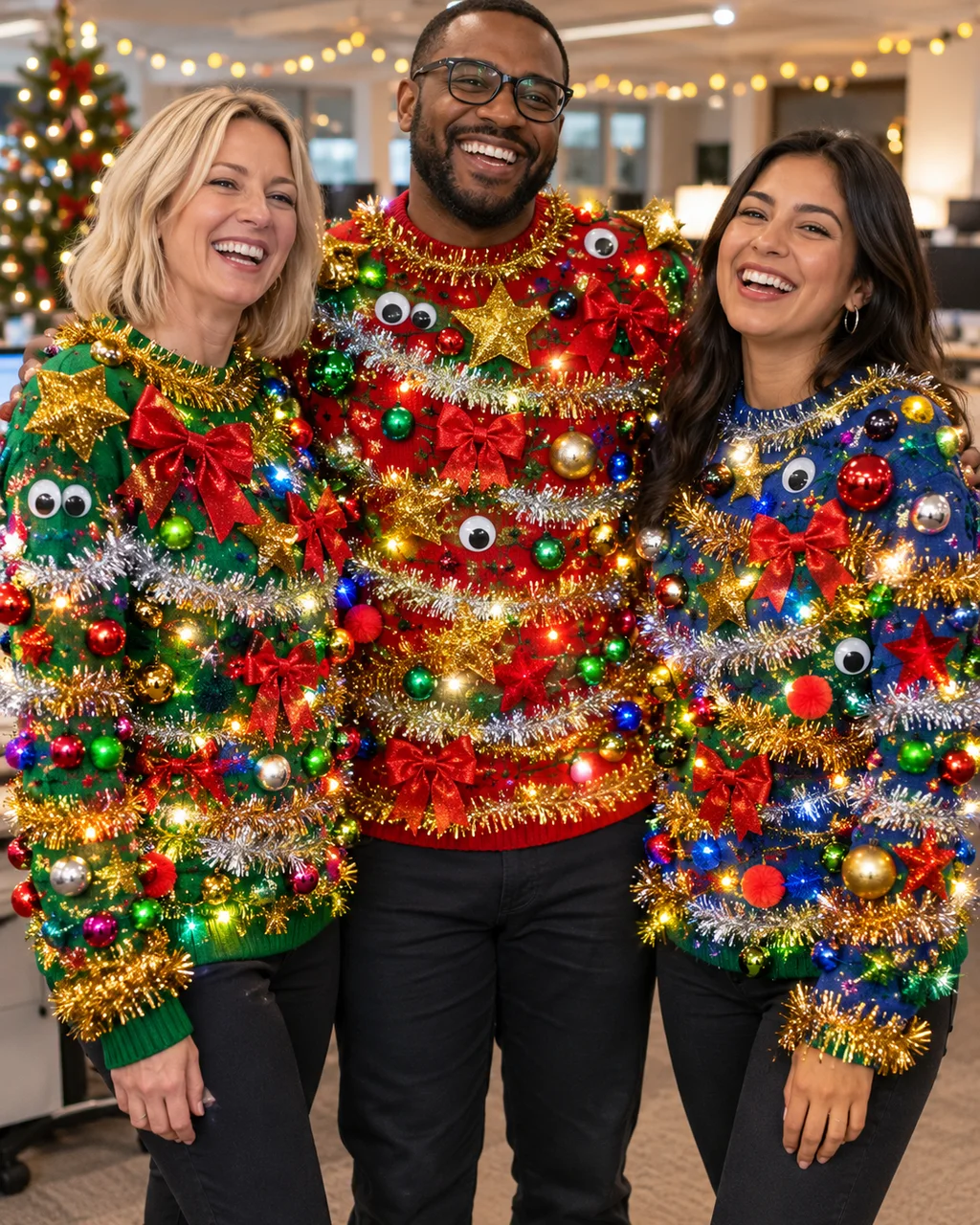
Tinsel overload
Use this sweater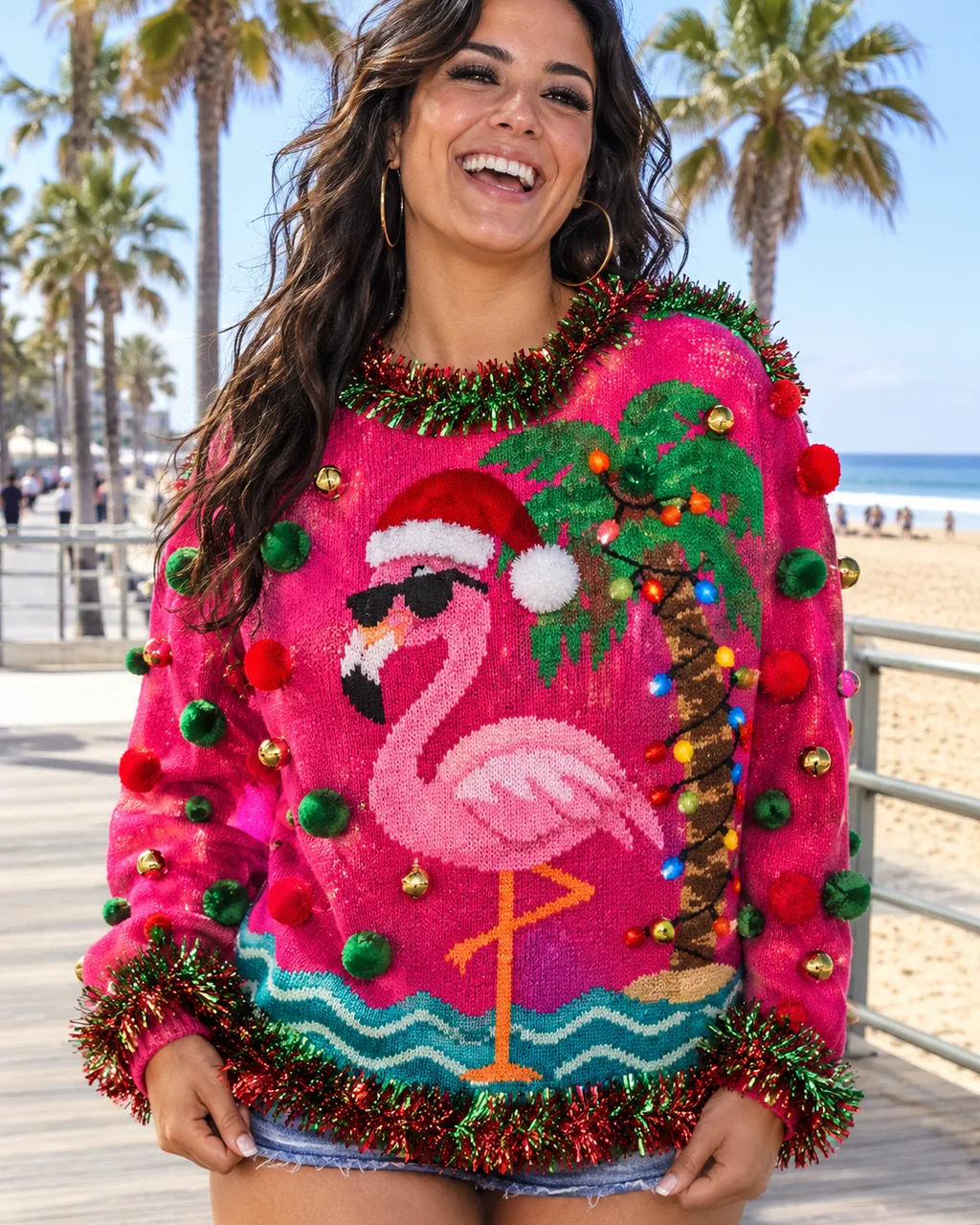
Flamingo
Use this sweaterHow ugly? Mild, tacky or unhinged
The same reindeer sweater at each level. Every design above can be turned up or down the same way.
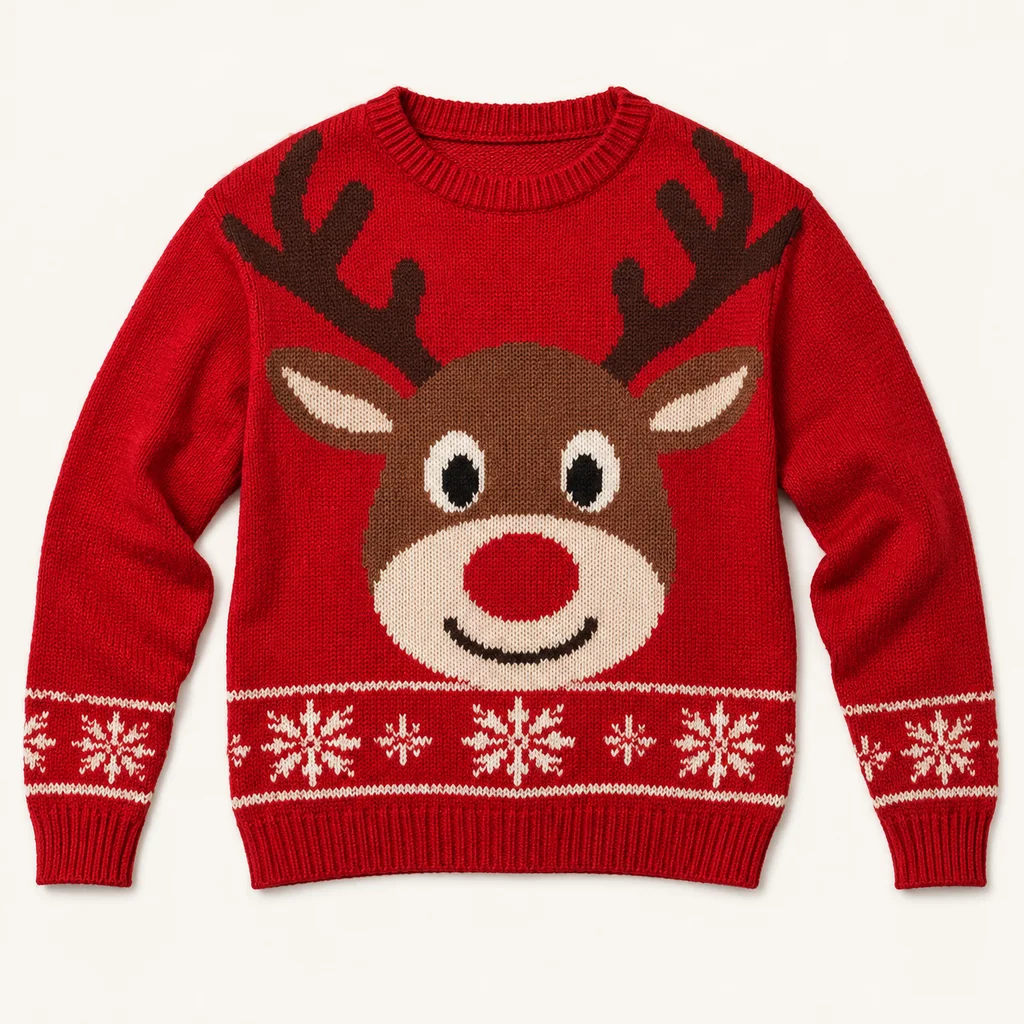
Mild
A neat knit you could wear to work. Two or three colors, a tidy pattern, nothing sewn on.
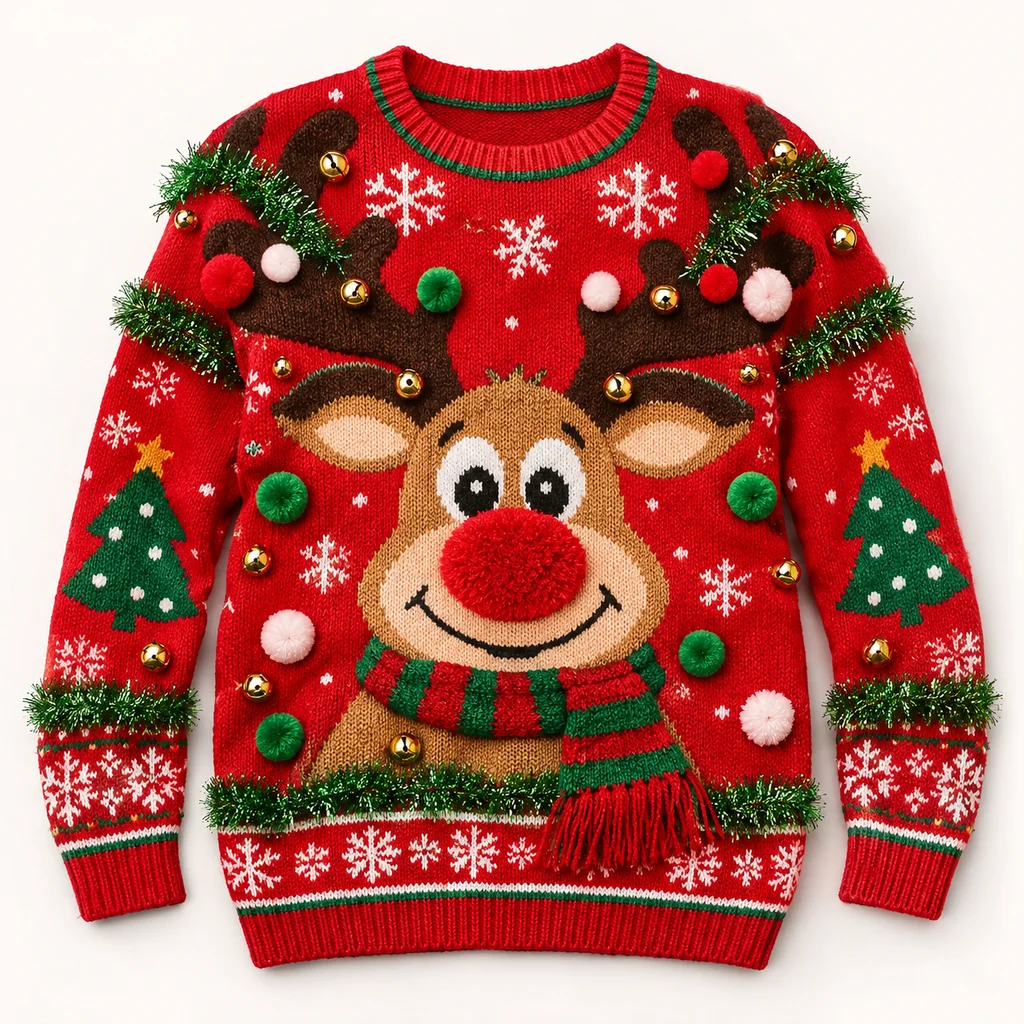
Tacky
Loud and proud. Clashing red and green, an oversized motif, pom-poms and jingle bells sewn on.
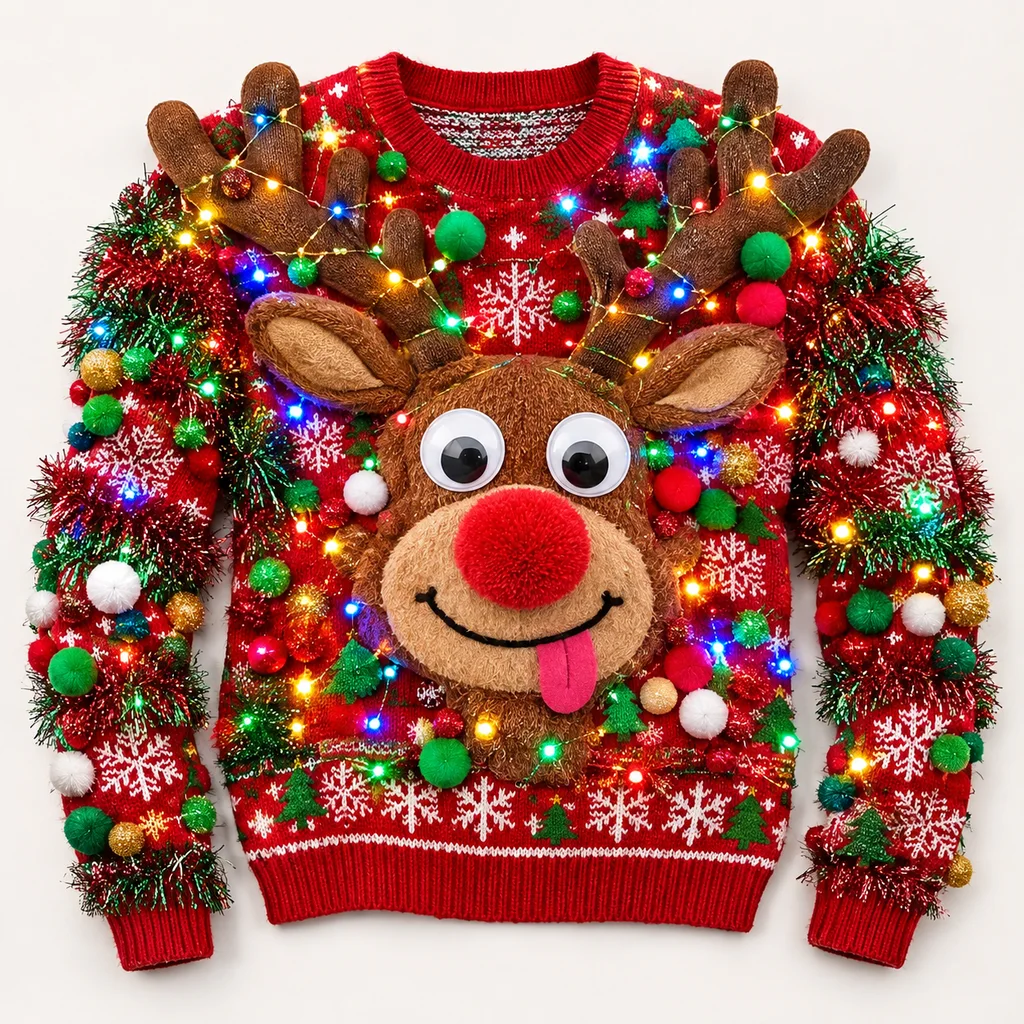
Unhinged
The one that wins the contest. Stuffed parts sticking out, tinsel fringe, fairy lights and googly eyes.
What is an ugly Christmas sweater generator?
An ugly Christmas sweater generator makes a picture of a loud, over-decorated holiday sweater: reindeer with pom-pom noses, tinsel, bells and colors that should never meet. This one is an AI ugly Christmas sweater maker, so the sweater is drawn fresh each time and no two come out the same.
Add a photo and it works like an ugly Christmas sweater filter: you, your coworkers or your dog end up wearing the sweater, and the rest of the photo stays as it was. With no photo you get the ugly Christmas sweater design by itself, ready to show around or take to a print shop.
You do not need to buy a sweater you will wear once. It runs on PictCraft's image to image AI, which starts from your own photo and changes only what you ask for.
On your photo, or the sweater on its own
There is no switch to set. The generator looks at whether you added a photo and does the right one.
| With a photo | With no photo | |
|---|---|---|
| What you add | One photo: a selfie, the team, the family or the dog | Nothing |
| What you get | The same photo with everyone in an ugly Christmas sweater | The sweater alone, laid flat on a plain background |
| What stays | Faces, hair, pose and background | There is nothing to keep: it is a new design |
| Good for | The group chat, a profile picture, a party invite, a Christmas card | A design idea, a contest entry, a picture to show a print shop |
How to make an ugly Christmas sweater with AI
- 1
Add a photo, or skip it
Add one photo of whoever should wear the sweater: you, a group or a pet. With no photo you get the sweater on its own. JPG, PNG or WEBP, up to 50 MB.
- 2
Pick a sweater and how ugly
Choose one of the 12 designs, then Mild, Tacky or Unhinged. The prompt is written for you, and you can change any word, including the words on the sweater.
- 3
Generate and share
The picture is ready in about a minute or two. Download it without a watermark, or share a link that lets a friend make their own.
A half-body shot with the chest and shoulders in view, arms away from the body, in even light. A plain top is the easiest to replace.
Crossed arms, a bag strap or a child held in front of the chest, a face-only selfie with no shirt in view, very dark photos.
What people do with an AI ugly Christmas sweater
The office party
Put the whole team in matching sweaters for the invite, or enter the contest without buying one.
Ugly Sweater Day
It falls on the third Friday of December: December 18 in 2026. Post yours that morning.
The remote team
Everyone sends a selfie, everyone gets a sweater, and the group picture goes in the chat.
The dog or the cat
A pet-sized sweater with no wrestling involved.
This year’s Christmas card
The whole family in matching sweaters, as the picture on the front.
Why use PictCraft's ugly Christmas sweater maker
Only the sweater changes.
The prompt keeps every face, the pose and the background, and you compare before and after on one screen.
Ugly on a dial.
Mild for the family photo, Tacky for the party, Unhinged for the contest.
With or without a photo.
Wear it in your own picture, or get the design alone, from the same tool.
No watermark.
Nothing is printed on the picture, including the first one.
A link to pass on.
Share your sweater and a friend can make the same one on their own photo.
What the sweater generator can and cannot do
It makes a picture, not a sweater.
Nothing is knitted or shipped. To get one made, take the flat design to a print-on-demand shop and ask what file they need.
It is not a knitting pattern.
There are no stitch counts and no chart. The design is a picture of a sweater.
Words can come out wrong.
Short words in block letters usually work. Read them before you share, and generate again if a letter is off.
Hands and jewelry can shift.
Only the sweater should change, but a necklace or a watch near it may be redrawn. Compare before and after.
Ugly Christmas sweater generator FAQ
Is the ugly Christmas sweater generator free?
You can start for free after signing in with Google. Each image uses credits, and the cost is shown on the Generate button before you press it. See the pricing page for plans and credit packs.
How do I put an ugly Christmas sweater on my photo?
Add your photo, pick a sweater and a level of ugly, and press Generate. The AI changes the top you are wearing and keeps the rest of the photo.
Will it change my face or the background?
It should not. The prompt tells the model to change the sweater only and keep each face, the pose and the background. Use the before and after view to check.
Can I make an ugly Christmas sweater without a photo?
Yes. With no photo the generator makes the sweater on its own, laid flat on a plain background, as an ugly Christmas sweater design you can show or print.
What do Mild, Tacky and Unhinged mean?
They set how far the sweater goes. Mild is a neat knit in two or three colors. Tacky adds clashing colors, pom-poms and bells. Unhinged adds stuffed parts, tinsel fringe, lights and googly eyes.
Can I put my own words on the sweater?
Yes. The prompt box is a normal text field: add a line such as: with the words "OH DEER" knitted across the chest. Short words in block letters come out best.
Can I design my own ugly Christmas sweater?
Yes. Pick the closest design and rewrite its description in the prompt box: the animal, the colors, what is sewn on. Or delete it and describe your own from scratch.
Does it work on group photos?
Yes. Everyone in the photo gets the same design, each in a different main color, like a matching set. Photos with up to five people work best.
Can I put an ugly Christmas sweater on my dog or cat?
Yes. Add a clear photo of your pet and it gets a pet-sized sweater. A photo of you together gives you one each.
Can I get the design printed on a real sweater?
The generator makes a picture and does not print or ship anything. Many print-on-demand shops print a picture on a sweatshirt: make the flat design, download it and ask the shop what file they need.
When is Ugly Christmas Sweater Day?
It is the third Friday of December. In 2026 that is December 18.
Is this an ugly Christmas sweater filter?
It works like one: you add a photo and get it back with a sweater on. It is an AI image model and not a camera filter, so it runs on a saved photo and takes a minute or two.
What happens to the photos I upload?
Your uploads and results are saved to your account so you can find them again, and they stay there until you delete them. Only you can see them, and they are not used to train AI models.
Are there limits on what I can make?
Yes. Nudity and sexual content are not allowed, and neither is anything that sexualizes minors. Prompts and images are checked before an image is generated. Only use photos of yourself or of people who agreed to it.
More for December: put the family in 12 Christmas scenes with the AI Christmas photo generator, or make this year's card with the AI Christmas card generator.